Welcome to my January PSP SLP Lessons
Tutorial 1: Creating a Bronze Letter Effect
As you can see from this image, it did not turn out like the tutorial. I think I lost the selection on the text somewhere along the line, but at least I got the bronze color! :) I need to revisit this tutorial.
Tutorial 2: Working with Layers - Creating a Picture
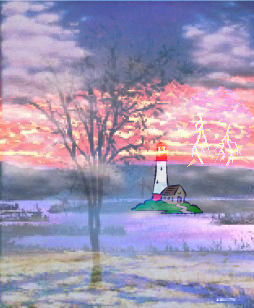
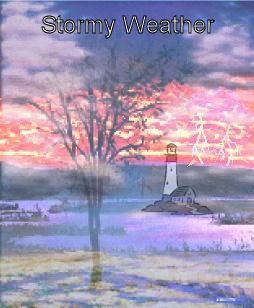
In this tutorial we learned to work with layers by creating a picture from four different pictures. The image on the left was created by the tutorial, but without the text. I did not like it because the grass and lighthouse were to bright, which made them look out of place, so I created the second image. In the second image, I set the Mode Options on the lighthouse layer to Luminance (Legacy). As you can see from the image on the right, it darkened the grass and lighthouse so they blended into the image much better. I left the text white because I liked it better.
|
|
|
Tutorial 3: Masks as Frames
In this tutorial we learned how to make a frame for our image from a mask. It was fun to experiment with this one to see the different effects. I used the Edge Burst mask as the frame.
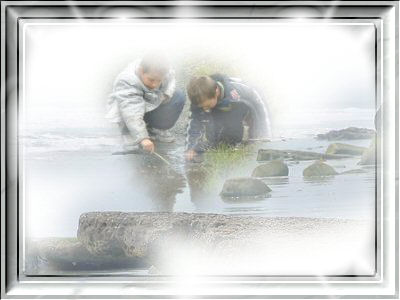
Tutorial 4: Airbrush Painting
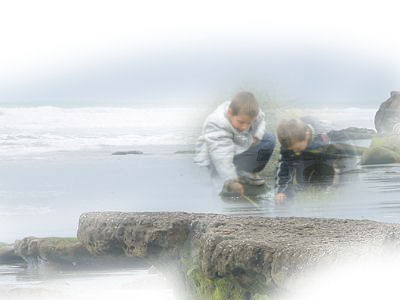
In this tutorial we learned how to use the airbrush tool. I thought it was really neat.
Tutorial 5: Glass Bowl
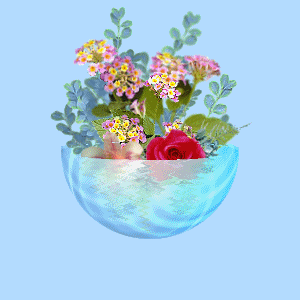
This tutorial was fascinating! We learned how to make a glass image and make things appear behind the glass as well as in front of it.
Tutorial 6: Oil Painting
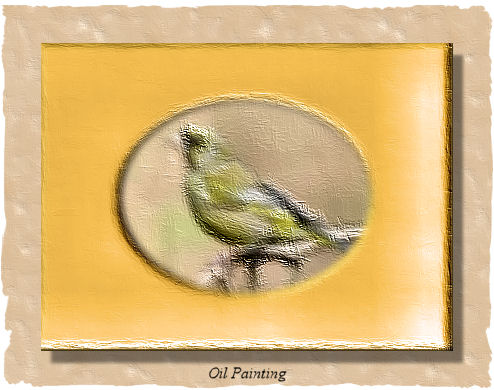
In this turotial we learned how to apply effects to make our image look like an oil painting. I had a very hard time with this one.
Tutorial 7: Drop Shadow without a Filter
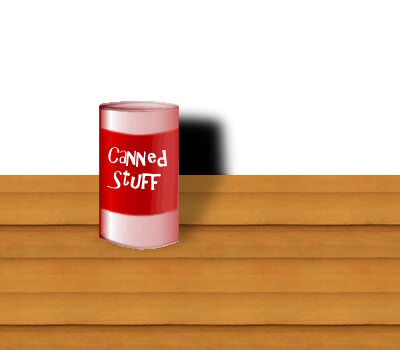
This turotial taught us to make a shadow without using a filter. I wound up using PSP 8 because I could not find the deformation tool in PSP X.
Tutorial 8: Photo Edges with Masks
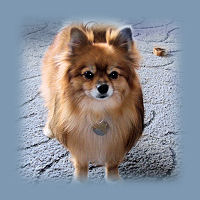
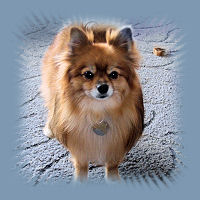
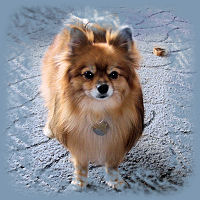
This turotial taught us to make masks that we could use with any size photo. I had a lot of fun with it. I had no idea that our carpet was almost the same color as my webpage, which makes some of the edges harder to see. However, you can see that it allows your image to blend in very nicely. The image on the left used a fade away mask. The image in the middle used a spiky halo mask and the one on the right used a twigs mask. I used a picture of my dog, Lttle Bit.
|
|
|
|
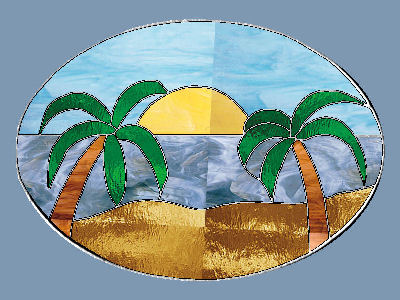
Tutorial 10: Challenge Tutorial - Stained Glass
This turotial was written by Glori Anon and it was illustrated by making a stained glass lamp. I chose to do a beach scene instead. The principles were the same. I had a little problem because the instructions were not complete and I had to do a lot of exploring on my own to get the tutorial to work. It was interesting.
My Award