Edit or delete a typing lesson
|
You can only edit or delete a lesson you have created.
When you edit a lesson, you can also rename it. |
| The edit-or-delete option is disable if you have not created any lessons. | 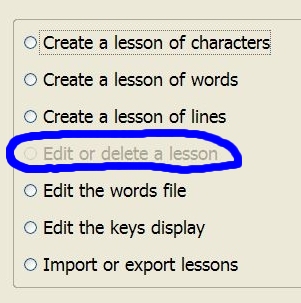
|
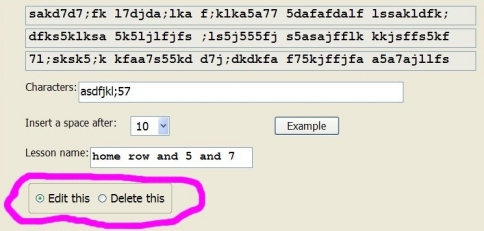
Edit or delete a characters lesson.
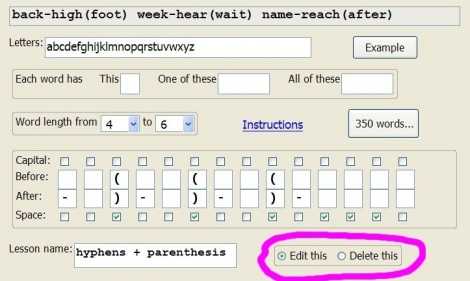
Edit or delete a words lesson.
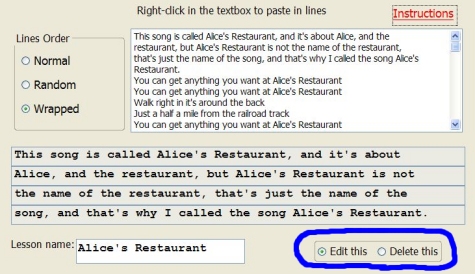
Edit or delete a lines lessons.
| There is a minor
bug in the program.
When you delete a lesson, the other lessons may end up with the wrong scores. If, for example, you delete the 4th lesson in your custom menu list, then the 5th lesson will get the scores of the 4th lesson. And the 6th lesson will have the scores of the 5th lesson, and so on. It only happens when a lesson is deleted; not from then on. The solution: If the scoring comparisons are important to you, then, after deleting a lesson, and re-opening the program, for each lesson that was below the deleted lesson in the menu, click the erase buttons to erase the scores. |