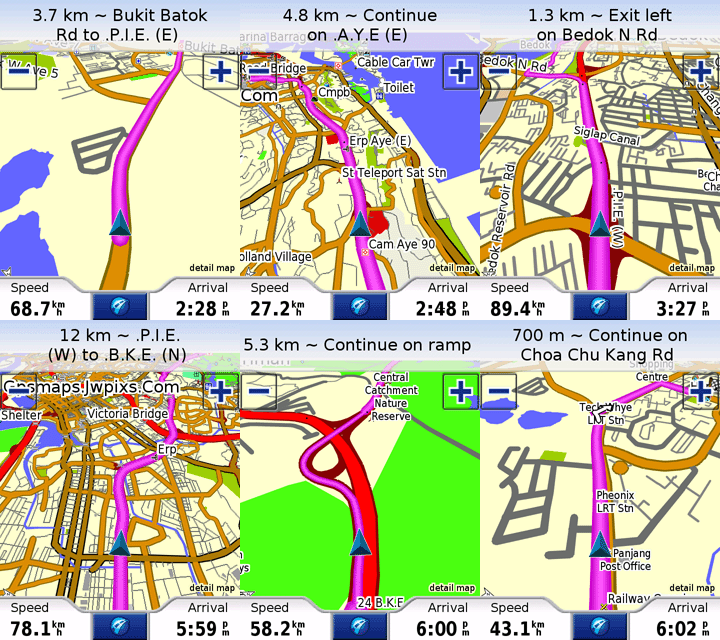
Download and unrar this file from ur pc
Active Sync ur PPC
Copy the unrar file starting from garmin folder into ur PPC
and Garmin Mobile XT.exe in root folder.
Exp:
PPC/garmin/
PPC/Garmin Mobile XT.exe
Open GMXT from ur PPC.
Cancel
if the GMXT searching the GPSR.
Goto Setting/About, and noted
your CARD ID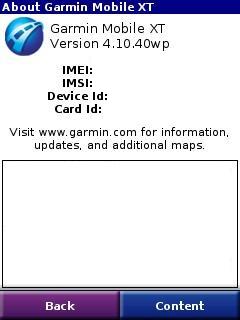
Email the number to [email protected]
Before receiving
your unlock code,to open the connection to use with non-Garmin GPSR
you have
to do something that you will receive via the email.
Once u get the file
via mail (file will be named as sw.unl) close GMXT
Place
sw.unl under PPC/garmin/folder.
Start GMXT again,
cancel if the GMXT searching the GPSR.
Goto to
setting/system/RemoteGPS then select ur GPSR type.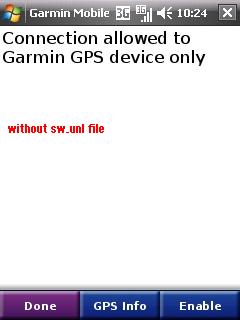
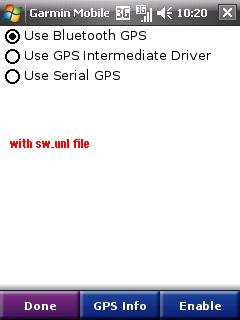
Then click Enable and GMXT will scan
ur GPSR (make sure turn on your GPSR)
Once log-on, click GPS Info,
if connected you will see this screen.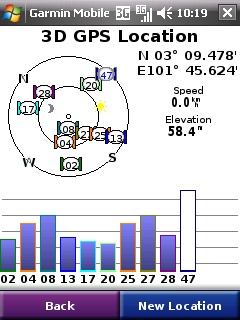
Click Back till main menu 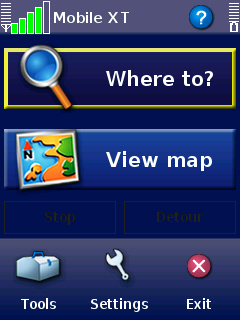
Congratulation!
Now ur GMXT works
with non-Garmin GPSR.
Tips :
To begin searching places in GMXT,
click Where To/Food & Hotels../Spell.
Don't use Address unless you in US with US Maps.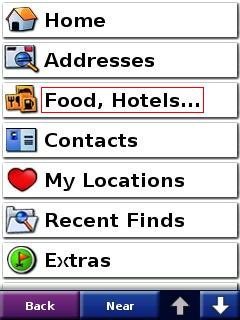
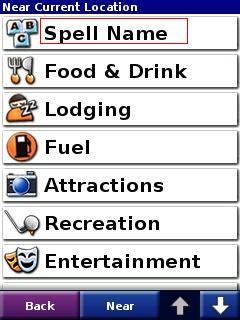
To enable warning if you over the speed limit,
approaching traffic camera, goto setting/
Proximity Point/ and
set no 1 & 2 to ENABLE and no 3 as CONTINUOUS ALERT.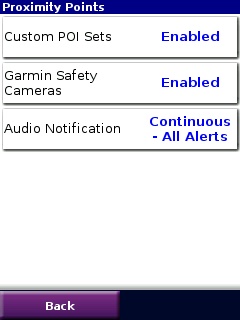
Useful links :
You need to login/register with this community http://www.malsingmaps.com/ to get access
Updated Map - to be updated in your /garmin/
folder (monthly updated)
http://www.malsingmaps.com/portal/downloads.php
However,
the maps is locked. Learn here how to obtain unlock key.
Speed trap POI - to be updated in your
/garmin/POI/ folder (weekly updated)
http://www.malsingmaps.com/forums/viewtopic.php?f=18&t=3118
(please use .gpi file only)
Traffic Light Camera POI - to be updated in your
/garmin/POI/ folder (weekly updated)
http://www.malsingmaps.com/forums/viewtopic.php?f=18&t=3149
(please use .gpi file only)


.gif)
.gif)