- Click Advanced search
type in your phone model no in Model name (or part of it) column &
press enter. If multiple model appear, choose your's.
Scroll down untill u see FEATURES.
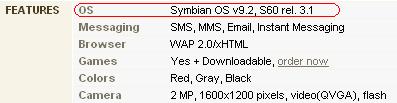
If it note the OS such as Symbian OS your phone is supported.
Otherwise, go get one!!
Exp if supported: Indicate the OS
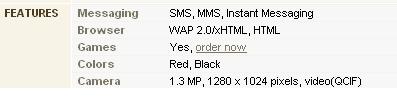
Exp if not supported: No indicate the
OS
Download and unrar this file from ur pc
Turn your phone into card reader/data
transfer/put your mmc into card reader
Now u got a new drive in your pc pointing to ur mmc. exp f:\
Unrar the downloaded file and you will see it contents (all folder) like
this
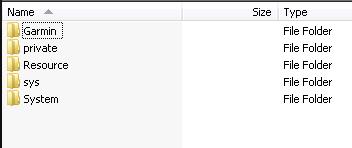
Copy all these 5 folders into you mmc root folder.
If you are prompt to overwrite existing, choose yes to all.
Now put ur mmc inside the phone, if prompt to install GMXT
select INSTALL.
If no, locate with File Manager from your
phone to your mmc/garmin/app/symbian/res/
and click at file GarminMobileXT.SIS to start installing the
software.
Just follow the online screen instruction till finish.
(this only apply on Nokia Symbian60 Ver3 only, for
earlier version please check in your
phone under MyOwn folder. If GMXT icon is there, no need to do this)
From menu goto Apps/MyOwn (may vary
depends on phone) then open GMXT icon.
Cancel if the GMXT searching the GPSR.
Goto Setting/About, and noted your CARD ID
or IMEI No
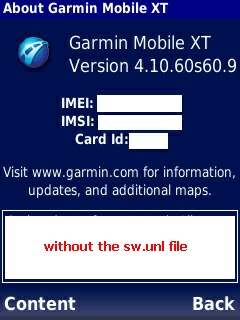
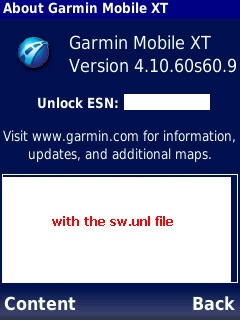
Email the numbers to
[email protected]
Before receiving your unlock code,to open the connection to use with
non-Garmin
GPSR
you have to do something that you will receive via the email.
Once u get the file via mail (file will be named as sw.unl) close
GMXT
Place sw.unl under mmc/garmin/folder.
Start GMXT again, cancel if the GMXT searching the GPSR.
Goto to setting/system/RemoteGPS then select ur GPSR type.
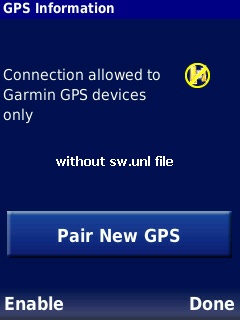
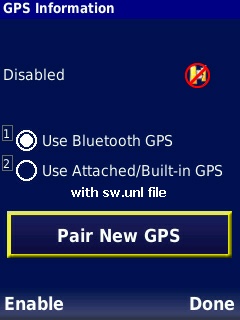
Then click Enable and GMXT will scan ur GPSR (make sure
turn on your GPSR)
Once log-on, click GPS Info/Phone Toggle, if connected you will see this screen.
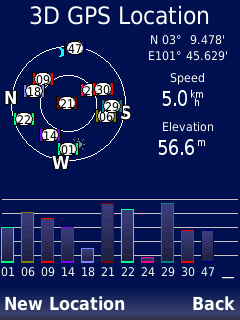
Click Back till main menu
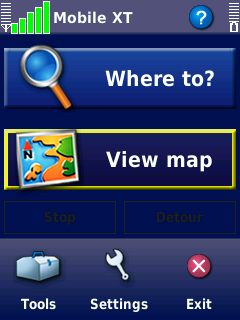
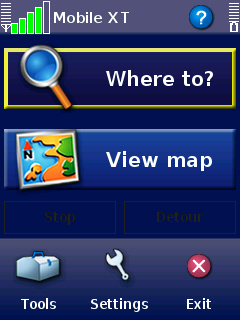
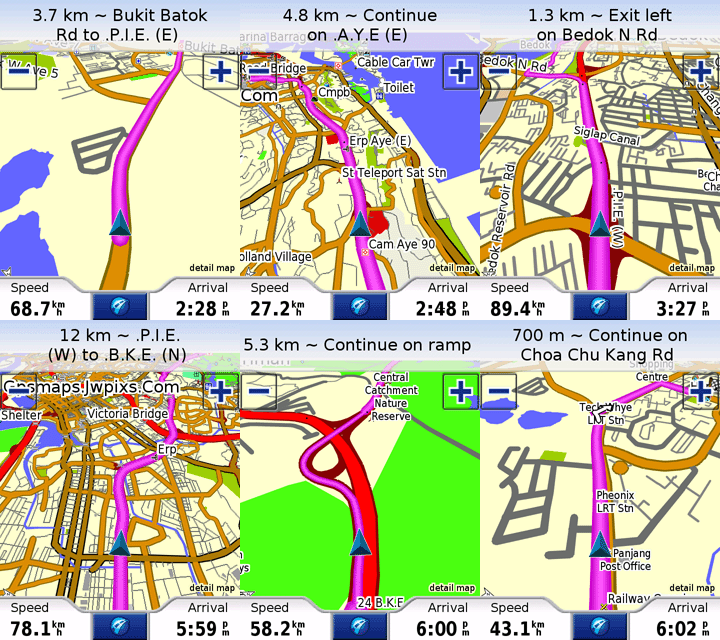
Click at View Map to locate your position
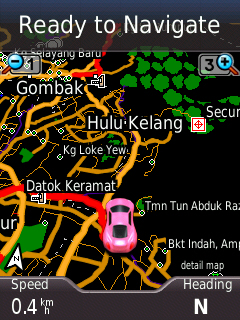
Congratulation!
Now ur GMXT works with non-Garmin GPSR.
Tips :
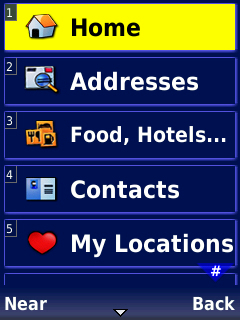
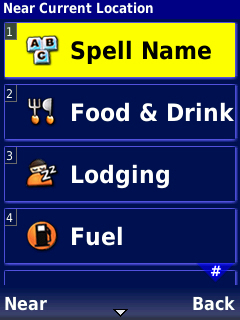
To begin searching places in GMXT, click Where To/Food &
Hotels../Spell.
Don't use Address unless you in US with US Maps.
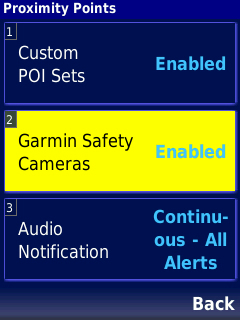
To enable warning if you over the speed
limit, approaching traffic camera, goto setting/
Proximity Point/ and set no 1 to ENABLE and no 3
as CONTINUOUS ALERT.
Useful links :
You need to login/register with this community www.malsingmaps.com to get access
Updated Map - to be updated in your /garmin/
folder (monthly updated)
http://www.malsingmaps.com/portal/downloads.php
However, the maps is locked. Learn here
how to obtain unlock key.
Speed trap POI - to be updated in your /garmin/POI/
folder (weekly updated)
http://www.malsingmaps.com/forums/viewtopic.php?f=18&t=3118
(please use .gpi file only)
Traffic Light Camera POI - to be updated
in your /garmin/POI/ folder (weekly updated)
http://www.malsingmaps.com/forums/viewtopic.php?f=18&t=3149
(please use .gpi file only)
Always update your free unlock maps here (Malaysia & Singapore Only)
http://rapidshare.com/files/190007594/gmapsupp.rar


