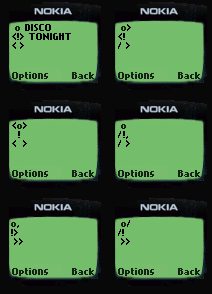
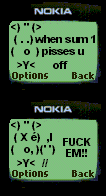
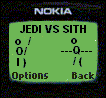
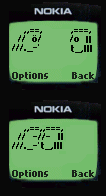
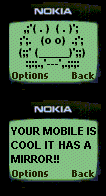
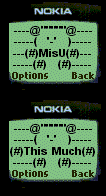
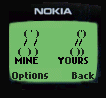
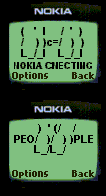
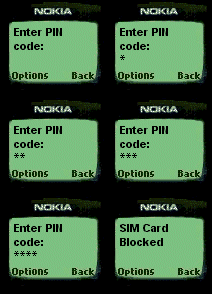
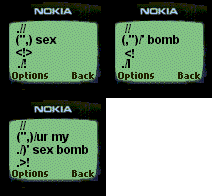
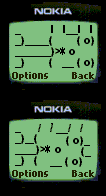
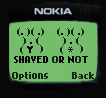
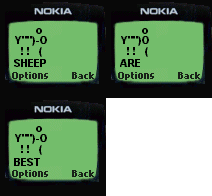
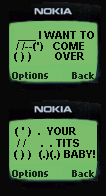
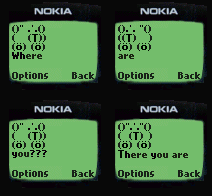
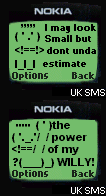
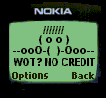
Answer 1 - You copy the text in the
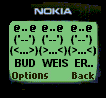
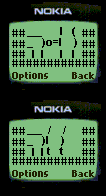
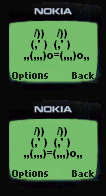
boxes by high lighting the text then pressing ctrl+c 2 - You
go to Ufone.com and then sign up
for an account 3 - You go to send sms, then paste the text you
copied into the box to send a sms on Ufone.com 4 - You enter a number
then click send(for SMS Shortcuts click on the SMS LINGO On the
side)