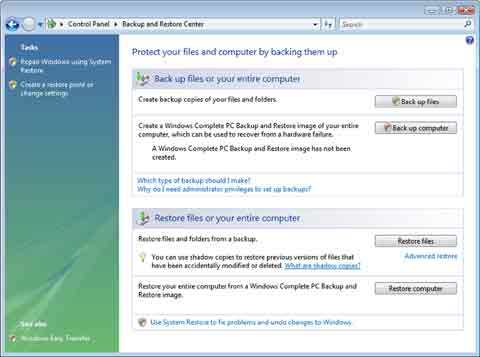
To access the Backup and Restore Center:
Click Start > System and Maintenance > Backup and Restore Center (Fig. 1)
When backing up files, you can choose the location where these files should be stored. You can choose from:
1. Hard disk backup
2. CD/DVD backup
3. Network backup
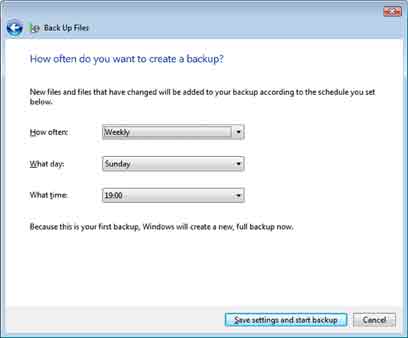
Once you have selected your preferred backup location, click on the Next button. You can now choose which types of files you want backing up. When you are ready to continue, click the Next button again. Should you want to schedule the backup to happen at a certain time of day then you can specify times etc on this screen (Fig. 2).