 |
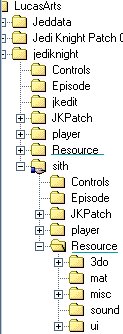
| First, go to Windows explorer and go to the Resource folder under "Sith" (or "Jedi Knight" if you're skinning for JK). |
|
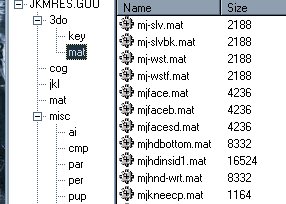
| Open JKMRES.GOO (for Sith. Res2.GOB for JK) and find a mat file for a face. Press Edit then Copy and Paste it somewhere into Windows Explorer. (note: the goo or gob has to be open when you paste it to explorer) |
 |
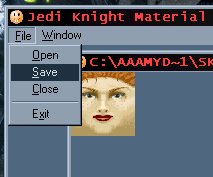
| Open the mat file using Mat Viewer, then save it as a bmp. |
 |
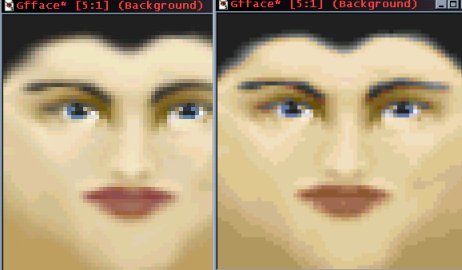
| Next you're ready to change it all you want in Paintshop. Make sure you remember to load the JK jpallete when you're done...otherwise the mat file won't work in the game correctly. To do this go to the "colors" menu and choose "Load Pallette". Choose the JK pallette from wherever you have it saved to. The mat file may look out of proportion when you draw it, but it stretches out on the skin. (For example, for female skins you have to make the lips right next to the nose to avoid having them too low on the skin.) |
 |
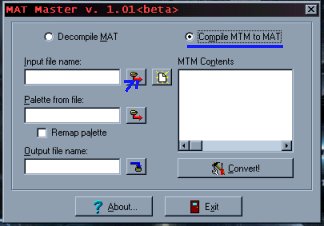
| Once finished with your bmp, you are ready to convert it into a mat file. To do this, open up mat Master, select "Compile MTM to MAT", and load your bmp. |
 |