 |
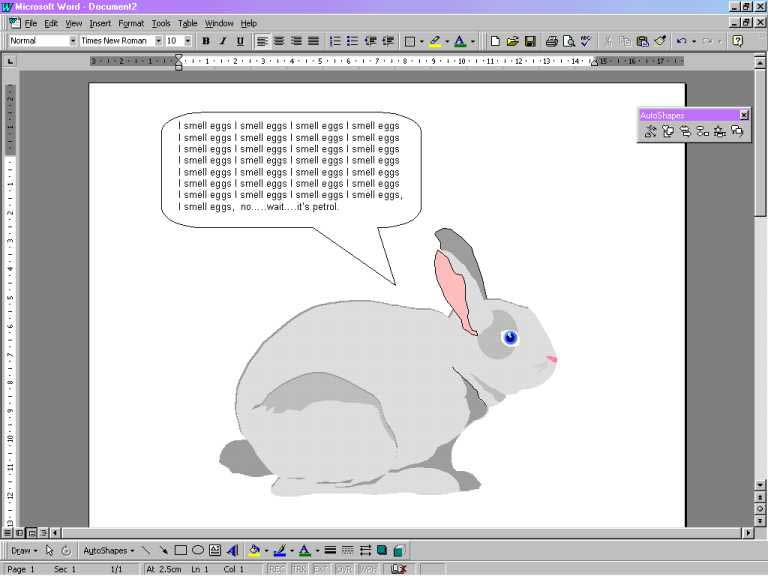
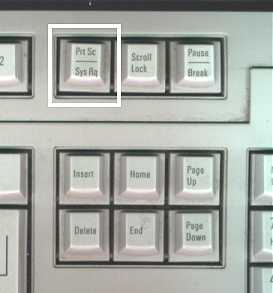
| Making a Screen Grab: In order to send your pic to us in a nice handy format it will be necessary to take a �screen grab� � These means that you can make a copy of exactly what appears on your monitor and then paste it into a picture file. To do this you�ll need something like �Microsoft Paint� which comes as standard with Windows. It�s usually in Start>Programs>Accessories>Paint. Finalise you Clip-Art Picture: At this stage make sure that when you�re in word you can see the entire picture at one time. You may need to move any tool bars out of the way, or set the zoom level in the view menu Making a copy of the screen: Now press the �Print Screen� Key on your computer�s keyboard. It�s usually to the right of the function keys (F1 to F11 above the number / letter keys), and may be labelled �Pnt Scn� of something similar. Pasting the Screen Grab: Once you have pressed �print screen� change back over to the �Microsoft Paint� program. Press Edit>Paste When it asks you �Would you like the bitmap enlarged?� say Yes. At this stage, you have two options: |
|
 |