Tool Reference
Click on a tool to get its description!
![]()
|
Patch Tool
In this activity we will be using the patch tool to remove some wrinkles.
Sample Output
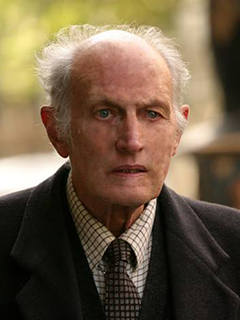
Steps
- Open Photoshop and get the Patch Tool. Set it to Destination and select a portion of smooth skin by dragging, as if it was a Lasso.
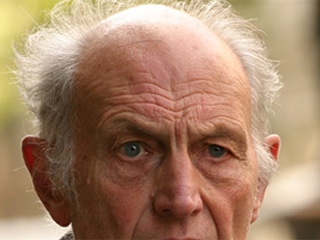 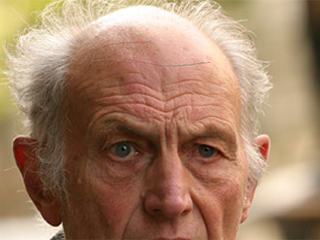 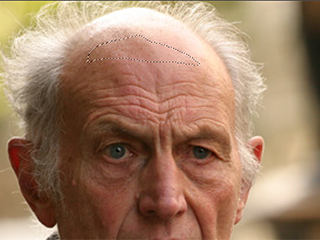
- Drag the selected portion over a wrinkled part.
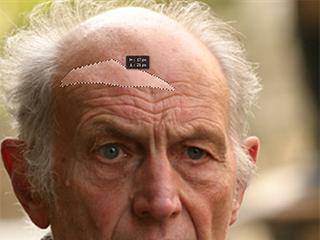
- And it is unwrinkled. You can repeat step 2 if you want, or you could make a new selection from step 1.
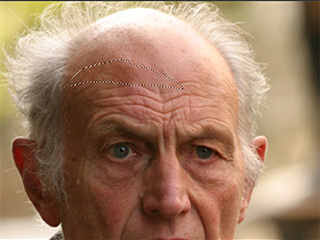
- Repeat steps 1 to 3 for each wrinkle. Don't forget the cheeks and the chin.
|








