Tool Reference
Click on a tool to get its description!
![]()
|
Healing Brush
In this activity we will be using the healing brush to relieve a bad case of acne.
Sample Output
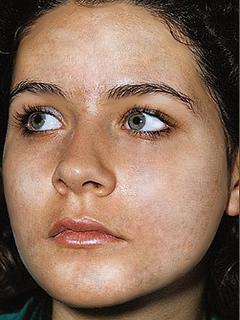
Steps
- Open Photoshop and get the Healing Brush. Here's how it works: press and hold the Alt key on your keyboard, and click on a spot without blemish.
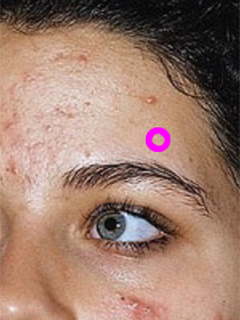
- Release the Alt key. Click on a pimple.
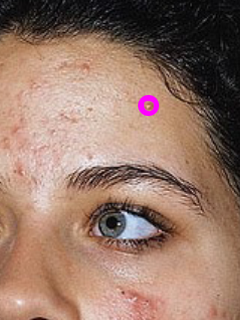
- And suddenly the pimple is gone! You can also click and drag instead of just clicking after selecting with the Alt key.
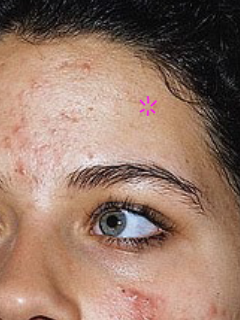
- We're going to repeat steps 1 to 3 on each blemish. Here's my before and after for the forehead.
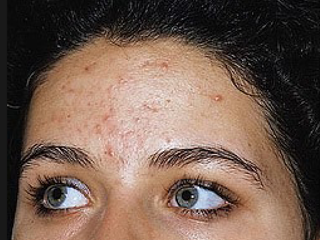 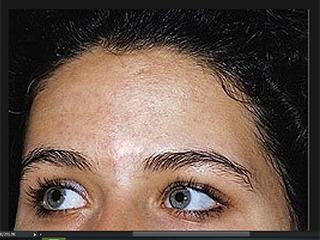
- And then we work on the cheeks.
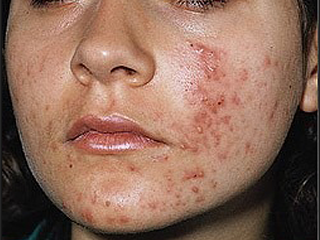 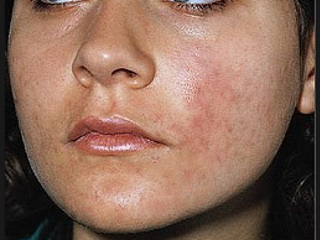
- We're going to use the Dodge Tool next for the cheeks to apply some 'foundation'. Just click on a spot you want to lighten. Repeat for each spot.
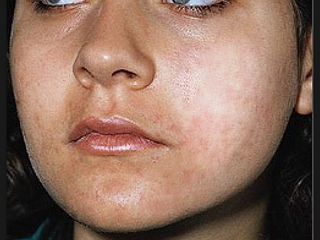
- And you're done.
|








