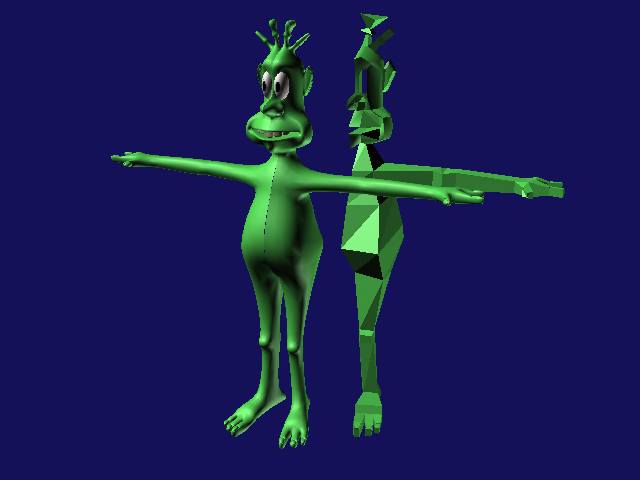
Check it out!! Here is the final mesh. All that remains to be done now is to delete the reference objects (the good looking bits) and then mirror the master as a COPY this is really important, when the mirror dialog opens, check the "Copy" radio button. With the mirror copy made, drag it over so it makes up a complete creature (boxy but complete). Now we need to attatch the two objects. Go to the sub object panel of either side and hit the attatch button with the button showing green, click on the unselected side and BING! they are one!. Now for a tricky bit. For the Mesh Smooth to work properly the vertices of the left and right side need to be welded. Go to your Front viewport for this. Go into vertex mode in your sub object panel and start selecting the edge vertexes of the left and right sides, if you hld down "control" on your keyboard you can select all of these edge vertexes front, back, top and bottom . With all of the needed poits selected, go to the sub object panel and find "Weld". You may have to increase the distance a bit but dont overdo it or else half the mesh will pull down to a few points (ARRRRGH!!) when you are convinced that you have successfuly joined the two sides forever apply a mesh smooth to the object. Hey presto, the master turns into the same good looking mesh as the references used to be.m If the mesh pulls out of shape badly, you either have unwelded points or an internal face . Be persistent here, you nearly have your first single skin character!!
If you have problems with this model don't deluge me with email until youve had a few goes at rectifying your problem. If nothing seems to work then for sure, email me and I'll do my best to get you back on the right path.
Happy Modelling!