In Paint Shop Pro
that are needed to edit the skin.
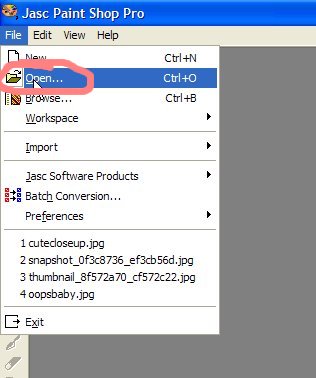
You will find them in
my documents/EAGames/TheSims2/Projects/
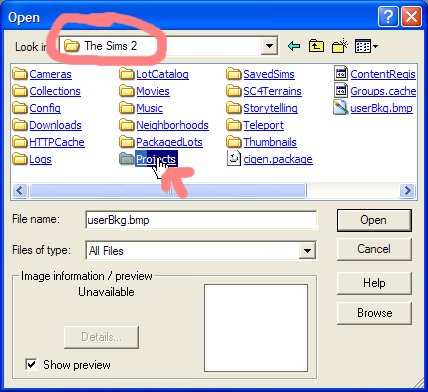
I called mine babyclothestute1 so I will go to
my documents/EAGames/TheSims2/Projects/babyclothestute1
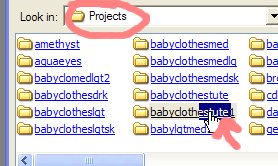
There are 3 files that make up the baby. You will only need one to make the clothing,
but if you'd like to paint hair or a hat you will need to open all 3.
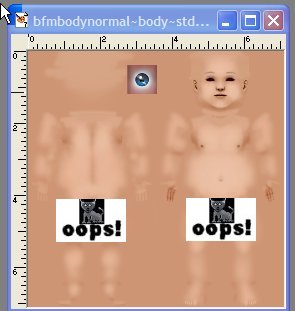
They are the 3 files that start with "bfm". The one for the body is...
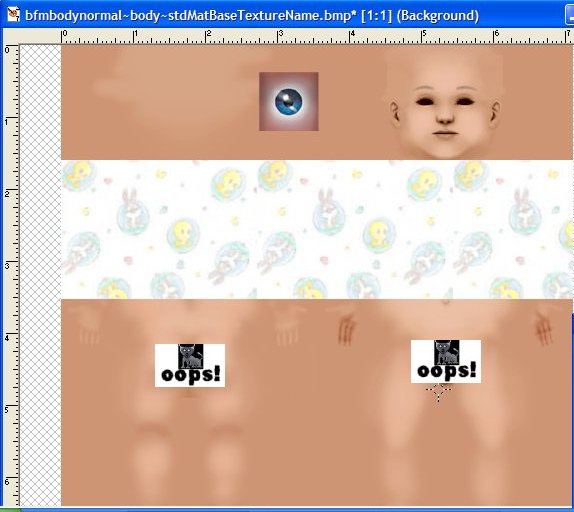
bfmbodynormal~body~stdMatBaseTextureName.bmp
This is the one that you'll be working on
in this tutorial
but just for the heck of it
go ahead
and open the other 2 bmp files.
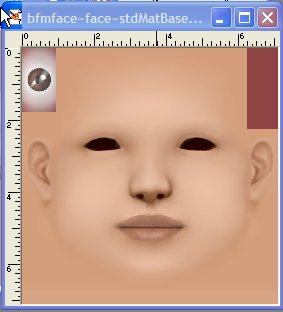
the one for the face is...
bfmface~face~stdMatBaseTextureName.bmp
after the hair was painted on it would look like this;
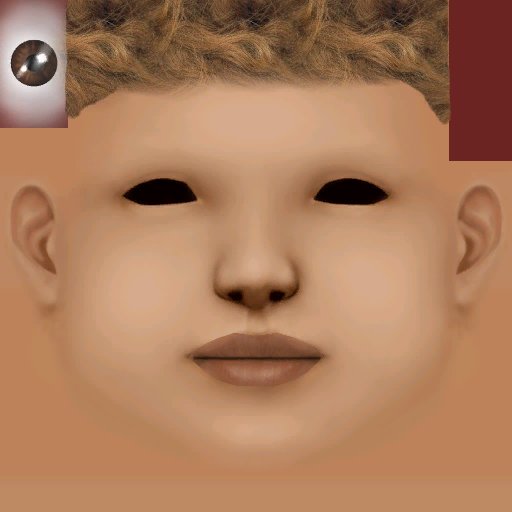
and the one for the back of the head is called
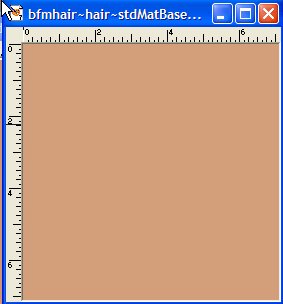
bfmhair~hair~stdMatBaseTextureName.bmp
if you painted hair on it;
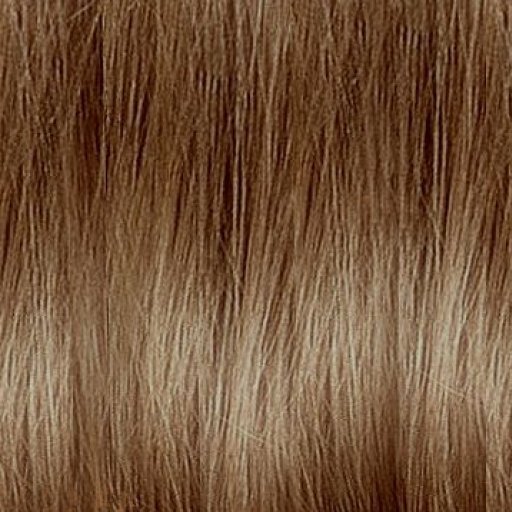
Feel free to grab these images and
copy/paste as new layer onto your bmp file
if you want to add some hair.
Just right click and save picture as
they should be the perfect size for your bmp image.
While your opening your files in your paint program,
you should also grab the "swatch.bmp"
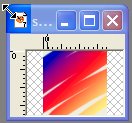
Although this is an optional part of the process,
I'd recommend using it, but I'll talk more about that later.
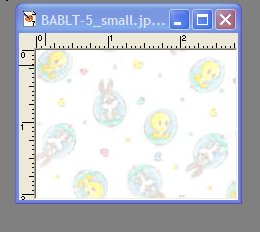
You will also need to open up your fabric jpg as well
so you can use it to paint the skin.
I thought that this one was pretty cute.
First of all I use the selection tool
to select the part of the babyskin
that will be his/her little shirt
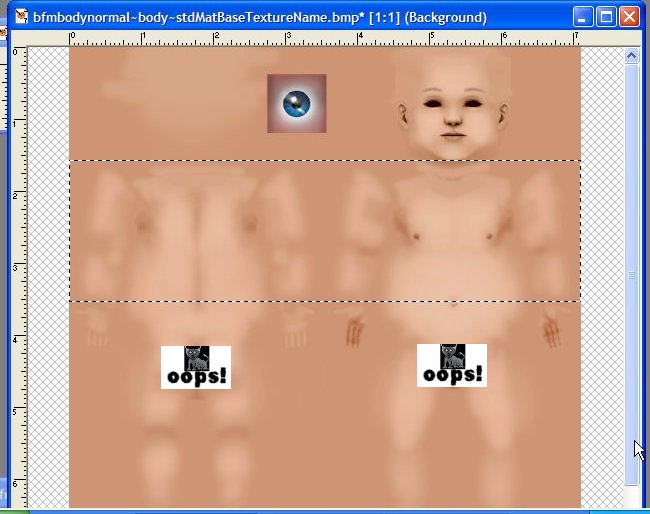
When you are first learning how
to do this it's easiest to put long sleeves on the outfit
because you only have to select a large rectangled area
without worrying about messing up
and it not being lined up the way it should.
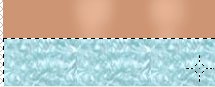
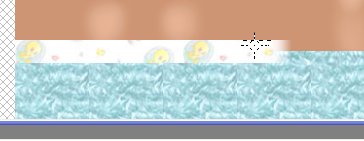
I paint the selected area using the airbrush
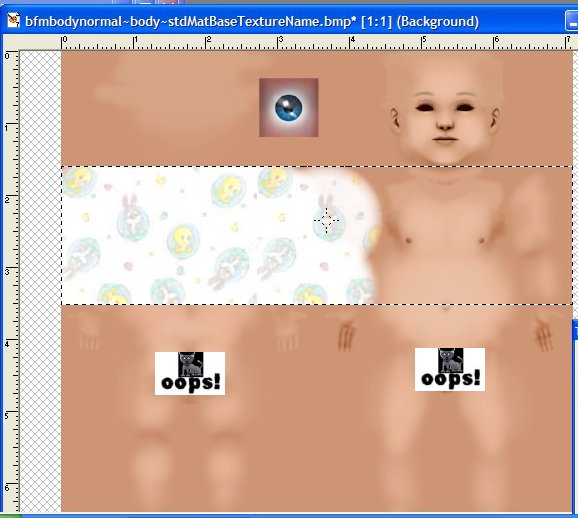
Then I do the same thing for the booties.
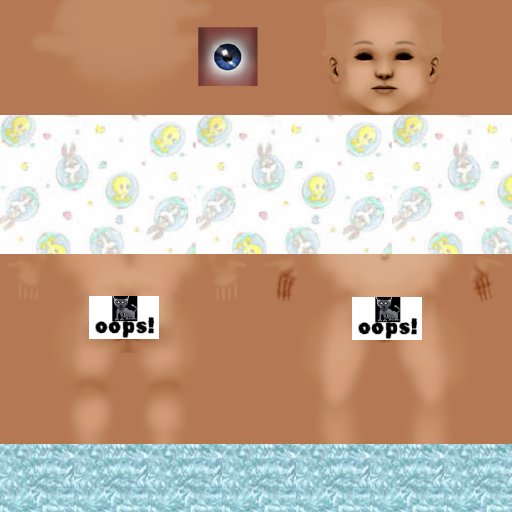
Decorate it however you want to. I'll add some buttons
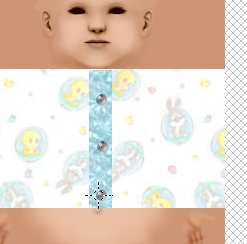
and some cute little socks to match the shirt.
Finally, once you're finished creating the outfit
be sure to edit the swatch.
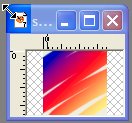
Just paint it with the patterns that you
used to make the baby outfit
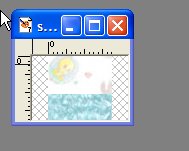
Once the swatch is painted
go back into Bodyshop
and make sure that you
click on the refresh button
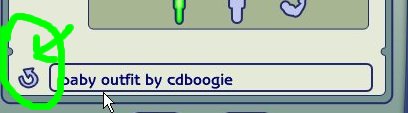
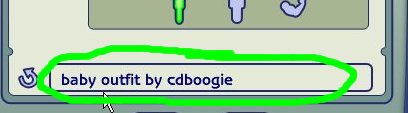
Then name the skin something that
will help you remember that
it's an edited baby skin file.
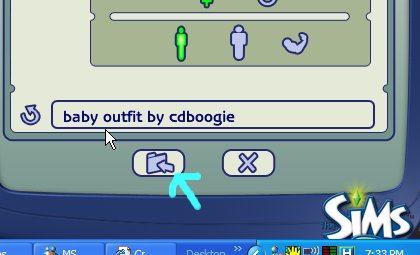
Then the last thing you'll do is
import into your game!
The next page details how to find
and use the baby clothes in your Sims2 game.
