| back to Digital Map | Bangkok Riders Club |
MapMagic Bangkok (2002)

Two Versions
The MapMagic Bangkok comes in two versions. The orange package is written in Thai and priced at 400B. The purple package is written in English and priced at 500B. Their CDs are identical; they're both Thai/English bilingual and 2002 edition. The only difference is the CD-ROM jacket, and the two-page usage guide, which is hardly accountable for the 100B discrepancy. Installation
| System Requirements | |
|---|---|
| OS | Microsoft Windows 98, Me, NT (with SP4), 2000 and XP |
| Minimum Requirement | Pentium 133MHz, RAM 32MB, HD free space 150MB |
| Recommended | Pentium II, RAM 64MB |
| Monitor | 1024 x 768, True Color |
For copy protection, the MapMagic Bangkok requires a 16-digit registration key which is printed in the package. After installation, MapMagic Bangkok works without the CD.
Comparison with the Business Location Guide Bangkok
| MapMagic Bangkok | Business Location Guide Bangkok | Comparison | |||||||||||||||||||
|---|---|---|---|---|---|---|---|---|---|---|---|---|---|---|---|---|---|---|---|---|---|
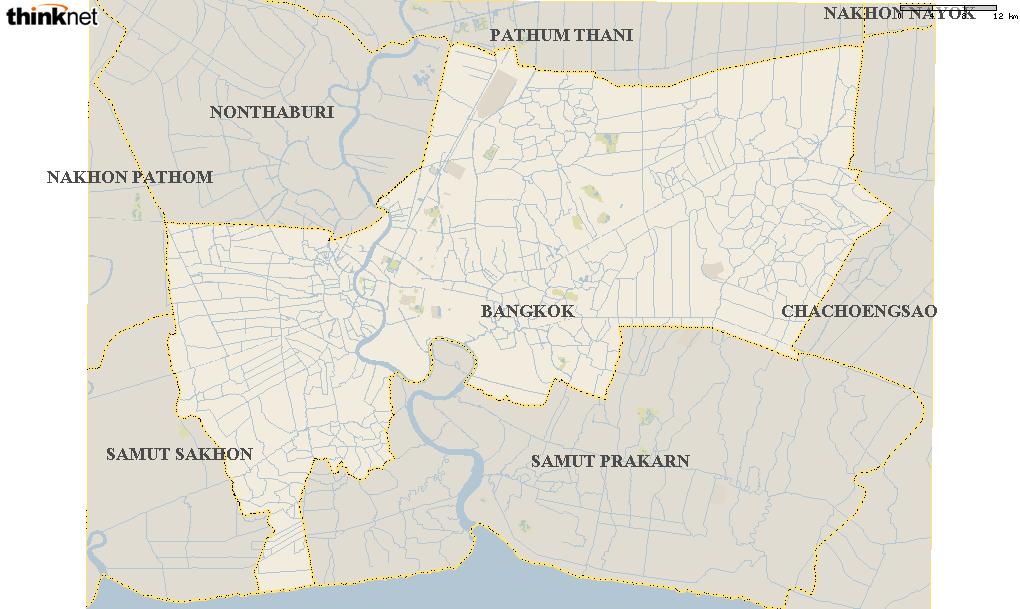 | 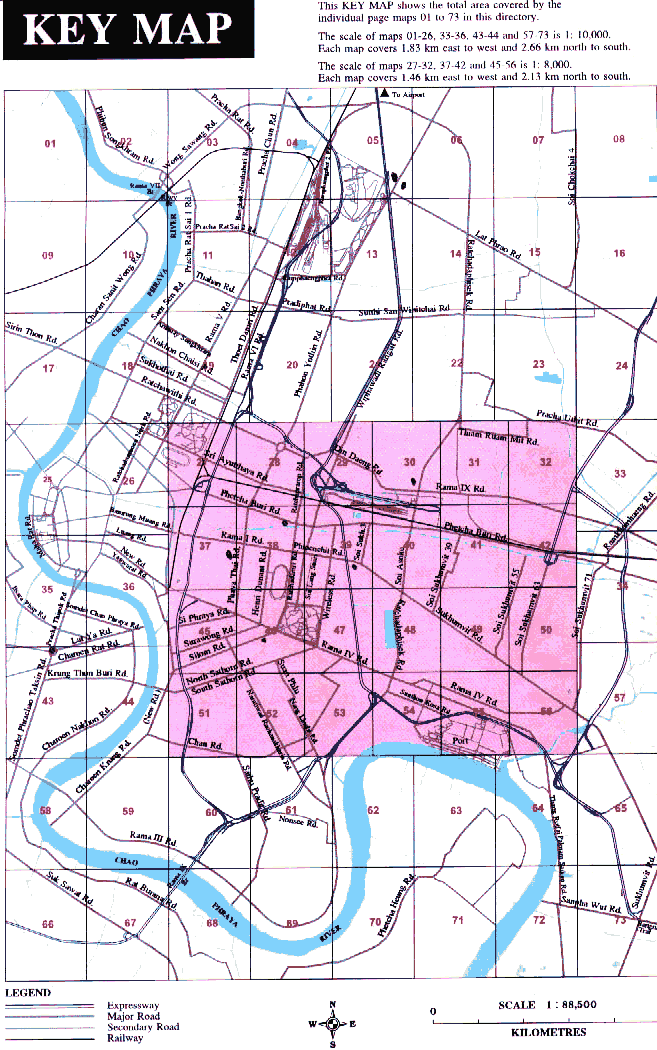 |
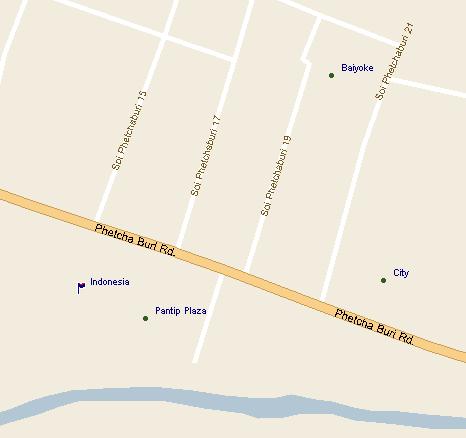
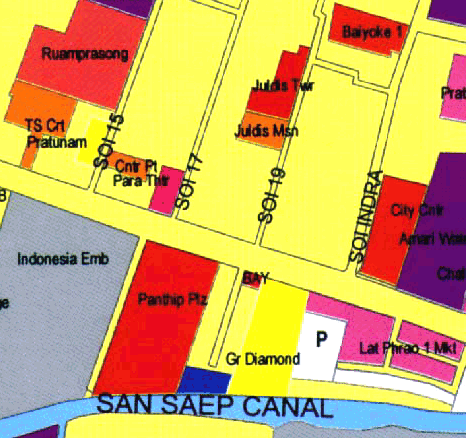
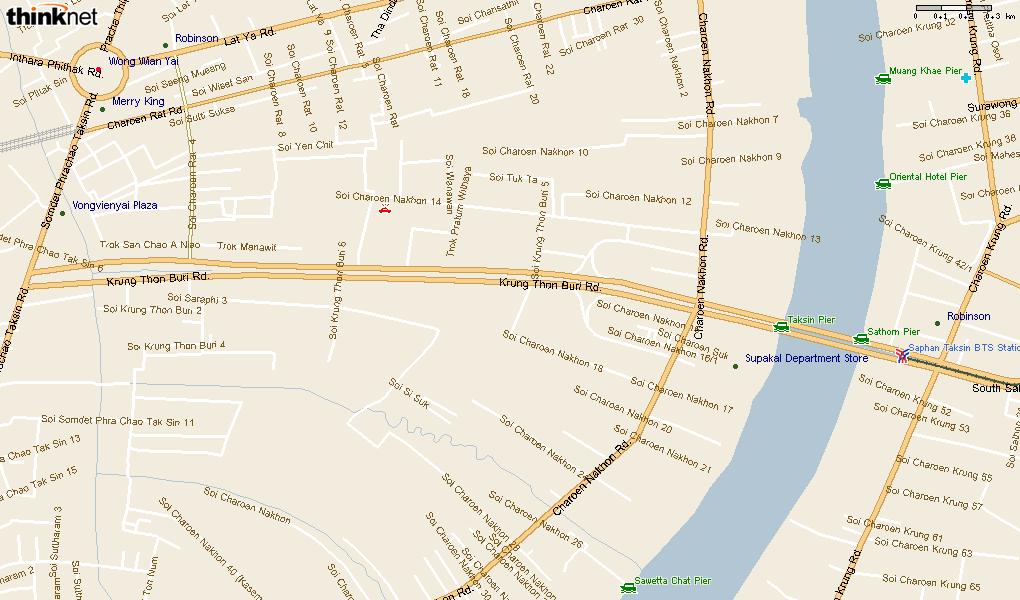
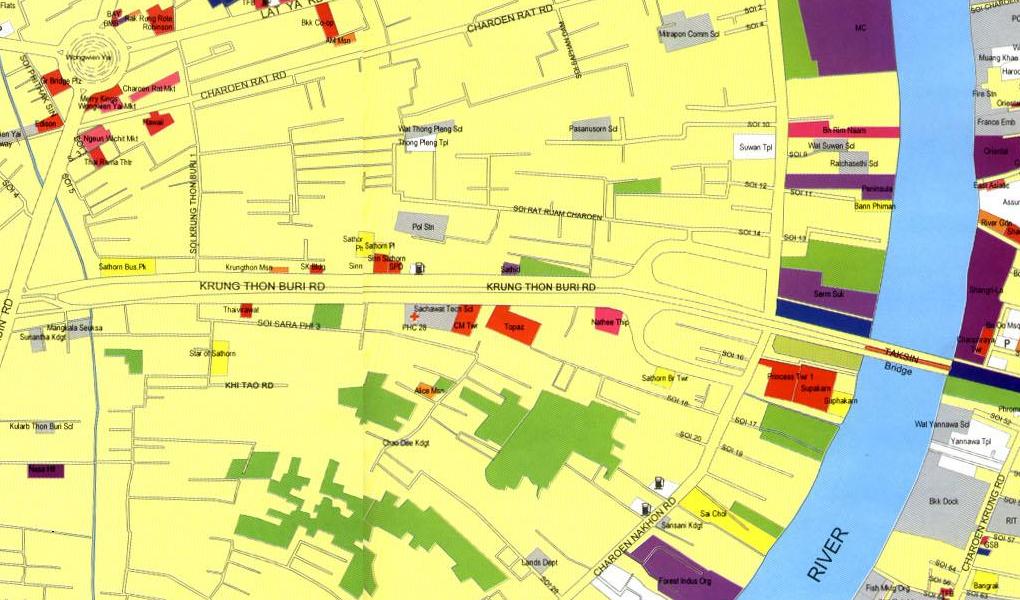
The MapMagic offers eight gradient scales. The MapMagic shows intricate networks of small sois, comparable to the Business Locagion Guide Bangkok. The MapMagic excels in presenting names of sois of sois. The MapMagic doesn't show building contours like the Business Location Guide Bangkok. |
|||||||||||||||||||
 |  |
||||||||||||||||||||
 |  |
||||||||||||||||||||
Screen Shots
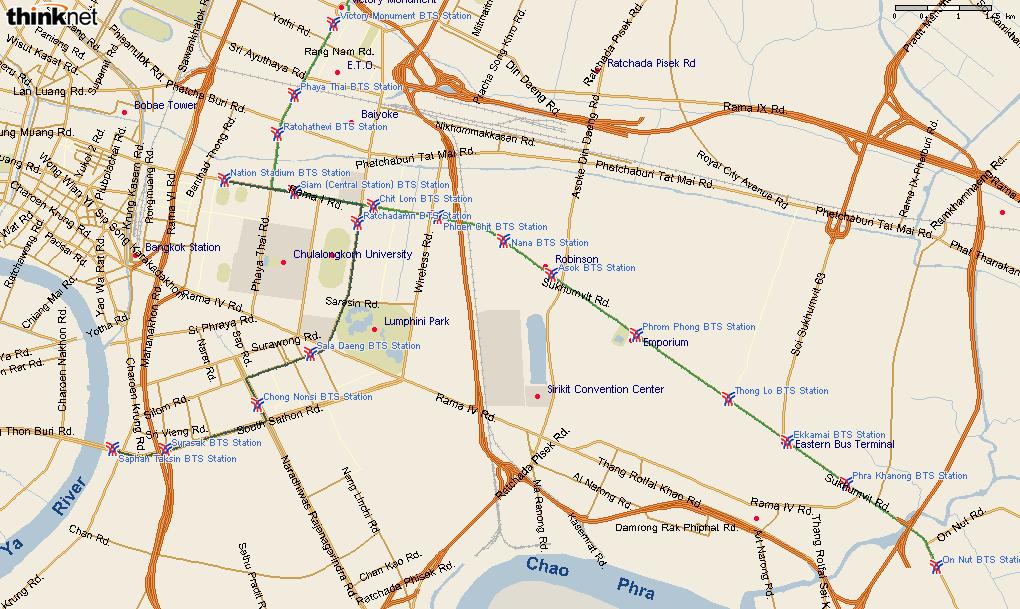 Sukhumvit Road (1 : 44,909) |
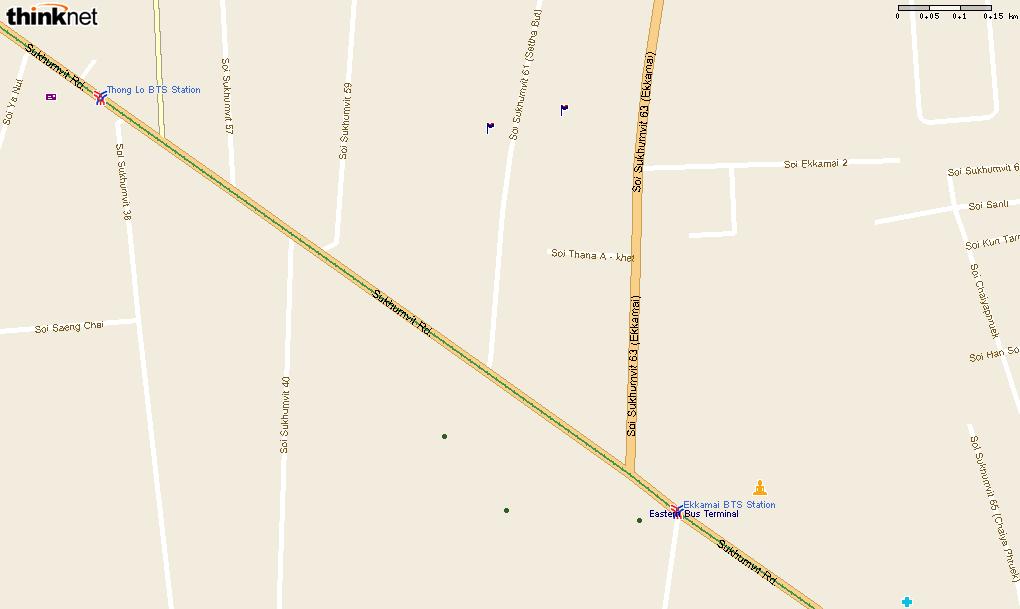 Ekamai (1 : 4,600) |
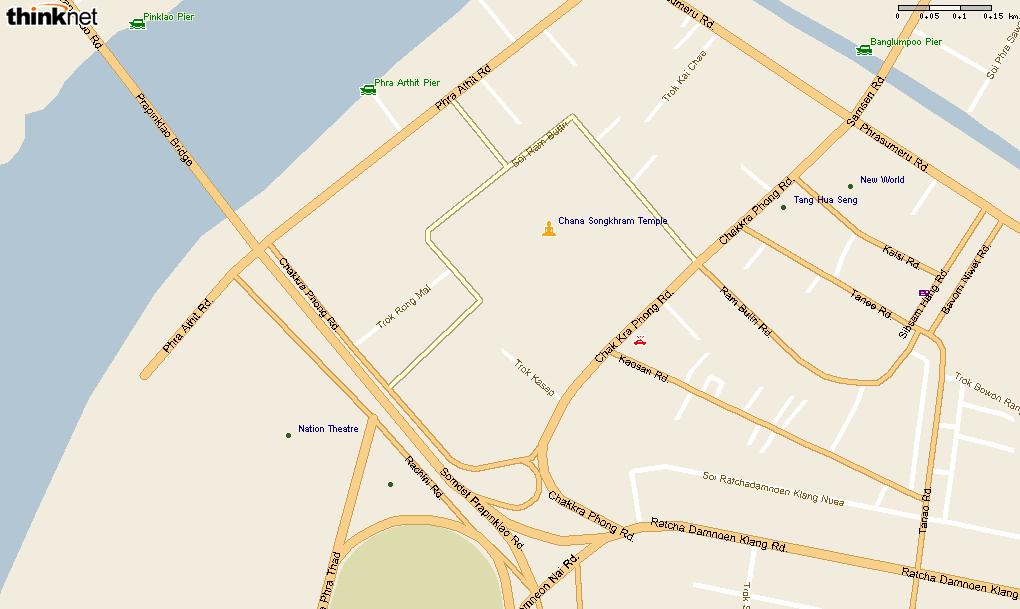 Khao San Road (1 : 4,600) |
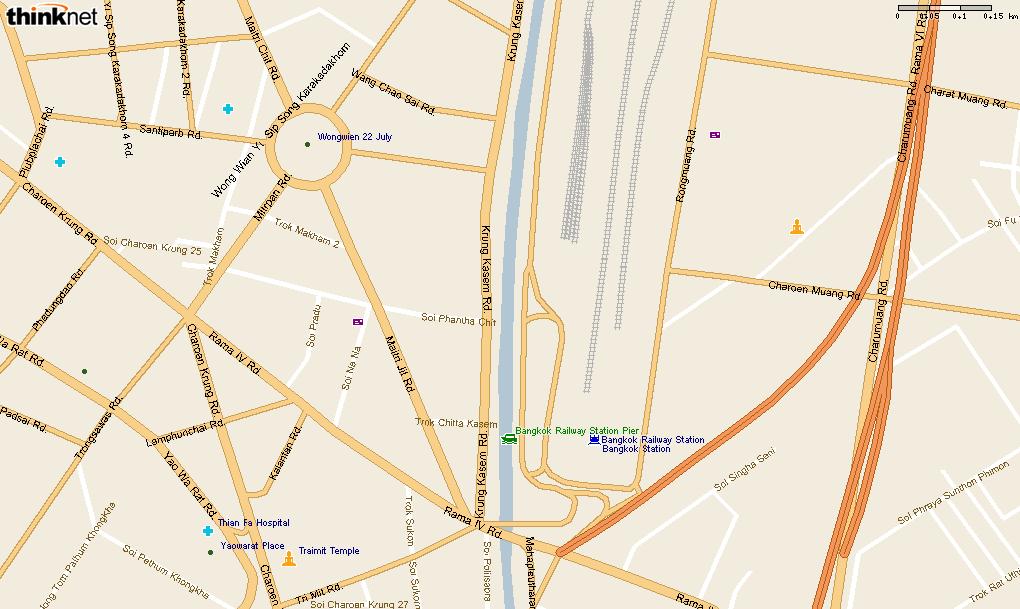 Hualamphong Train Station (1 : 4,600) |
Viewer Review
The MapMagic viewer somewhat resembles the Internet Explorer. You can easily switch between Thai and English in displaying street names. The menu itself is in English.There is no PRINT button. In order to print a map, you must first copy the map to the clipboard, paste it to a graphic editor like the Microsoft Paint, then print the map.
The contrast of minor roads (sois) against the background is not very clear, requiring you to keep your eyes wide open to see these roads.
The MapMagic has a location database of major banks, schools, embassies, hospitals, hotels, office buildings, police stations, post offices, department stores and temples. But you must specify such a landmark by name before it can be shown on the map, one at a time. The MapMagic doesn't have a feature to display multiple landmarks.
The MapMagic viewer offers one and the only layer called "label" on which street names are recorded. You can add/delete your HOME and FAVORITES on this layer with pins in blue, red, green, black and pink.
The MapMagic doesn't offer latitude/longitude information.
Its built-in ruler is defective. It constantly shows approximately 1.6 times longer than the real distance. Thus, when the ruler shows 16km, it is actually 10km.
One big feature of the MapMagic is its Planner. You input your starting point and destination, and the MapMagic can show you how to get there using public transporation like the bus, BTS, boat or train. Thus the MapMagic has an extensive database of bus routes and bus stops. You can choose a bus route, or a bus stop along this route, and display it on the map, one at a time. The MapMagic doesn't have a feature to display multiple bus routes/stops.
Conclusion
Thare are printed maps that cover whole Bangkok, but they're mostly in Thai and provide minimal English transcriptions. The MapMagic is convenient in that it covers whole Bangkok and provides English transcriptions for roads and sois throughout Bangkok.Because of its digital interface, it is easy to create personal maps and save it as a file.
The MagMagic can be especially useful for those who travel in Bangkok using public transportation.
Its viewer interface, however, is of unsatisfactory level and inhibits the user to enjoy full potential of the map data.