| back to Digital Map | Bangkok Riders Club |
MapMagic Bangkok 2004
System Requirements
MapMagic 2004 | cf. MapMagic 2002 |
|
| OS | Microsoft Windows 98, ME, 2000, XP | Microsoft Windows 98, Me, NT (with SP4), 2000 and XP |
| Minimum Requirement |
CPU: ? RAM: ? HD free space: 160MB |
CPU: Pentium 133MHz RAM 32MB HD free space: 150MB |
| Recommended | Pentium III, RAM 256MB | Pentium II, RAM 64MB |
| Monitor | True Color | 1024 x 768, True Color |
The MapMagic 2004 requires a high-speed CPU and a lot of RAM. In the reviewer's environment (CPU: Athlon 1.3GHz, RAM: 256MB), it's still pretty heavy and slow.
Like the MapMagic 2002, after installation, all necessary files are copied to the hard disk (including map data). You don't need the original CD when running the software.
There is no registration procedure or serial number. The MapMagic 2002 required a 16-digit registration key.
Comparison with the MapMagic 2002
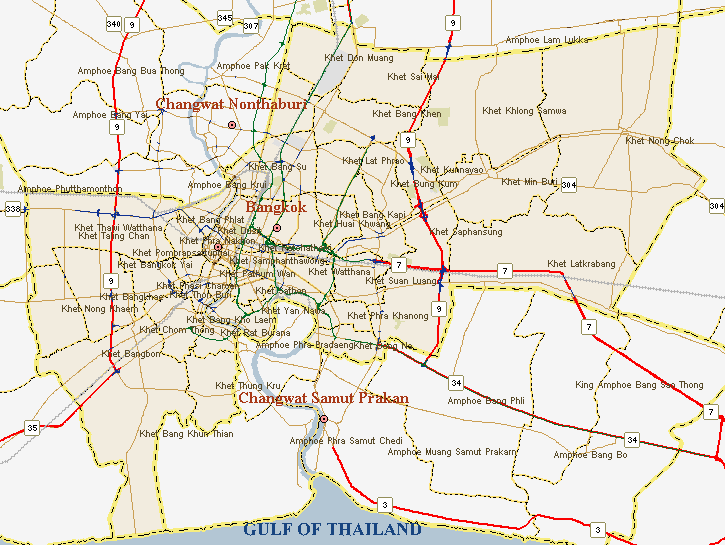
The map data has been somewhat improved, showing more detailed sois. Also, the screen contrast has been much improved. Still, the map data seems somewhat crude.
One big improvement is that the MapMagic 2004 has extensive landmark layers. Each layer can be switched on and off independently. The MapMagic 2002 had a similar database, but it was not provided in layers, thus one could only locate a certain landmark after using its search function, and one at a time.
The erroneous scale (and distance measure) of the MapMagic 2002 has been corrected. The MapMagic 2004 shows correct distance.
As a new feature, the MapMagic 2004 shows latitude/longitude coordinates where the mouse is pointing at. Inversely, you can type in certain latitude/longitude coordinates and show its location on the map. However, the MapMagic 2004 still doesn't have any GPS connection.
One practical improvement is that the MapMagic 2004 shows most overpasses and underpasses. It doesn't say which ones are allowed/banned for motorcycles, though.
The MapMagic 2004 does NOT have the bus route database which was a unique feature of the MapMagic 2002.
Screen Shot Comparison
| MapMagic 2004 | MapMagic 2002 |
 |  |
| Location: Sathorn Road. Try to find the Immigration Bureau. | |
Conclusion
Priced at 199B, this CD map is a bargain. Included in the package is a folder map of Bangkok, which is pretty good and well worth 100B. One hitch is that the CD map requires a high-performance computer.
One major competitor in this field (CD map of Bangkok in English language) is the MapPointAsia. They're revising their SmartMap Bangkok (currently Ver. 3) and expected to launch Ver. 4 sometime soon. Here's a preview:
http://www.thaimtb.com/gps/index.php?option=content&task=view&id=26&Itemid=33
The bare fact is that the SmartMap will have more accurate map data and GPS connectivity, but undoubtedly at a higher price (though probably still under 1,000B).
|
Tweak In the menu bar,
The difference in processing speed has something to do with the CPU and the video memory. In the reviewer's environment, "1" is 2-3 times faster than "10"! |