



PROGRAMS NEEDED
You wanted to learn how to make those kinds of graphics? Eh? It's pretty easy to use it, once you get hang on it. Alright, the tools I use to make those pics, etc on my page-
ADOBE PHOTOSHOP 4.0 / 5.0 (Full Version Recommended)
EYECANDY 3.0 FILTER (Adobe Plugins)
XENOFEX FILTER (Adobe Plugins)
I snagged full versions of Adobe 5.0, Xenofex, Eyecandy, and
few extra filters somewhere. You'll need to search around. It's better to head mIRC (chat room) on
channel (aka: room) #iso's or #appzngamez, you'll get better chance to snatch it than searching the "T-50" or other popular bullshit warez sites. But you'll need a
FTP (File Transfer Proctol) program to download it. Sometimes those guys won't give you something until you got something that they'll want. So, Good luck findin' em!
Also Paint Shop Pro program's nice to have. I usually use it to edit GIF formatted graphics into JPEG so I can play around the picture. Adobe Photoshop wouldn't accept GIF graphics.
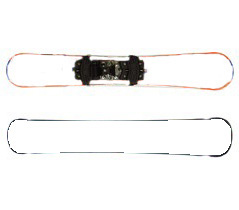
To make customized graphics on skiboards..I'll try to explain my best how making 'em. On blank skiboards below- I usually draw something on it then put in texts and use filter (special effects) on it. As for the pics- I use "copy" and "paste" stuff on it, use filters on it, and most of the time I play around with the filters and come up with kewl effects.
Located below is a JPEG formatted picture of skiboard erased graphics. Good luck! If you wanna to put your customized pic (skiboard-related). If you made one but it looks like a crap, give me it anyways. I'd like to see it and put it up here.