
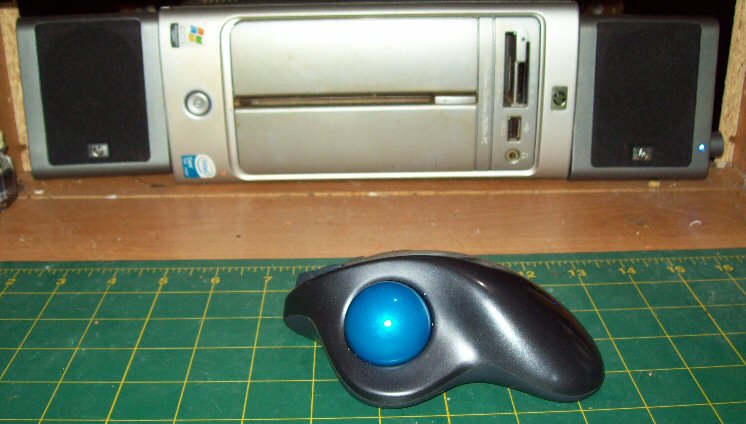
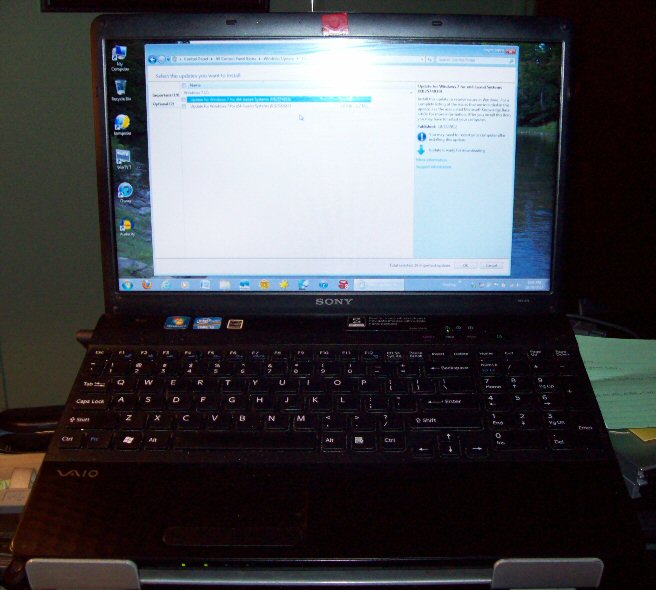
While this isn't exactly something you would need to build a scale model, it sure helps out in more ways than one. The computer doesn't need to be brand spanking new or have all the bells and whistles on it, all it needs to do is to be able to get on the Internet to do research on the kit you're building when you need to and to get ideas for how you want the finished kit to look like when you don't know exactly how you want it.
If you have a good printer and a picture editing program, you can make your own graphics. If you buy some decal paper and the correct top coat for it, you can even make your own decals.
Another use for it is as an entertainment system. If you have a T.V. card or a DVD player in your computer and a set of speakers, you can have something to watch while the parts are drying. If you don't want the distraction of a show playing on your screen, you can have music to listen to while working as long as you have speakers and either a CD player or MP3s loaded on the hard drive.
I tend to go with the second option and use the program below to play my MP3s, it just works out better that way for me.

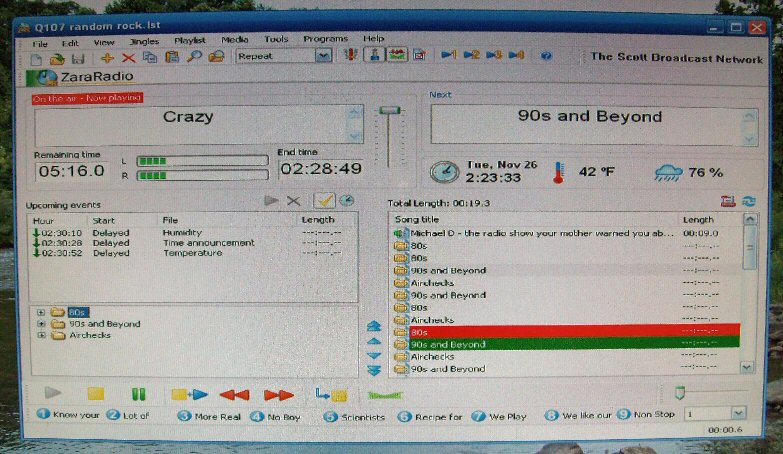
First I need to say that I am in no way affiliated with, nor am I being compensated in any shape or form, by the creators of Zara Radio or any of their affiliates. I am merely trying to help out fellow enthusiasts by sharing my personal thoughts, opinions, and findings while using the FREE version of the program. Your experience with it may vary from mine, use at your own risk.
I personally use Zara Radio to play MP3s on my computer. Its a FREE program that basically makes your computer a home radio station since the program was actually developed for commercial radio station use. You can download it by clicking either of the pictures or the link in the sentence.
Once you set the program up, all you have to do is create a play list and you're listening to music you like, without all the B.S. that seems to be all over the commercial radio stations anymore. You can either play individual songs or have the program play random songs in a folder. If it plays the songs from a folder, it will not repeat any of the songs until all of the songs in the folder have been played. If you're wanting it to sound like the radio you grew up with as a kid, check Airchecks.com, they might have recordings of the D.J.s that were on at the time.
The good thing about the program is if you're like me and tend to lose track of time while you are working, you can set the program to announce the time over the computer speakers at any interval you want. If you have the older version of Weatherbug, you can even have it tell you the temperature and humidity. It takes a few extra steps to set those features up, but the process can easily be found with a web search.
If you can't find out how to set up the extras for the program that I have talked about, you can e-mail me and I'll either send you the text files I have for setting the extra features up or tell you where you can find them. If its not time or weather related, I can't help due to the fact that I don't have a use for any of the not mentioned features of the program, and honestly never bothered to learn anything about them. Please note that not all of the add on features provided in the FREE version are functional, but the features I mentioned above work perfectly.
With that said, I'm going to let you know that I WILL NOT send you any programs, hacks, cracks, or registration codes nor will I teach you how to run the program or troubleshoot problems.
I'm sorry that I've had to start telling people that I can't help them, but after having to deal with several e-mails a day from people that honestly have no business trying to change a burnt out light bulb in their house, much less install a program on their computer, I just can't do it anymore.