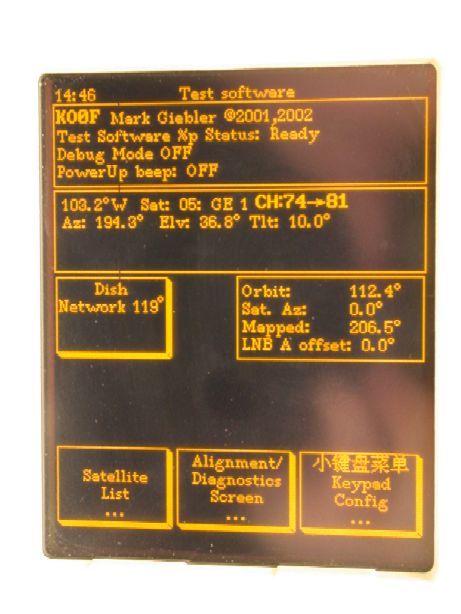
To the right is the main menu screen displayed at power up.
From this screen you can reach the DiSEqC™ display screen, also used to setup earth station latitude and longitude location parameters, motor limits, etc.
Also accessible from this menu screen are:
- A quick possition button to move antenna to a "favorite" satellite. (In this case it is a DishNetwork bird).
- A screen for quick pick list of preconfigured satellites (lower left button).
- The DISEqC display screen (Diagnostics screen).
- A screen to setup the language and time/date.
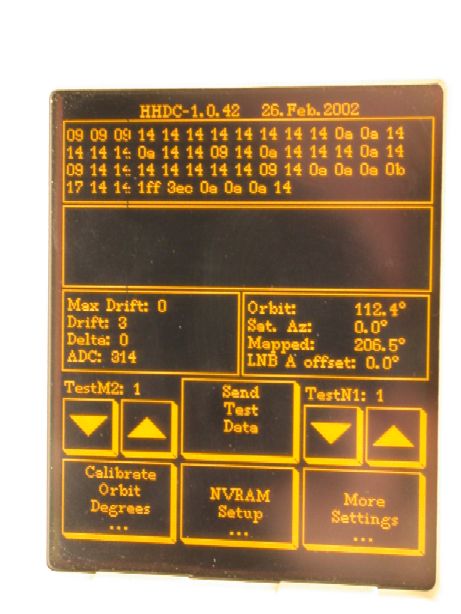
To the left is one of the multiple screens available in the
DiSEqC™ display screen.
This displays raw diseqc data in the top two rectangular windows. Also low level manual motor control can be done here; Nudging and such.
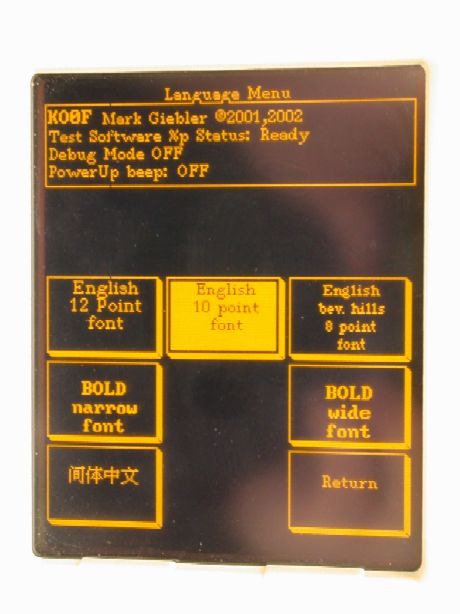
To the right is a quick look at the language selection
menu for the units user interface.
In addition to language choices, the font type can be changed also.
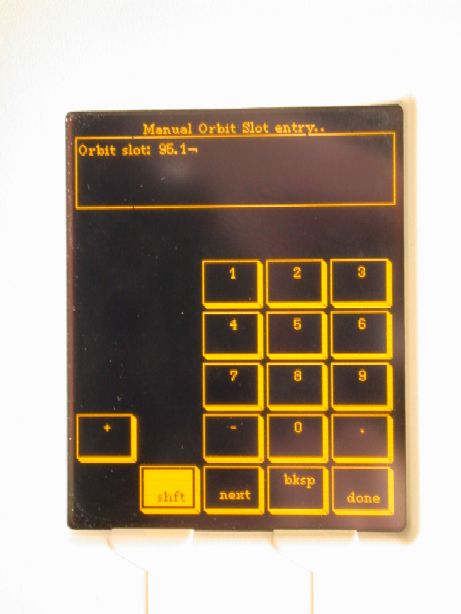
To the left is a shot of the manual orbit slot entry screen. This can be used to manually point the antenna to the latitude of a desired orbit slot.
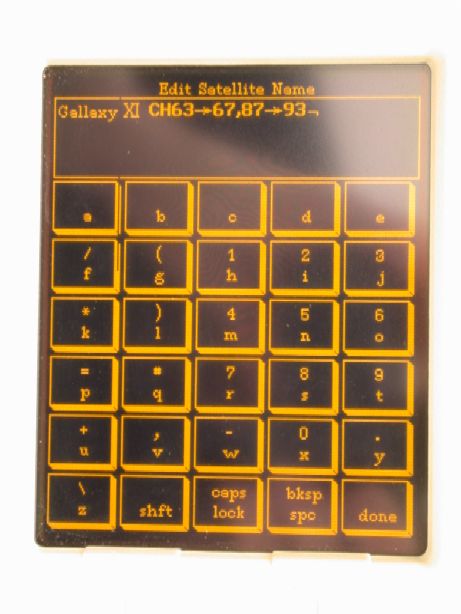
To the right is the screen used to edit a satellite name. When a DiSEqC™ "Store Position" command is received, an entry is stored in the unit's NVRAM. This screen allows you to put a user friendly name in the NVRAM position. Then when a DiSEqC™ "Move to Position" command is received, this unit will display this friendly name on its main menu screen.
We also support Chinese naming, see below...
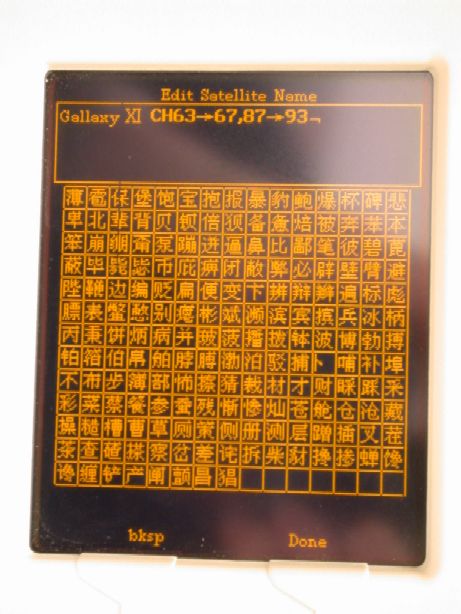
To the left is our crude entry method currently implemented for Chinese. This probably needs to be replaced/augmented with a pinyin system.
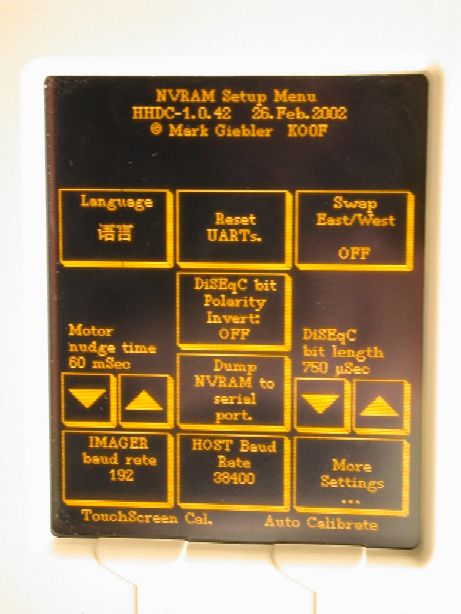
To the right is a shot of some more configuration parameters that can be changed. Items such as the bit slice time for the DiSEqC™ decoder, motor nudge time, baud rate for the PC port, etc. Most of these items never need to be tweaked, but they where put here to make it easy to develope this unit.
BTW: The unit has FLASH memory and a RS232 port so that software updates can be performed on the unit.