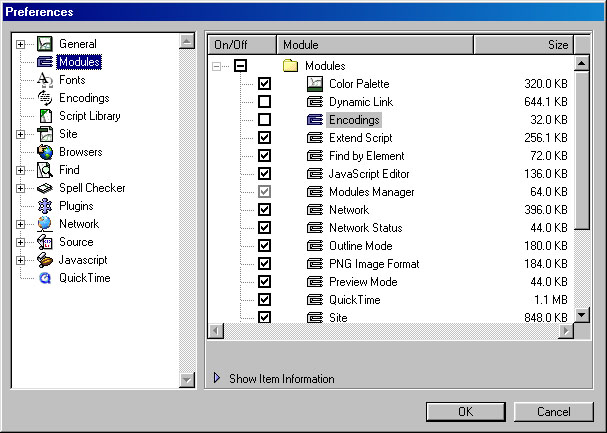
If you do not have multilingual encodings activated you have to select Modules and find Encodings module.
As you can see in the picture bellow, Encodings module is not activated and that is why there are no multilingual encodings available under Ecodings list in Preferences.
Step
2
To add multilingual encodings under Encodings list in Preferences
you have to click the checkbox next to Encodings module in the
right window of GoLive's Preferences window.
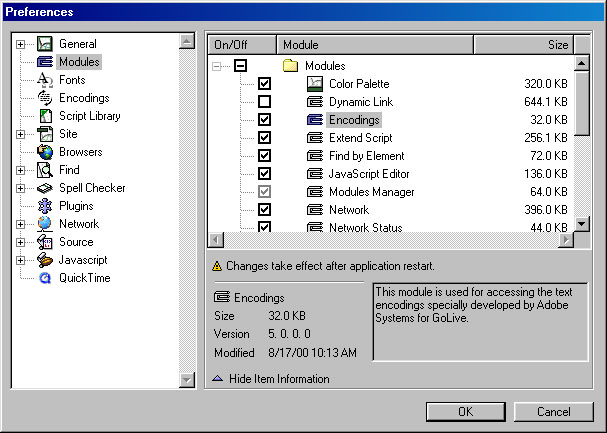
Click OK when done.
To activate new encoding settings you need to quit GoLive application
and restart it.
Close this window when
done.