 |
 Next Page | |
Turning the Computer On & Off | ||
|
Next Page | |
Turning the Computer On & Off | ||
 | A "Turning the Computer On & Off" PowerPoint show and a handout are also available. |
When turning a computer ON, turn it on in this order:
Note: Make sure there are no disks in the Floppy Disk or "A:" Drive.
| 1. | Turn on the wall outlet.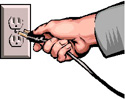 |
| 2. | Turn on the extension cord or surge protector, if there is one.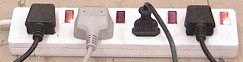 |
| 3. | Turn on the Uninterruptible Power Supply (UPS), if there is one.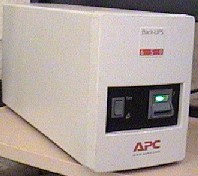 |
| 4. | Turn on the hard disk drive (usually the largest button on the front or top).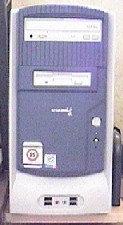 |
| 5. | Turn on the monitor.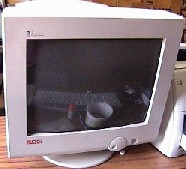 |
| 6. | Turn on any attached devices such as speakers, printer, etc.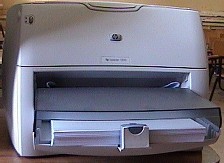 |
| 7. | After the computer is turned on, wait until the operating system finishes loading before starting any work. If the mouse pointer has an hourglass next to it, wait until the hourglass disappears before starting. |
|
Next Page |