 |
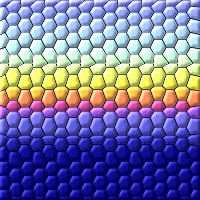 |
| Seamless Patchwork Background Tile |
 |
| Open a new image 200x200 and fill with any gradient |
| I am using sunset gradient in this example |
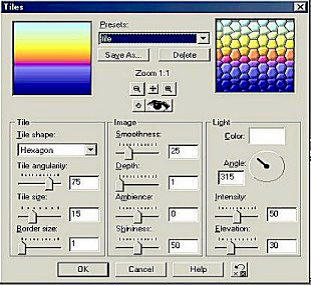
| Go to : Effects/Texture Effects/Tiles ,using the following settings |
| Save these setting as tiles,for future useage |
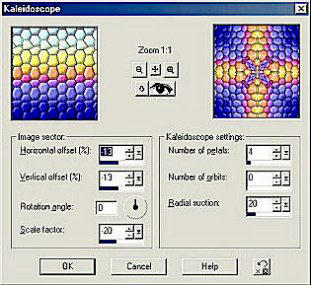
| Go to: Effects/Reflection Effects/Kaleidoscope using the following settings |
 |
 |
| Your tile should look like this |
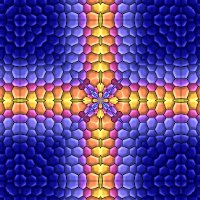
| Your Tile should look like this |
| Go to: Effects/Plugins/Simple/Centre Tile |
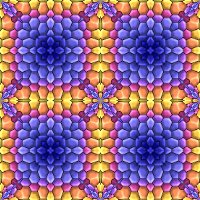 |
| I hope you had fun doing this tutorial and that you like your new backgrounds !! |
| Save your tile now, that all there is to it. |
| You may also use any image for this tile using the steps that follows below |
| or you could do this |
| Go to: Effects/Reflection Effects/Kaleidoscope using |
| Go to: Effects/Plugins/Simple/Quick Tiles |
| the same settings |
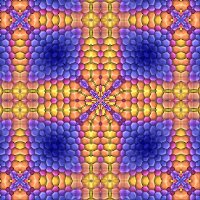 |
| Save your tile now, that all there is to it. |
| Please bare with me this is my first tutorial I have ever written |
| There is more looks you can come up using Simple Filters |

|
| Writen by Raven Lynn |
| You are visitor number |
| since Aug 17th 2002 |
 |