'When you start Linux, you first have to identify yourself to the computer by logging on. This allows each user to have his own individual account or workspace that he may customize to his liking. This also protects users and their files from each other. Sharing is allowed, but that's a whole different subject. There is one special user known as the "superuser", whose login name is "root" and whose password is selected when the operating system is first installed. The superuser is allowed to change any file anywhere on the system. This is important because you need to login as root to fix things if something goes wrong. You should not login as root during normal use of the computer, as it's far too easy to make mistakes that can damage the system. It also opens your computer up to security problems when you connect to the Internet. However, for the purposes of this article (since we have not yet discussed how to add more users) we will be logging in as root. (Just be aware that this is not something you generally want to do).'
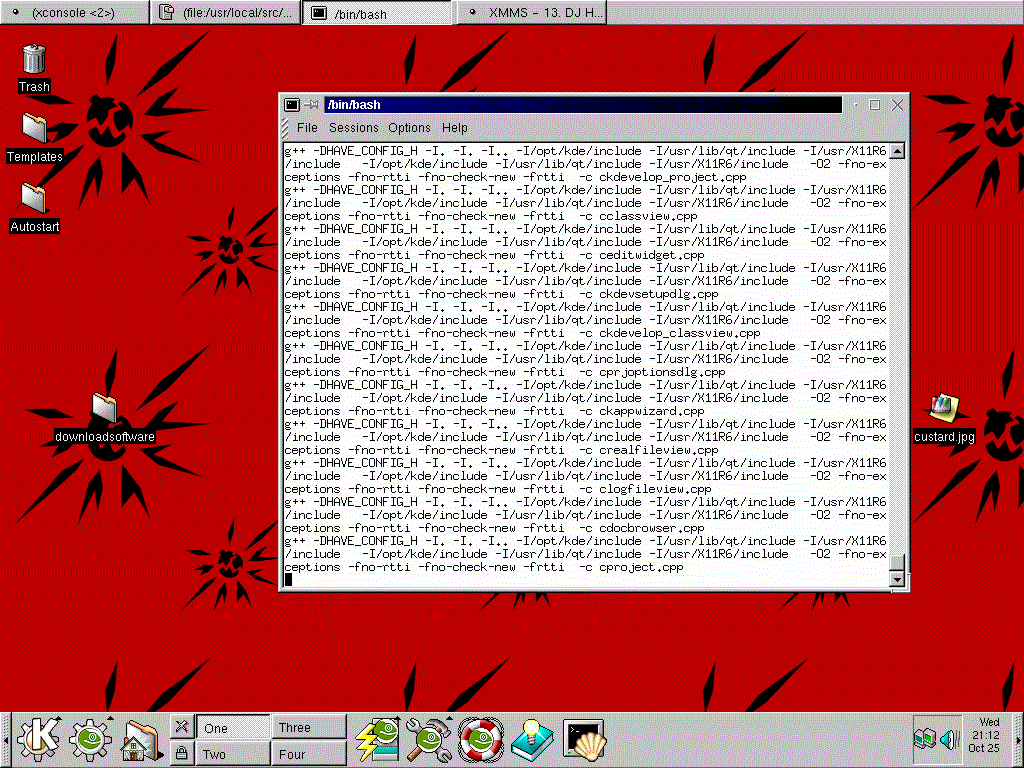
When you log in as 'super user' with Suse Linux the background is set to display lots of time bombs. This is to remind you that your logged in as root and can make changes to your system. The shot actually shows a terminal seesion open, and new software is being installed from tar ball (same as a zip file). Click the graphic to enlarge.