| CancelError |
If True, generates an error if the Cancel button is clicked.
Allows you to use error-handling procedures to recognize that
Cancel was clicked. |
| DefaultExt |
Sets the default extension of a file name if a file is
listed without an extension. |
| DialogTitle |
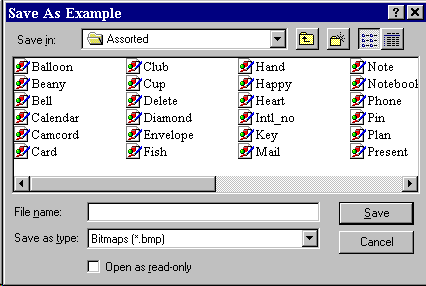
The string appearing in the title bar of the dialog box.
Default is Save As. In the example, the DialogTitle is Save
As Example. |
| FileName |
Sets the initial file name that appears in the File name box.
After the dialog box is closed, this property can be read to
determine the name of the selected file. |
| Filter |
Used to restrict the filenames that
appear in the file list box. |
| FilterIndex |
Indicates which filter component is default. |
| Flags |
Values that control special features of
the dialog box (see Appendix II). |