SLICING FOR HTML
SLICING FOR HTML
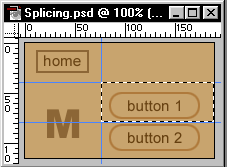
Let's start with a common situation. We have a navigation type device for the web with a few section buttons and a home button. Press Ctrl-R (Mac: Command-R) to show rulers. Also go to VIEW and make sure Snap to Guides is checked.
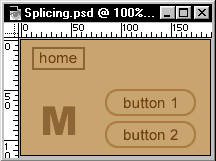
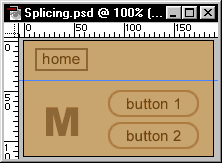
Click and hold down the mouse button on the ruler and
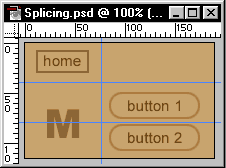
drag out a guide line. Its ok to let go, you can move the guide any time by
clicking on it again. Keep repeating this step until you have all your little
buttons in their own cells.
Last select the Rectangular Marquee tool and select
your buttons, use the guides for a path. Now go to Edit>Copy Merged to copy
the button into memory. Open a new image and Paste it in. Now save it. Continue
till you have them all saved, then import them into your HTML page and put it
all together.