|
-
I am going to Show you now how to
make a Yahoo! Booter from Scretch.
You do not need any experience
just do the Stuff I do and try to
Learn from it. Its a Simple Yahoo
Booter with a Tight Source that
will Disconnect the Yahoo
Messenger.
-
We need Visual Basic 6.0 you can
get it by clicking here.
-
Ok lets Start
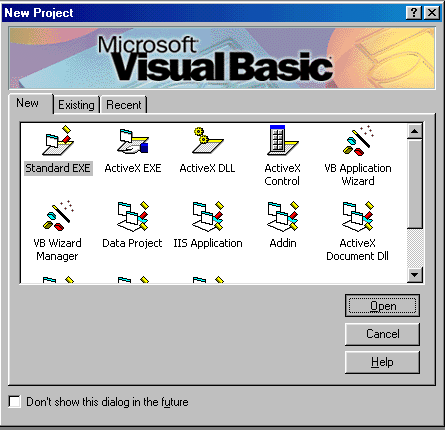
Open
Visual Basic 6 and Choose the
Standard ExE. Open it and you will
see a Empty Form [ Form1]
First
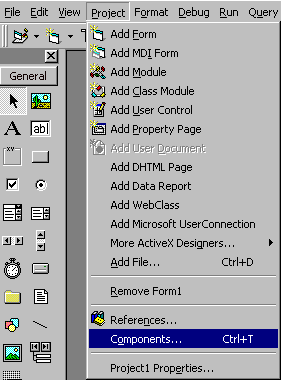
we need to Create the Login for
the Bot that will be Used to Boot
the Victim. Click on
Project/Components
Add
the Microsoft Winsock Control 6.0
[ Mswinsck.Ocx ]
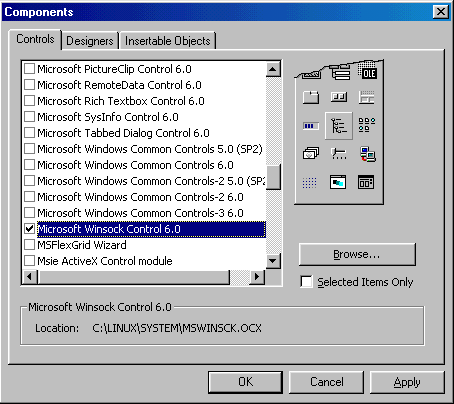
Click
apply and Ok - Now you can See the
Winsock Icon on the Left Site.

Click
on it and Place it anywhere on the
Forum
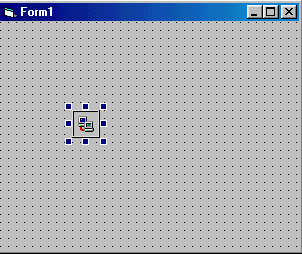
Now
we got a Winsock Control on our
Forum. Now before we really Start
lets name the Forum and Project.
We Click once on the Forum and the
Forum will be Selected.
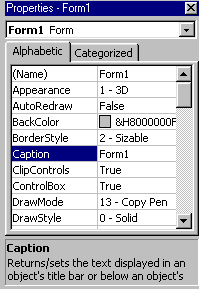
I
Change the Caption Form 1 to Magic
Dc. That's how I name my booter.
After that I go to the Properties
and Change them like this
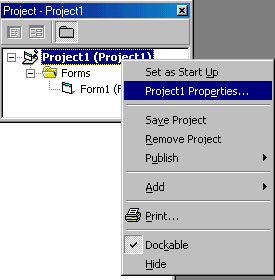
[
Right Click on the
Project1(Project1) and Choose
Project1 Properties ]
I
Change it to This
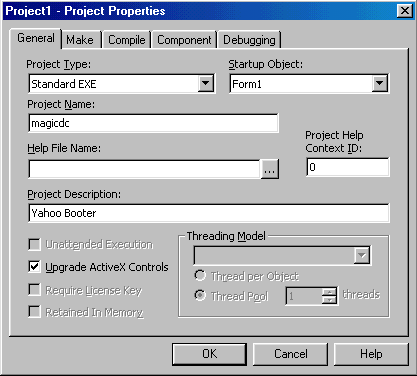
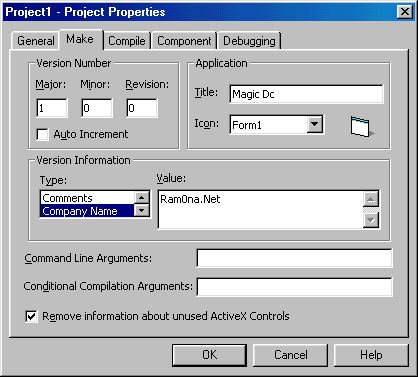
I
Changed some stuff on the General
Tab and Make Tab. After that I
Choose a Color for My Forum
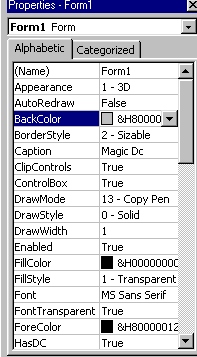
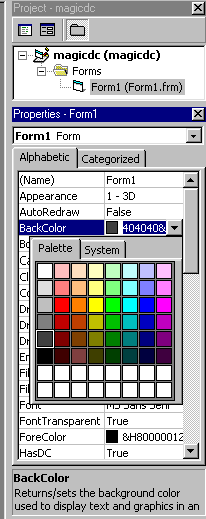
Choose
the Back Color and Change it
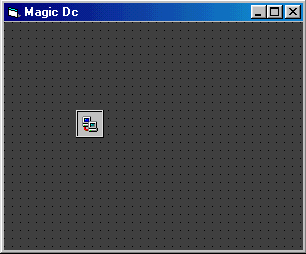
Our
Forum should look like this now
Okay
this is the First Step now I Save
the Project and the Forum.
-
You
Can Download the Complete First
Step Here
Next
Step
|

 MAKING A BOOTER