
 HOW TO BOOT-MASS LOGIN
HOW TO BOOT-MASS LOGIN
-First let me tell you if you are new to Yahoo Booting than please check the First Tutorial on How to Boot. Once you learned how to Boot with a Single Login Booter you can comeback and Visit the Tutorial Here. (- Click Here to Check the First Tutorial on how to Boot -)
-I Show you now how to Boot with a Mass Login Booter. For the Example I use Sonic Proto made by _Sonic_ and Chamber. If you do not have the Booter than please
Download the Sonic Proto Booter Here
Once Downloaded you get a exe
like I do here on the Picture  I show you here on How to Extract it. Double click the Sonic_Proto.exe and you
get the screen like this
I show you here on How to Extract it. Double click the Sonic_Proto.exe and you
get the screen like this
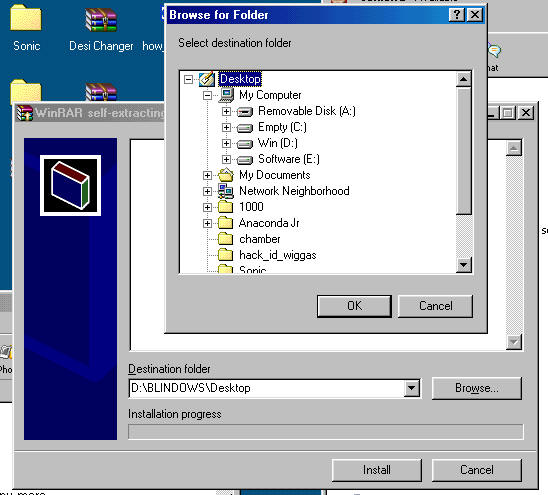
Once Opened the Self Extracting menu will show up. Click Browse and choose the Destination folder. I Clicked on Desktop so I get the Booter on the Desktop. After that Hit Ok and than Install.
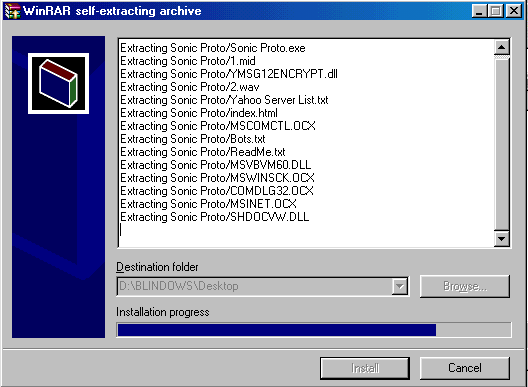
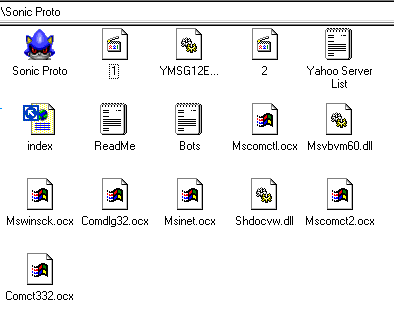
After that the Folder Sonic Proto should be on your Desktop. This is what you should get in the Folder
-This is how you Extract the Booter now Lets Start using it.
First we need to enter some Bots in the Bots.txt you see there. I double click the Bots text so it will Open.
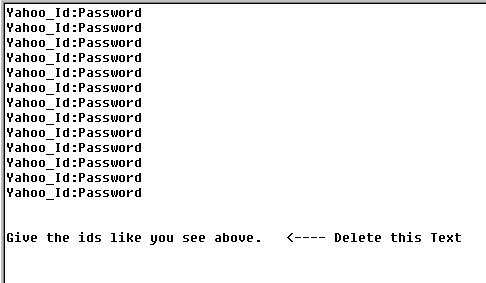
Once you Downloaded a Mass Login there is always a Example on how to put the Bots. Not all are same some Bots must be Put like
Yahoid Password
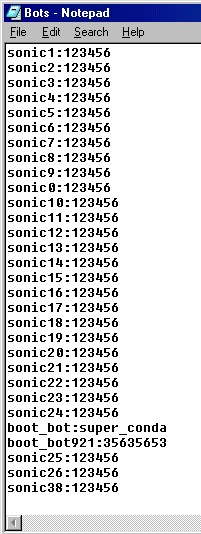
But for Sonic Proto it must be like shown on the Pic
Yahooid:Password.
Enter Minimum 30 Bots and Maximum 350 for the Sonic Proto.I Entered 30 Bots in the Text File as you can See here and Saved it
Now I Open the Sonic Proto
Exe and Enter the
Booter
and Enter the
Booter
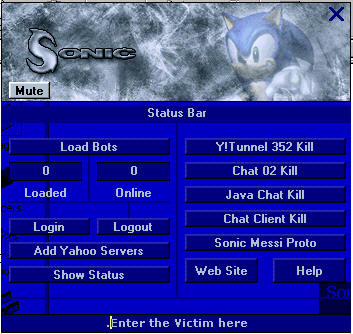
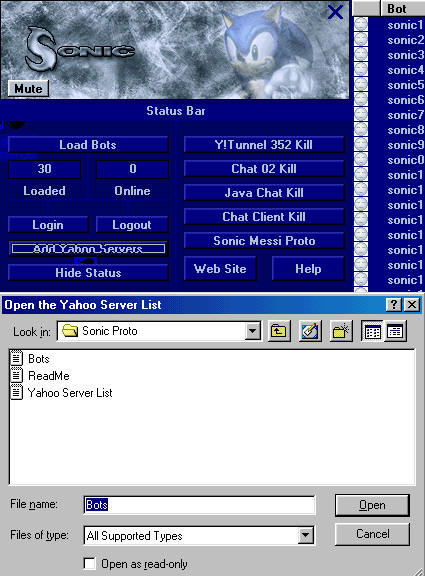
- Load Bots is to Load the Bots.txt
-Add Yahoo Server is for adding the Yahoo Server List
-Show Status is showing all Statuses
-Login will login all Bots
-Logout will Disconnect all Bots
So first I Click on Show Status so it will show the Full Status
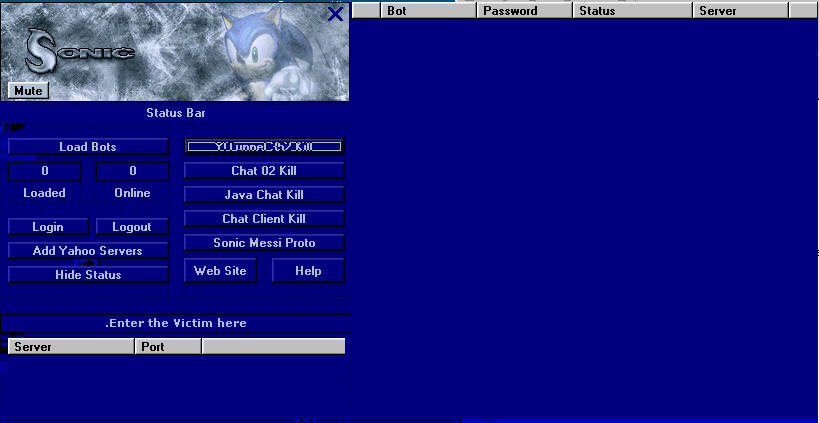
than I Click on Load Bots to load my Bots.txt
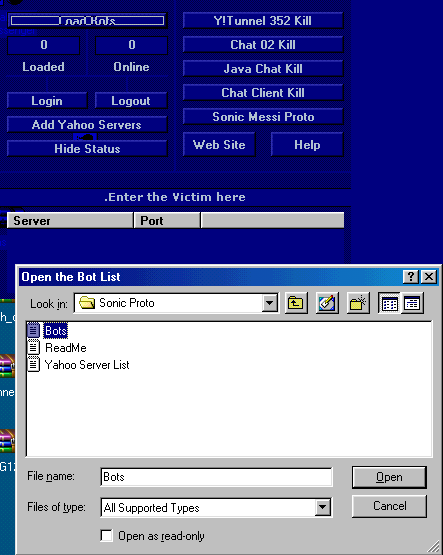
Once the Bots are loaded you can see them on the Right Site.
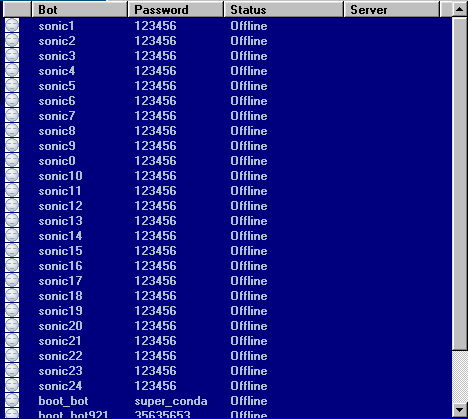
Now I add the Servers - Yahoo Server List
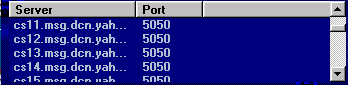
Once added you can see them on the Server Status
Now I Click on Hide Status so the Normal Booter will show Up
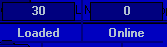
You can see how many Bots are Loaded and How many are Logged in means Online. Now I Click on Login to Connect the 30 bots. As you can see here down on the Picture not all Bots are logged in it depends on the Internet Connection you have. I am on Dial Up. Click Show Status to see who is logged in and who not
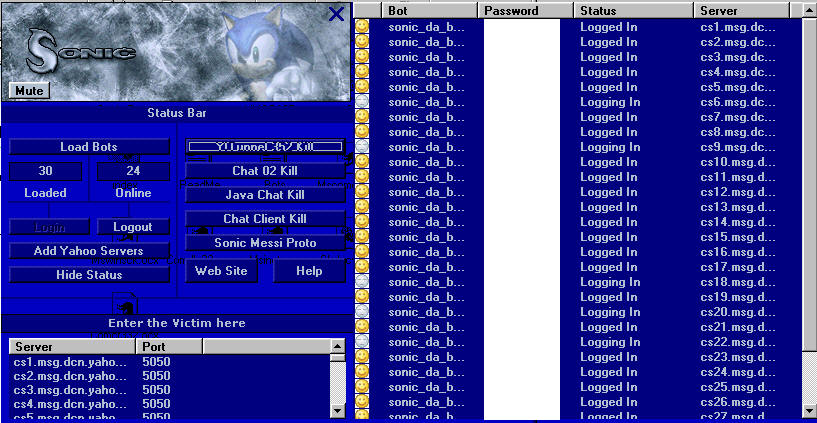
So that's it now enter a Victim in the Enter the Victim here Box and Click on of the Boot Option. I would check it first on your self to see if its really Booting. once you Clicked on Booting a new Window will Pop Up with a Stop Button. Use it to Stop the Boot.
-So that's it I hoped this Helped you out and I also hope you use this for Defense ONLY. Not all Mass Logins are same Example: My Anaconda doesn't need a Server List and you need to add the Bots before you Open anaconda. They will load Automatically into the Booter.Have Fun!
Tutorial by _Jehanzeb_
Copyright Jehanzeb.tk