You know, I've been using my iPad for a while now, and I've come to realize just how powerful it can be for productivity. Honestly, I was skeptical at first - I mean, it's an iPad, it's meant for browsing the web and watching videos, right? But the more I use it, the more I've found myself relying on it for tasks that used to keep me tied to my laptop.
One of the biggest game-changers for me was getting myself set up with a good task management app. I'd tried a few different ones in the past, but none of them really stuck. I guess you could say I was a bit of a digital hoarder, in the sense that I had a bunch of different apps that were all trying to serve the same purpose, but not really doing a great job of it. That was until I stumbled upon Trello, which has honestly been a lifesaver. It's so easy to use, and I love how customizable it is - I can set up boards and lists for just about anything, whether that's work projects, personal goals, or just random stuff I need to keep track of.
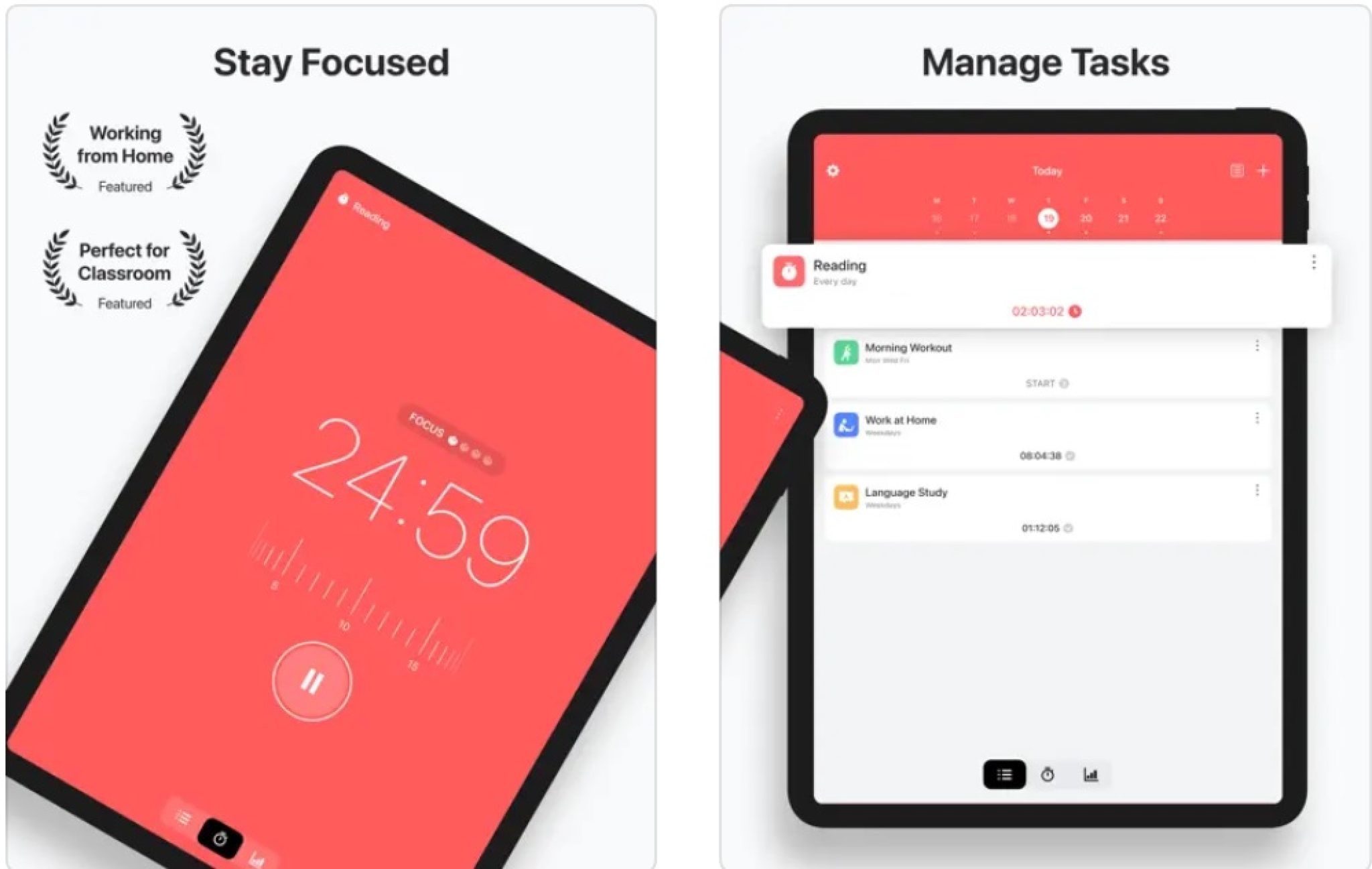
With Trello taking care of my task management, I started looking for something to help me stay focused. I mean, let's be real - it's easy to get sidetracked with all the shiny things on the iPad, whether it's Instagram, email, or just browsing the web in general. I needed something that would help me stay on track, and that's where Freedom came in. This app is genius - it basically just blocks access to all the distracting stuff on your iPad for a set period of time. I know it sounds a bit draconian, but trust me, it's been a total game-changer. I can finally focus on the task at hand without getting sidetracked by Twitter...
Of course, one of the things I love most about my iPad is its flexibility - it's perfect for working on the go, whether that's grabbing a coffee at a cafe or just working from the couch. And for that, I need an app that can help me take notes and stay organized. Evernote is a classic, and for good reason - it's incredibly powerful, and yet still super easy to use. I mean, I've seen some of the more advanced features, but for the most part, I just use it for taking notes and jotting down ideas. It's amazing how often I stumble upon something useful that I'd forgotten about, just because I'd written it down in Evernote.
When it comes to staying organized, I also rely pretty heavily on Google Drive - it's just so seamless to have all my files and documents right there at my fingertips. I mean, I know some people still swear by Dropbox, and to be fair, that's a great app too. But for me, Google Drive just feels more intuitive, whether it's accessing files or sharing stuff with others. And with the iPad's touchscreen, it's a breeze to navigate and move files around.
I guess what I love most about my setup is just how easy it is to use. I mean, with all these apps working together, I can do just about anything from my iPad - from brainstorming sessions with Evernote to focusing on tasks with Trello and Freedom. And when I'm done for the day, I can just shut down and know that everything is all sorted out. It's a great feeling, knowing that you've got your ducks in a row, productivity-wise!
Anyway, that's my take on the best productivity apps for iPad - I guess it's not a comprehensive list or anything, but honestly, these are just the ones that have worked for me. I'm always looking for new tools and tricks to stay productive, so if you've got any favorites, I'd love to hear about them in the comments!
best productivity apps in ipad

Published on 2025-10-25 21:44:29