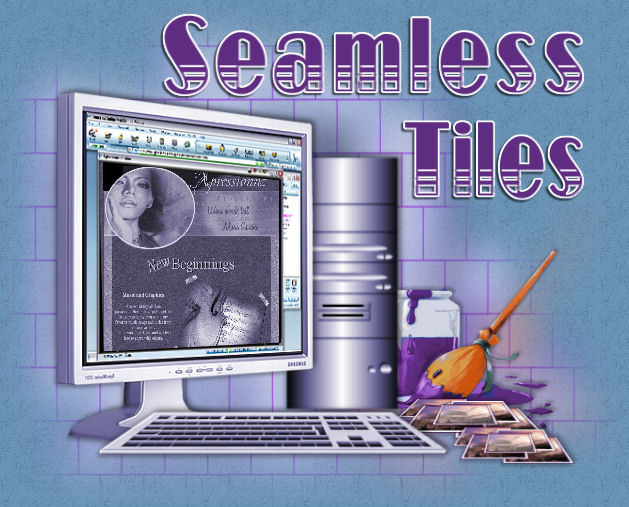
Lesson Two
In this lesson We learn how to make tiles so that they are seamless and
blend without showing edge lines or breaks in the area it covers. Below are the three colors
I chose to use on this page. The First tile is my background. I didnt use any filter to texture it.
On the Second Tile the light lavender ..I used filters unlimited to get a linen effect ..Then on
the Third Tile I used psp textures, and did a leather effect. With each of the textured
tiles ..I then Used PSP Images Effects and did a seamless tile set to
corners/bidirectional and thats it!
The second half of this lesson was to duplicate this page to use as my Portfolio Homepage
and then link the first lessons with the Homepage
(as you have probably already noticed they are some what identical)
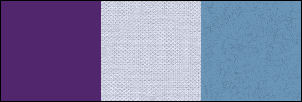
These are the colors I used
Tile 1 #51266d
Tile 2 #cfd2e1
Tile 3 #6d9567

© page designed by *kc* 2007
|