EZPAY-ROLL
Maker of user-friendly business software
|
||||||||||||||||||||||||||||
 |
||||||||||||||||||||||||||||
| ||||||||||||||||||||||||||||
|
||||||||||||||||||||||||||||
|
||||||||||||||||||||||||||||
|
||||||||||||||||||||||||||||
|
||||||||||||||||||||||||||||
|
||||||||||||||||||||||||||||
Roster Guide. |
||||||||||||||||||||||||||||
|
||||||||||||||||||||||||||||
|
||||||||||||||||||||||||||||
|
|
||||||||||||||||||||||||||||


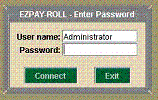 Enter password
default: payroll
Enter password
default: payroll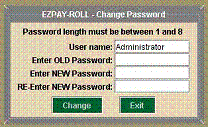 Change password from
Tools menu
Change password from
Tools menu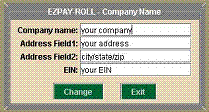 Enter your
information for all printed documents.
Enter your
information for all printed documents.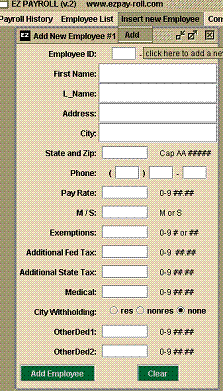 Input employee
info
Input employee
info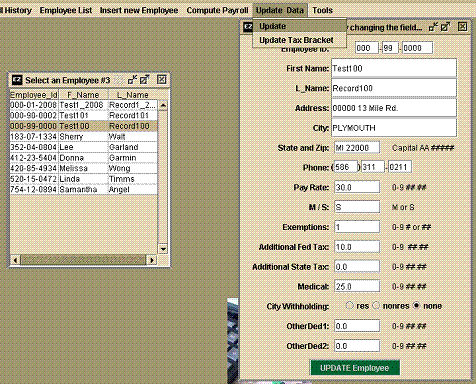 Update employee
info
Update employee
info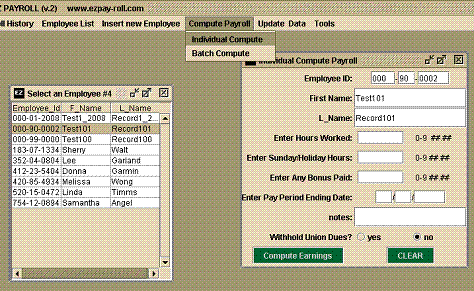 Compute payroll
one at a time.
Compute payroll
one at a time.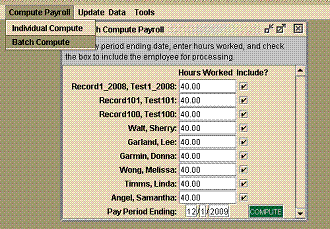 Compute payroll
in a batch.
Compute payroll
in a batch.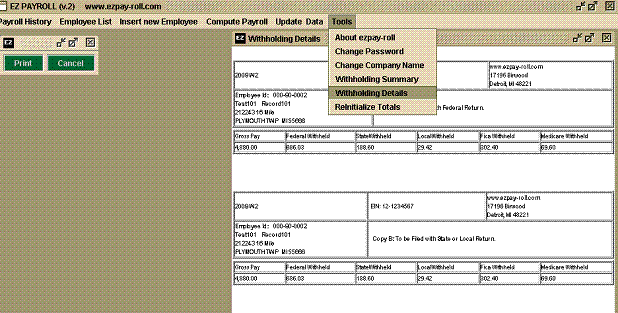
 Main gui.