|
 |
 |
 |
 |
 |
 |
 |
 |
 |
 |
 |
 |
 |
 |
 |
 |
 |
 |
 |
 |
 |
 |
|
|
Displaying your 360 as your default profile |
|
|
|
First of all there has been a few problems with doing this , I know because I was one of those that was experiencing some 'Strange' behaviour with it. It does however now appear to work so if you want your I.D. when it's displayed in other places on Yahoo (such as your groups for instance) to send people to your 360 home page when they click on it follow the steps below and all being well you should be in business....... |
|
|
|
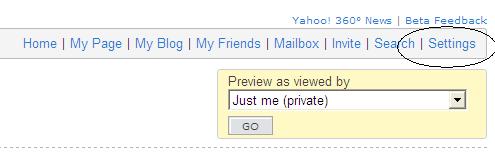
Are you sitting comfortably? Good then we will begin...... # 1. At the top of your 360 screen click the settings button, this will take you to the first page in the settings section.... |
|
|
|
 |
|
|
|
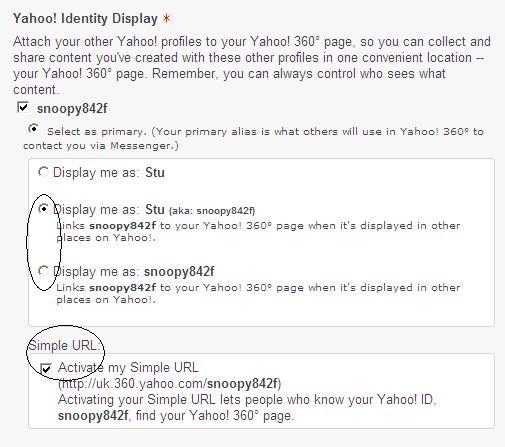
#2. On this page in the Yahoo identity display set it to the second or third one down which says links your profile to other places in Yahoo. Then put a tick in the box Activate my simple url |
|
|
|
 |
|
|
|
 |
|
|
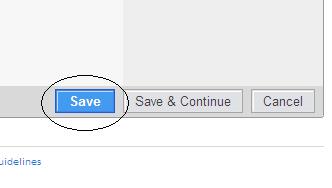
#3. Click Save at the bottom of the page.... |
|
|
|
|
|
|
And thats it your done. It may take a while for the changes to take effect because like I said recently it was exhibiting some strange behaviour.... |
|
|
|
If you want to browse the rest of my site feel free and for comments and questions there is a guestbook.....STU |
|
|
|
 |
|
|
|