|
Milestones
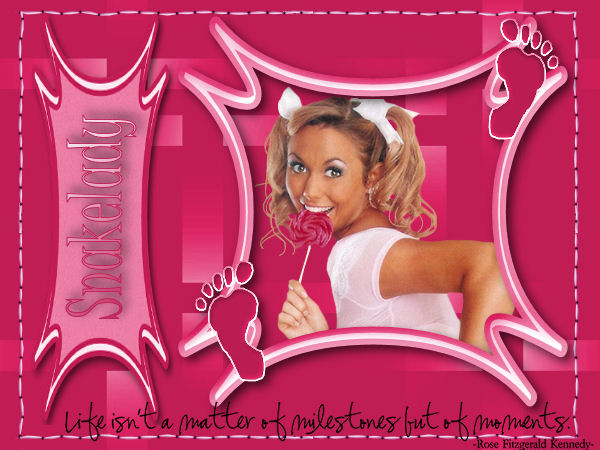
What do you need:
a nice tube of picture.
A few of the materials I used are from Birry. You can
find her beautiful site
here.
Thanxs for sharing Birry!!
All the materials are "here".
Open a new image 600x450 transparent.
Selections - select all.
Open the background, copy and paste into the selection.
Selections - select none.
Copy Snakestitch2 and paste as a new layer.
Layers merge - merge visible.
Copy frame 4 (scrapset pink beach) and paste as a new
layer.
Move to the right.
Close the bottom layer.
Activate the toplayer and select the middle part of the
frame with the magic wand.
Copy your tube and paste as a new layer.
Move untill a nice part of the tube of picture is in the
selection.
Selections - invert selection.
push your delete button once.
Selections - select none.
Move the layer below the frame layer.
You can open the backgroundlayer now.
Activate the frame layer.
Effects - dropshadow : 5-5-65-15 black.
Copy label2 ( scrapset pink beach) and paste as a new
layer, and move to the left.
Copy the text and paste as a new layer, give it a nice
place at the bottom.
Layers merge - merge all.
Image rotate - rotate right.
Activate your texttool. Pick two colors from your tag
and place your name in the label.
I used the font: Juice ITC.
Give your name the same dropshadow.
Image rotate - rotate left.
Place your watermark en resize your image ( if nessecary)
Don't copy anything without my permission.
Leave the names and watermarks of the tubes intact.
Snakelady.
Home
<
|