|
Flower Rain
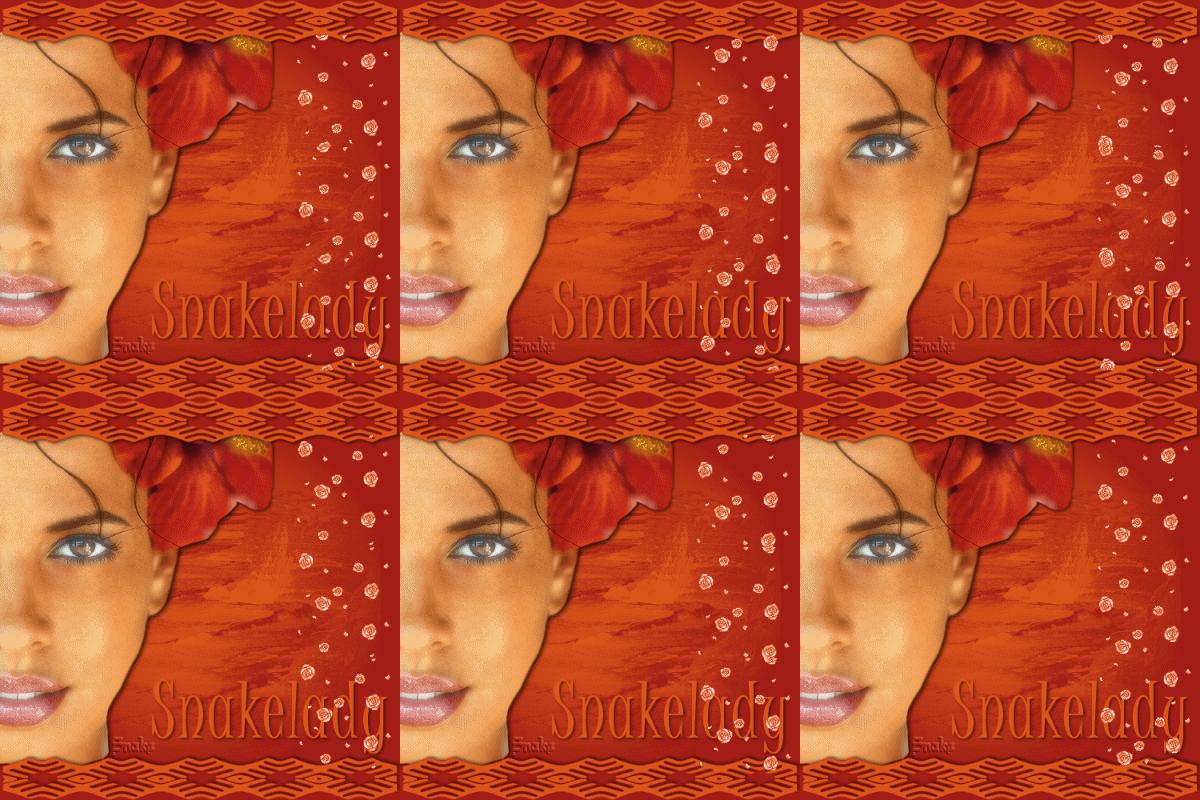
Thanks Pip for making my tut and checking my translation!!
You need a tube.
The rest of the materials you
can find
"here".
Open Your tubes in Psp.
put the shapes into the preset shapes folder.
We are going to use the animation later in animationshop.
Pick a dark foregroundcolor (#a11e11) and a lighter
backgroundcolor (#dd571a).
Open a new image 500x500 transparant and fill this with
your dark color.
Open the backgroundbrush (flowerback). We are going to
export this to your brushes.
File - export - brush
give the brush a name ( flowerback) and click ok.
Activate brush and search for the brush flowerback.
change your foregroundcolor into the light color, the
size of the brush 475,:

Stamp the brush in your image, maybe you have to click
twice for a nicer result.
Copy the tube ( this must be about 450 pixels high) and
paste as a new layer.
Move it to the left, keep a little bit of the upper part
and lower part free.
Effects - dropshadow, hor and vert 2, Opacity 75. blur
7, color black.
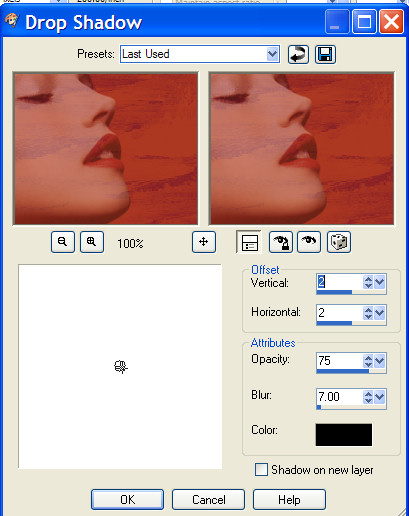
Layer - new rasterlayer.
Go to shapes, search for the shape all13. U can use any
shape you like, I used all13.
Make sure your foregroundcolor is the dark one and the
lighter one your backgroundcolor .
Take your shape from
the upper left to the upper right.
Look at my example.
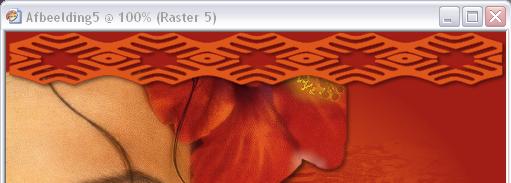
Change your vectorlayer into a rasterlayer.
Effects - dropshadow- same settings as before.
Layers duplicate - flip image.
On the upper and lowerpart you can erase whats under the
shape. I like that better.
Make sure if you want to use the
eraser, you activate the layer of your tube.!!
Layers - merge all layers.
Activate your text tool, we are going to place your
name.
The font I use is called Juice ITC with these settings:

Change your vectorlayer into a rasterlayer and use the
same dropshadow, you used before.
Layers - merge all layers.
Dont forget to put in your watermark.
Your tag is ready now.
If you like the animation, then stick with me
Copy your tag.
Open animationshop and paste as a new animation.
Open your floweranimation.
You can see that the floweranimation consist of 20
frames.
Your tag is only one frame, so we have to make 20 frames
of it.
Click on copy 
and then paste after current frame.
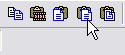
repeat this 19 times, so you will have 20 frames.
Please check this carefully.
Press on CTRL A and all the frames are selected.
Now we are going back to your animation.
Again press on CTRL A - all the frames of the animation are
selected.
Click on copy.
Go back to your image.
Make sure all the frames are still selected and click:
paste into selected frame.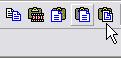
Click where you want the animation, and you will see
that the animation is on all the layers.
If you want to see the effect, click: view animation.

Have fun with this tutorial,
please leave the names and watermarks of the tubes
intact.
Remember: no copying!!
Snakelady
"Home"
|