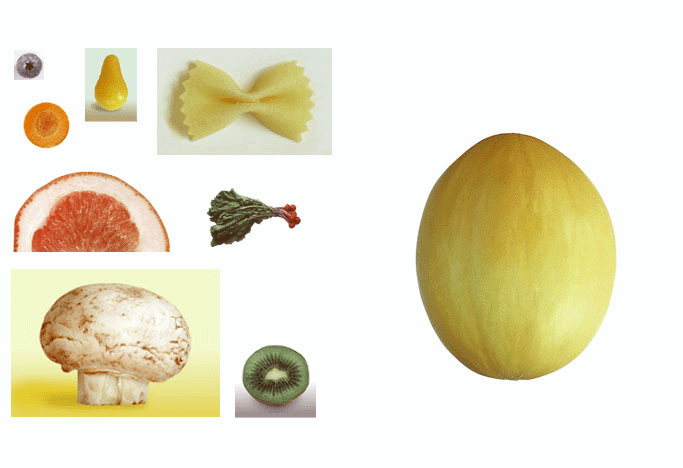
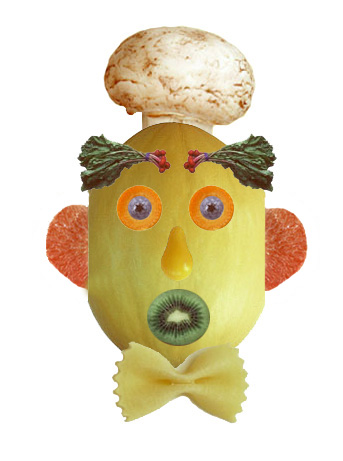
My Assignments
Adobe Photoshop
Exercise 1
Before - - - After
Other Exercises
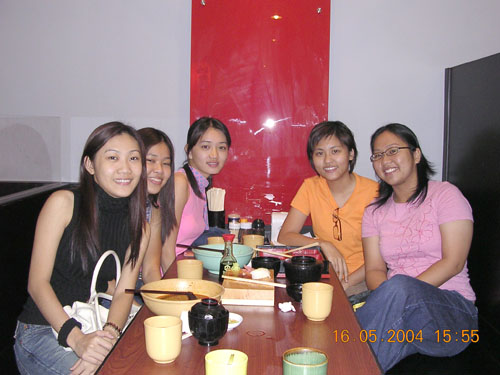
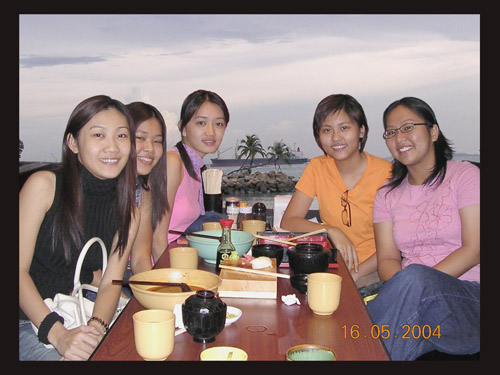
(before) ~ ~ (after)
Steps:
1. First we might use Lasso tool, Magnetic Lasso or Magic Wand tool to cut out the wanted image.
For Magnetic Lasso tool :
i. Select the zoom tool, and click the image to soom in a clear view.
ii. Select the magnetic lasso tool hidden under the lasso tool.
iii. Now click once from any beginning point of image, release the mouse button, and begin tracing the outline wanted image until the beginning point.
iv. Then double-click the mouse button, which signals the magnetic lasso tool to return to the beginning point, and close the selection.
v. Lastly, we just drag and paste the image into another new picture by using Move tool.
2. Otherwise, we could erase the other space that we don't want by using Erase tool to cut out the needed image.
3.Besides, we could decorate our own background by appying Brush tool, Gradient, Filter tool and other ways.
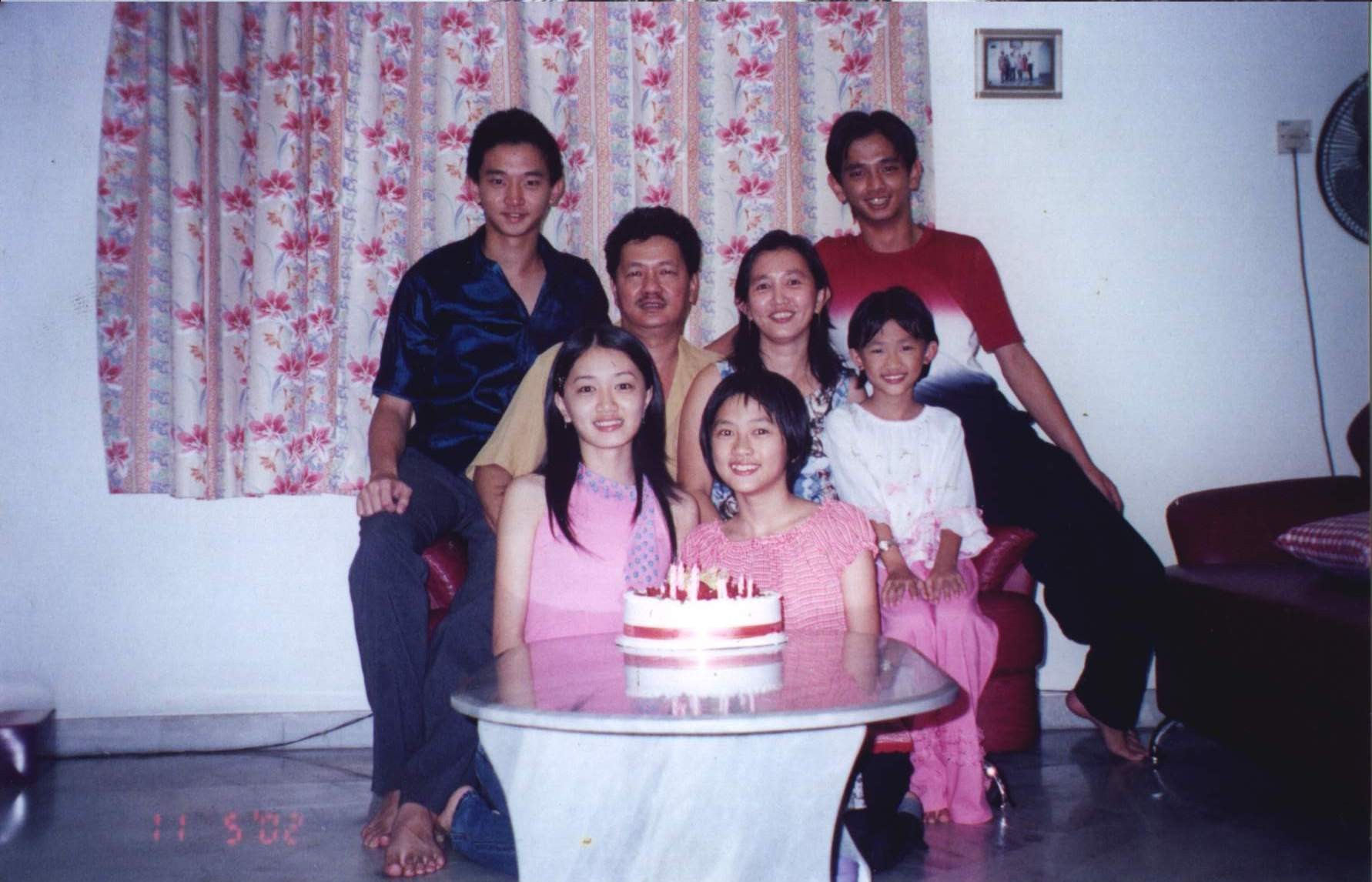

(before) ~ ~ (after)


