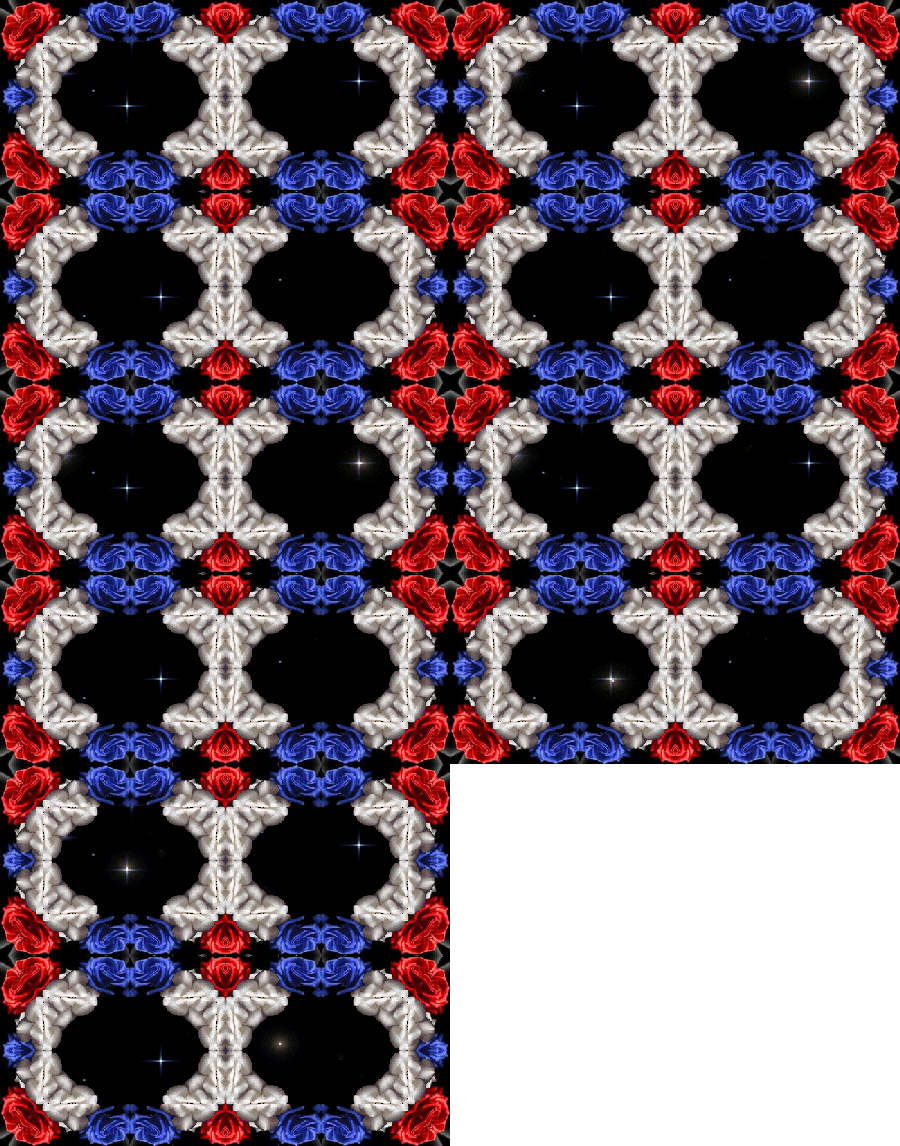
This is a working Interface Image Map.
No text or buttons to click on.
Just clickable areas-the double blue roses
that are links to somewhere.
The possibilites for this image are many and this is just
an example of one.
BACK HOME NEXT
ClickHereto download image.
If you want the Image Map to be the same copy & paste the
code below exactly as it is. If you want different areas to be links
just change the coordinates.
img src="http://url of image" align="center" border="0" width="450" height="382" usemap="#mymap1"
map name="mymap1"
area shape=rect coords=110,15,150,30 href="http://"
area shape=rect coords=300,15,340,30 href="http://"
area shape=rect coords=110,175,150,190 href="http://"
area shape=rect coords=300,175,340,190 href="http://"
area shape=rect coords=110,345,150,360 href="http://"
area shape=rect coords=300,345,340,360 href="http://"
/map
You will need to add the < at the beginning of each line
and the > at the end of each line in the code if you copy it.
Text or buttons for clickable links can be added to the image if you like.