If you have several images to import read the note after the following steps.
1. Open up Wally
2. Hit the New button

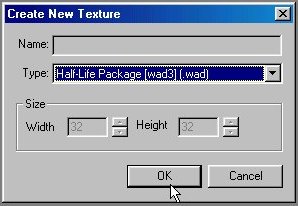
3. Select "Half-Life Package [wad3]" as Type and click OK
4. Load the image in PSP or similar, select all and copy to clipboard.
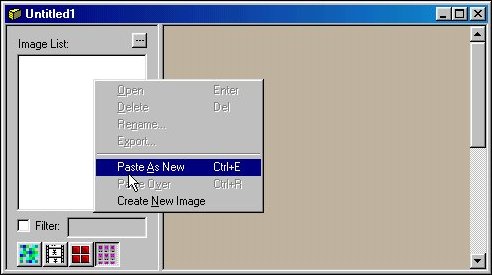
5. right click in the image list and select "Paste as New"
6. Repeat for any other images.
7. Save your WAD, make sure you put it in the cstrike directory
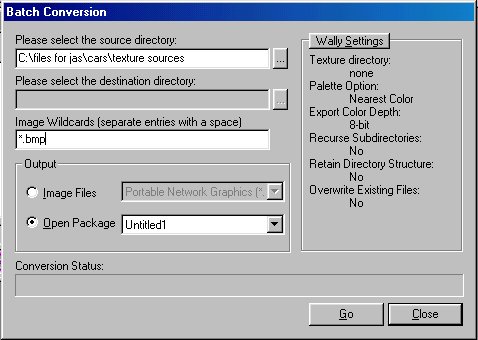
If you have lots of images to import at one time you can simplify the process by avoiding steps 4-6 by by putting them all in one directory and using this dialog obtained through "Add Images" in the package menu to import all the images at once.
Hope this helps.