Editing Components
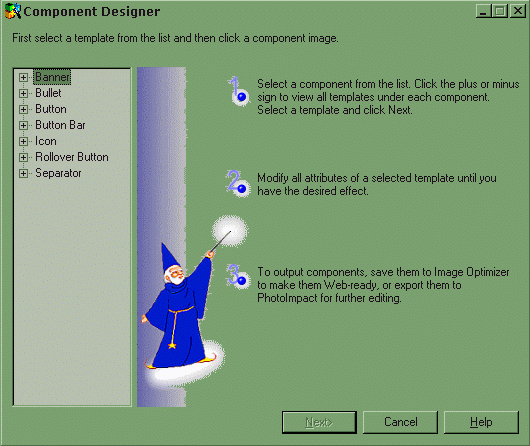
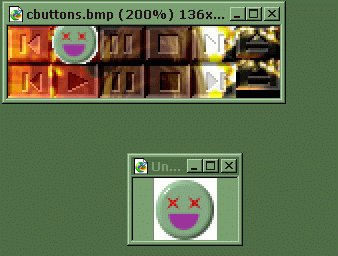
Ok this one is done in photoimpact's web component designer. That's right, the same program that made the banner at the top of this page is perfect for making buttons and sliders on your winamp skin. All you have to do is open up the web component designer and use the icons and bullets and modify them to match your skin colors and then place them on top of the bitmap files that make up your skin, resave the picture and then your skin will be almost good to go. This is why you dont save your skin in a zip file right away. If you do, you wont be able to modify the components.