
The Source: eCheques (5/5)
Changing Passwords
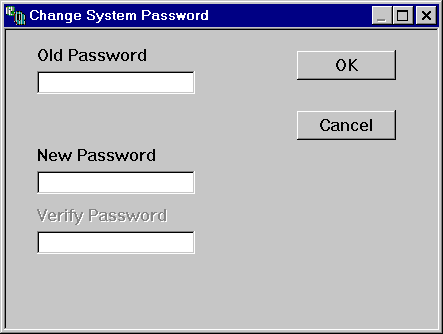
Enter your old password and new password (verified) Hit the OK button. The password is case sensitive. You will not be able to operate eCheques if you forget this password!
Maintain Subscriber Print Defaults
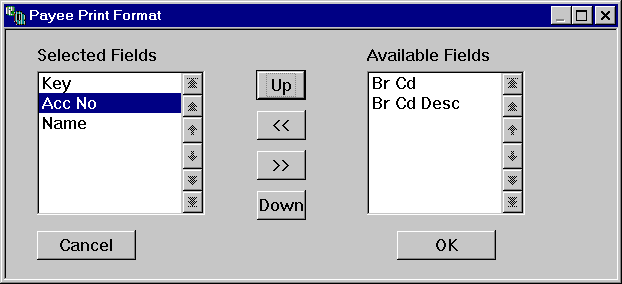
Select the fields you would like to include in your output and set the ordering of output.
Select the fields you would like to include in your output and set the ordering of output.
Maintain DCS Run Print Defaults
Select the fields you would like to include in your output and set the ordering of output.
Select the fields you would like to include in your export files and set their ordering.
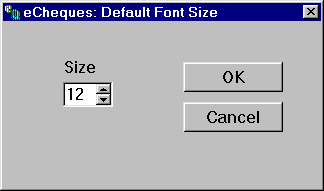
The default font for all output is Courier New (which comes as default with Windows 95). From this option you can select the font size for your printouts. Printing automatically adjusts depending on your font size.
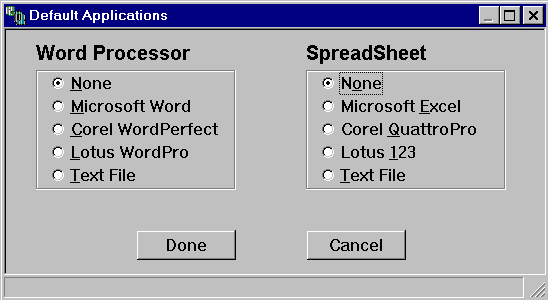
This option dynamically checks what applications are installed and allows you to determine with what applications you want to work with. Whenever you install/uninstall any of Microsoft Word, Microsoft Excel,, Corel WordPerfect, Corel Quattro Pro, Lotus Word Pro or Lotus 123 it is advisable to run this process.
Number of Payees/Screen
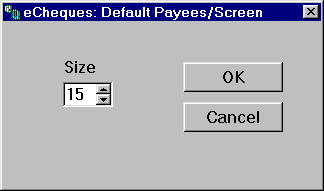
You can customise the number of rows that will be displayed during the DCS Run. Go to DCS Run: The Modify Button for more information.
Toolbars
Section not yet defined.
Online Help
eCheques will, in it's final release, have context sensitive help and documentation, including this document will be available in the following formats:
- Help File
- HTML format
- Microsoft Word
- Corel WordPerfect
- Lotus Word Pro
External Modules
External modules can be integrated into eCheques so as to offer tailor made solutions to clients that require them.
User Defined DCS Files
The various fields and details required by different financial institutions can be imported into eCheques. This will allow registered users to add new banks, customise dates, fields and output runs.
Registration
This section is still not yet defined.
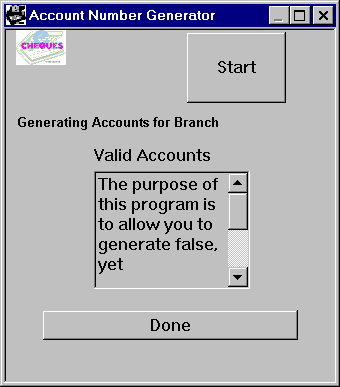
The Generate Account feature has been included so as to use eCheques. This program generates a list of algorithmically correct accounts for a randomly selected branch sort code. You can use copy and paste to copy the sort code and accounts into eCheques.
Notes regarding this Beta
This Beta is the first public release of eCheques although this product is currently being tested at a number of sites. This beta expires 31st September 1998. The final release of eCheques will be available on the internet and on CD format on 1st September 1998.
Problems with this Beta
If you encounter problems with this Beta version of eCheques, please report them to [email protected].
Contact Information |
| Chris Bonnici CBSoft Ltd email: [email protected] |
