Bag

Open up a new
canvas size 70 x 70
Zoom in so you can see very clearly!
Select your paintbrush
Brush size 1 and chose square
Then in your materials palette set your stroke to #404040 OR to a colour of
your choice
And copy the following image
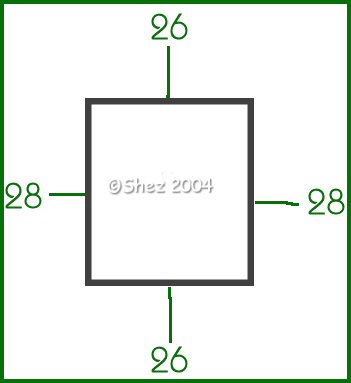
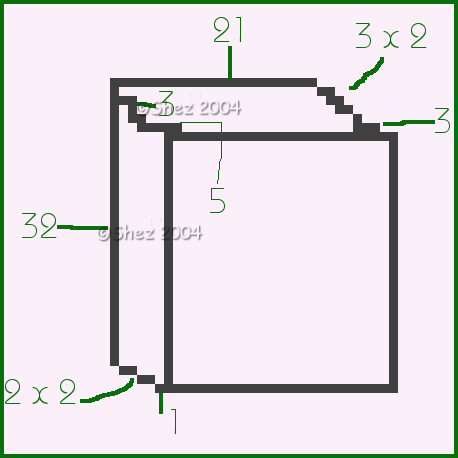
Then add a new layer and add on the following
Add a new raster layer and pixel in the handle as below
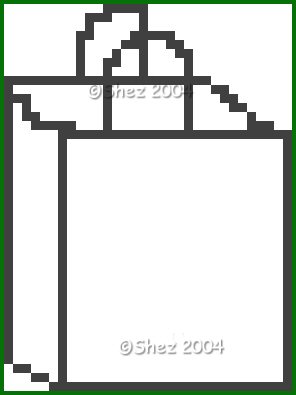
Make the handles as big or as small as you want them .
Merge all layers
Save in psp format for future use
Tutorial copyright of © Shez and may not be reproduced, linked to or passed
out in any form without prior consent.
Now just colour in as you wish and add anything inside you bag then save.
Tutorial copyright of © Shez and may not be linked to, reproduced or passed
out in any way without prior consent.