 |
 |
|
|
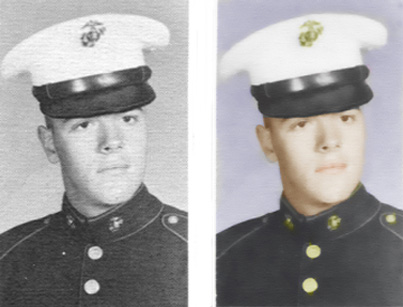
| This is a picture of my husband when he was in the Marine Corps in the early 60's. (He was a real hunk!!!) He was about 19 years old in this picture. I scanned the black & white picture from his year book and then used my photo program to colorize it and smooth it. It may not look as clear on this web page, so click on the picture to see a better version. |
| Background music: "Dear Hearts" |
 |
 |
 |
 |
 |
|
 |
|
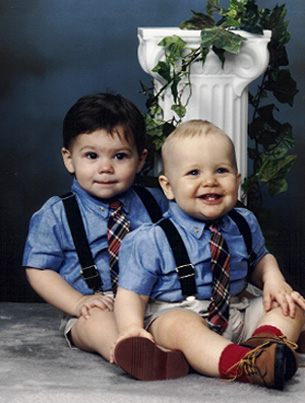
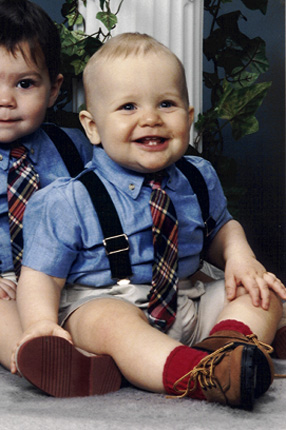
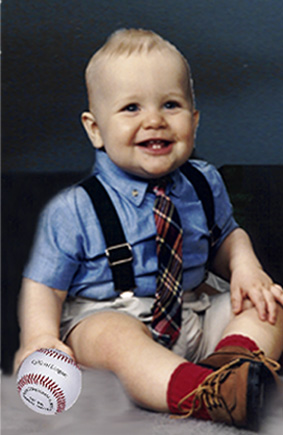
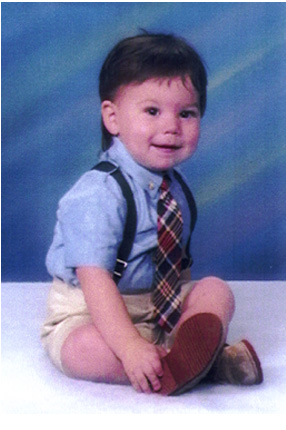
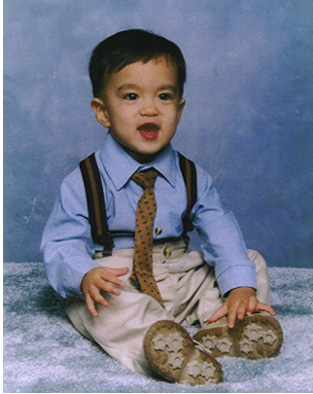
| I wanted a picture of Franklin by himself in the same outfit as Nick. The photo above was all I had, so I decided to make my own. I scanned the original photo, then cut out as much of Nick and the background as I could. I filled in another background and added the baseball to make his hand look more natural. As you can see, his hand was originally on Nicks shoe. |
| Step 1: Scan original photo into photo publishing program. |
| Step 2: Crop out as much of unwanted photo as possible. |
| Step 3: Trace/cut out original background & add new background and photo of baseball. |
 |
| LITTLE MEN (My Grandsons when they were 1 year old) |
|
 |
|
|
 |
|
 |
|
|
 |
|
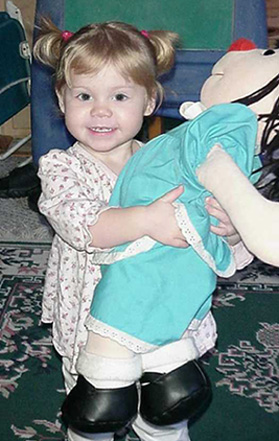 |
| MOLLY AND ME (My granddaughter at 2 yrs. old) |
| S |
| S |
| This is an example of cropping, cutting out unwanted elements and inserting new elements. I made a single portrait of Franklin out of this "dynamic duo". |
 |
 |
 |
 |