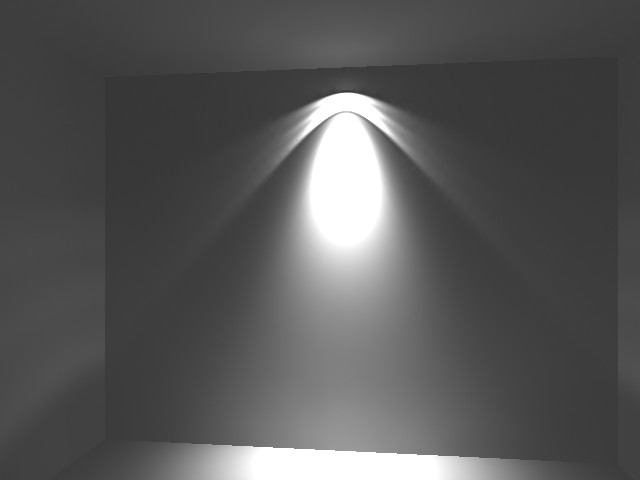
Figure 1.
Insight rendering. Simple scene with one box object and one Insight Light with
IES file. All the settings have there default values, except "Brightness".
It equal 52.
Also "Use Decay Setting" checkbox is NOT checked.
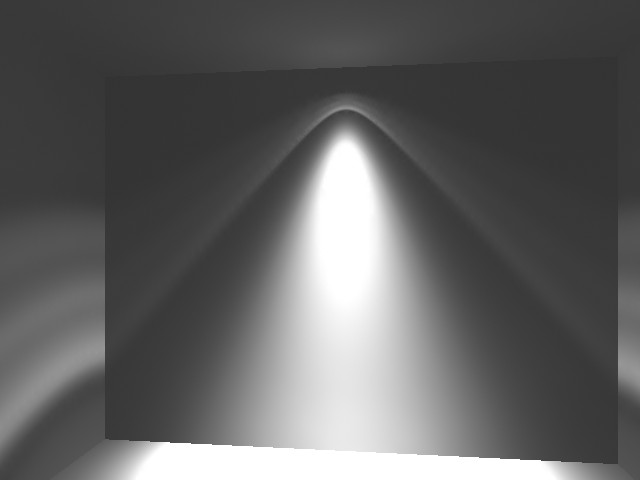
Figure 2.
In this rendering checkbox "Use Decay Setting" is checked. And decay setting in Light rollout is set to "None".
The light beams shows the influence from the IES file.
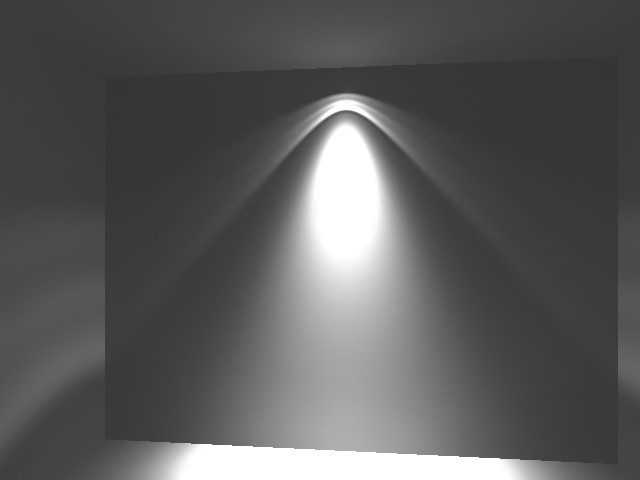
Figure 3.
Here is used second decay value: "Inverse" decay type.
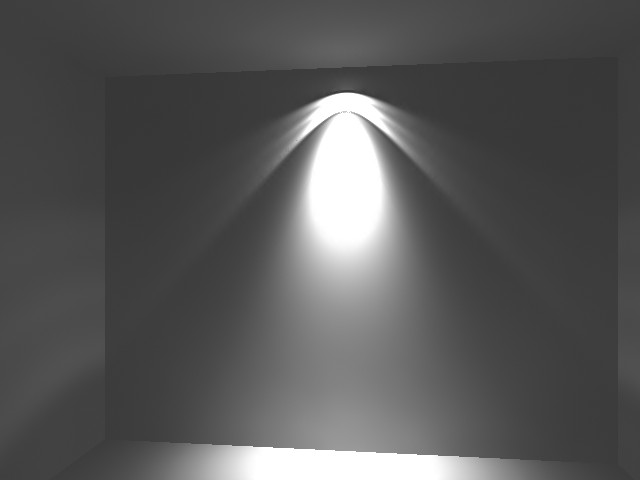
Figure 4.
And here you can see image that gives us Insight with Light Decay type "Inverse
Square".
As you see the image look exactly like
the first rendering (Figure 1).
O'key. I understand that the light has Inverse Square attenuation in real life. :) But here is the Lightscape rendering of same scene.
And there are words that I will say beforehand. I don't want to say that some renderer is much smarter or better than Insight but I want to say that another renderer, thich has very good reputation, give me some different result. So take a look...
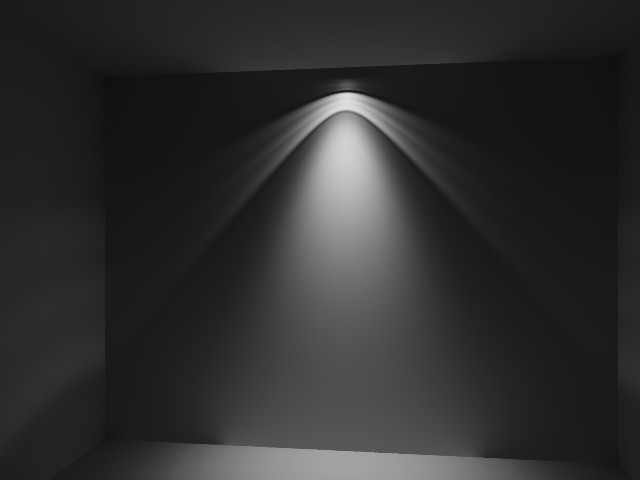
Figure 5.
This is the same scene rendered in Lightscape. Same Box and Light object with
same IES file assigned to spot-light. I've render this scene with "Raytrace
Direct Illumination" chekbox. The Brightness is set to 52 too.
We have dark picture, but we lost bright "spot" on the wall. I don't
know how much it correct, I just compare the results of two renderer.
Note: Insight and Lightscape automaticly assign intensity
value from IES files to light source. But here is a big difference in values
that gives Insight and Lightscape.
Insight assign 6118.127lm value to the spot, and Lightscape assign 14000lm,
but regardless of this we get darker image in Lightscape.
It is big question!!!!
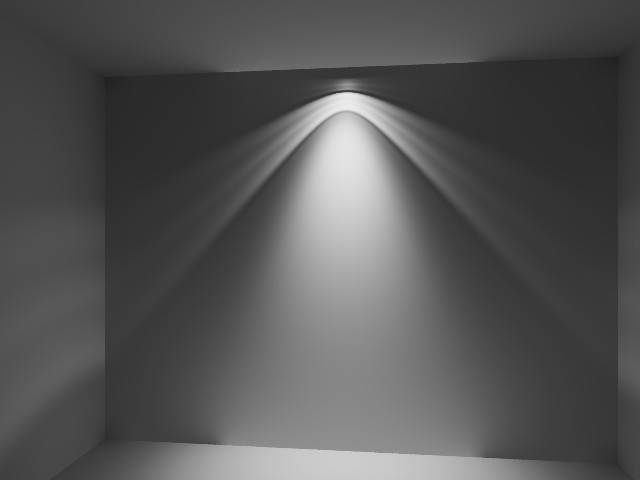
Figure 6.
And the last picture. I've changed intensity of light source: now it equal 28000, and Brightness value is 55. In this picture seen how light intensity decay with distance.
Decay effect in Lightscape rendering looks nearly in the same way as in Insight,
but there is no bright spot on the wall and on the floor!!!
Don't you think that the reason of this is a different
Decay algorithm in this two programs???
Note: I know one of the ways to avoid bright spots on the walls. I've read about it in the render.ru forum. After Insight done it's calculation, I must reduce light intesity - illumination of the scene will remain the same, and bright spot are disappeared...However it affects the "light picture" on the wall, but i don't know another wayout.
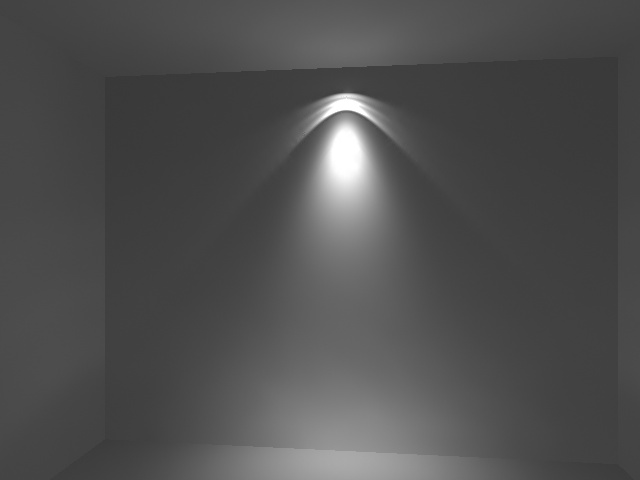
There is picture. I've reduce intensity from 6118.127lm to 1500lm.
I have big interest in which of this program get a correct light attenuation calculation.
Wait for your response. [email protected] :)