|
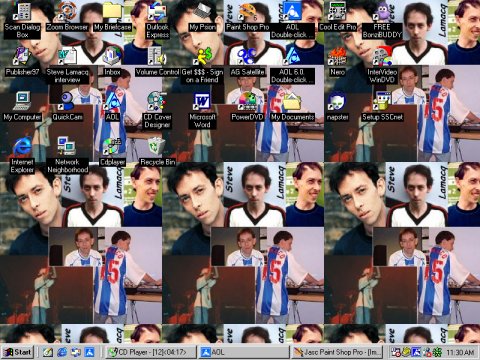
Exclusive Lamacq desktop wallpaper!
That's right girls, you too can have multiple images of Steve's lovely face staring at you EVERY SINGLE TIME you log onto your computer! |
|
|
To get your desktop looking just like this, read our easy to follow instructions below!
|
|
 |
1) Click on the picture opposite with your right mouse button. 2) Select "Set as Wallpaper" from the menu that should pop up. If the picture doesn't tile automatically, you'll need to follow these instructions: 1) Click the "Start" button on the taskbar in the bottom left hand corner of your screen. 2) Select "Settings" from the start menu, and then "Control Panel". 3) Double click on the "Display" icon. 4) With the "Background" tab selected, click on "Tile" from the drop-down menu under where it says "Display". |