|
Tag Art Tutorial- Project Two
This is the second in a series of tutorials about tag art. There is no right way to do this, but I hope that this will help you find the best way for YOU to make a tag. I am by no means an expert when it comes to making tags, rubber stamping, or anything else, as a matter of fact. These are the basic steps that I go through when I sit down to make a tag. I'm just trying to share my love for art and making tags! :-) The second project will be a tag decorated only with rubber stamps with a sponged background. If you read my first tutorial, you will notice that the steps are basically the same, we are just using a different technique to decorate the tag. If you have any questions or comments, please e-mail me.
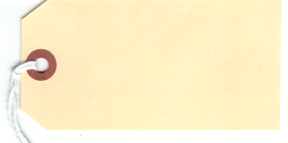
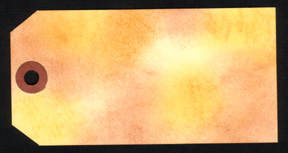
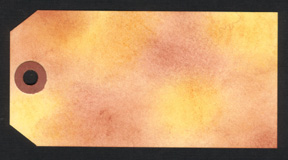
I saw the postcard stamp first and decided on a travel-type theme and I went from there. Travel means voyage and journey so I put the Voyage Slab next to the postcard stamp, I think of maps when it comes to traveling, and coins that you could have collected from other countries. That's how I decided on the stamps to use for this tag. And, I always use my speckle stamp by Stampin' Up!. I love the look that it adds and makes the tag look like it's been around for awhile and not freshly made. Step 2: Decide on Colors- Look at the stamps that you chose and think about the theme. What colors come to mind when you think about the theme? Did you choose Victorian stamps? I think of rich colors when I think about Victorian things. Or, are the stamps all an Asian theme? Definitely red, black and gold come to my mind then. How about flowers? Greens, yellows, pinks, purples.... and so on. Listen to what your stamps are telling you! And the colors should come to your mind. The stamps that I chose are in a travel theme and I want my tag to look like it's been around for awhile, so I'm going to pick 3 shades of brown and stamp the images in black. Step 3: Assemble Supplies- Okay, now that you have decided on a theme and your colors, get everything ready. Look at your stamps and decide what size of a tag you will need. Will you be using a mailing tag or cutting your own? We're going to use a mail tag that measures 4 1/4" X 2 1/2 ". If you don't have a tag, make you own. Get all of your ink pads out and ready to use. You will also need a sponge of some type to apply ink to the tag to make the background. Remove the string from the tag before starting.
Step 4: Create a
Background- Choose 3 or 4 colors of ink. Lay the tag on
top of a piece of scrap paper.
Step 5: Stamp Images-
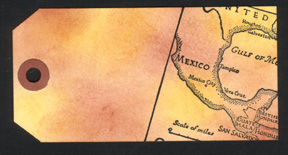
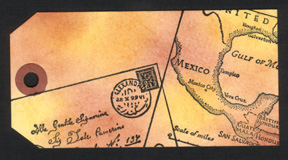
Using the black ink, randomly stamp the images on the tag. Sometimes,
I lay the stamps (un-inked) on top of the tag, so that I can kind of get
a general idea of where I am going to place them. Here are the steps
I took to stamp my tag:
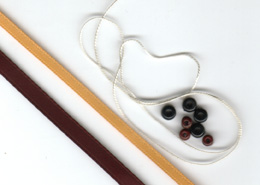
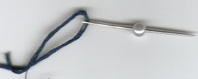
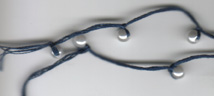
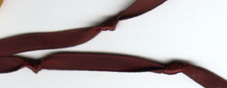
Step 6: Add Fibers
and Beads- Look at your tag and decide what colors of fibers,
ribbons, etc. would look nice on your tag. Stay with your theme.
Is your tag Victorian and needs pretty fibers or is it more rustic and
some raffia would work better? Pick beads in colors that coordinate
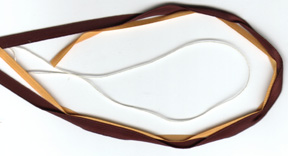
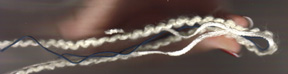
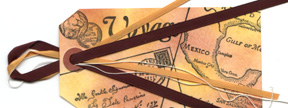
with the tag and fibers. Cut fibers in 8-12 inch lengths and have
each fiber a different length, so that the ends of them will not be even.
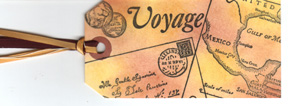
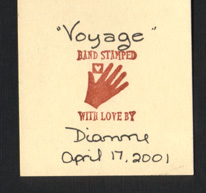
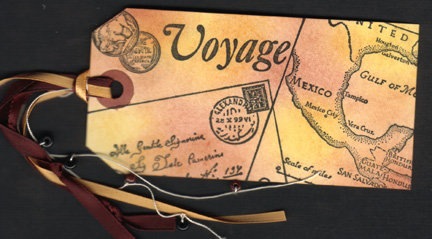
Step 7: Sign Your Artwork- Always remember to sign your artwork! Put your name and the date that you made it. You can also put a short note on the back, if the tag is a gift. Some people even have names for their tags. I'll call this one "Voyage".
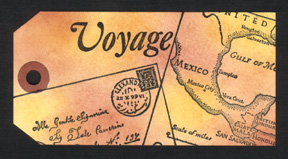
Step 8: The Finished Tag- Here it is! The finished rubber stamped tag with a sponged background:
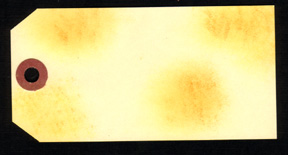
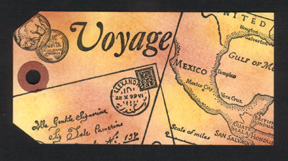
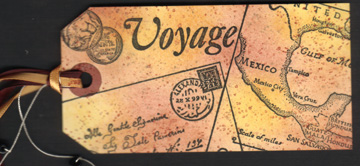
Step 9: Other Options- You might want your tag to look a little more "antique" or maybe you want some gold. For my tag, I am going to use my splatter-looking stamp and stamp on a couple of shades of brown to make the tag look like it has traveled around the world on someone's suitcase. It would also look neat to use the speckle stamp and emboss with gold embossing powder. And how the tag looks after using a slatter-looking
stamp with 2 shades of brown ink:
Congratulations! You just made a rubber stamped tag! Wasn't that easy and so much fun? I hope that you enjoyed this tutorial. If you have any questions, please e-mail me. I am having a lot of fun doing these tutorials and I am planning on having some more about tag art, so be sure to check back often to see if there is anything new. Better yet, join my mailing list and you will receive an e-mail whenever I up-date my pages. Thanks so much for coming and I hope that you enjoyed your stay. :-) Di~
This set is courtesy
of:
This page was last updated
on:
|