How to take a screenshot:
When in Midtown Madness, or any other place, press 'PrintScreen' (or 'sysrq') to take the shot. Then enter any graphics program such as Paint or Imaging, and press Ctrl+V to paste the shot in.
In Midtown Madness, press V, then use the insert/page up/down/home/end/delete keys to move the camera.
Hold down shift to move faster.
Happy Screenshotting!
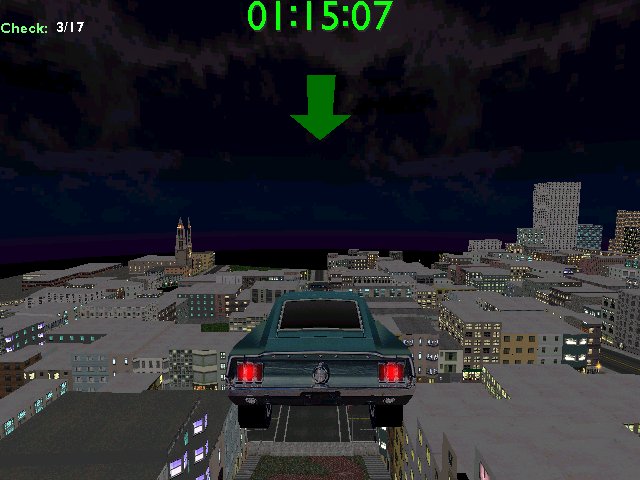
Bird's Eye View
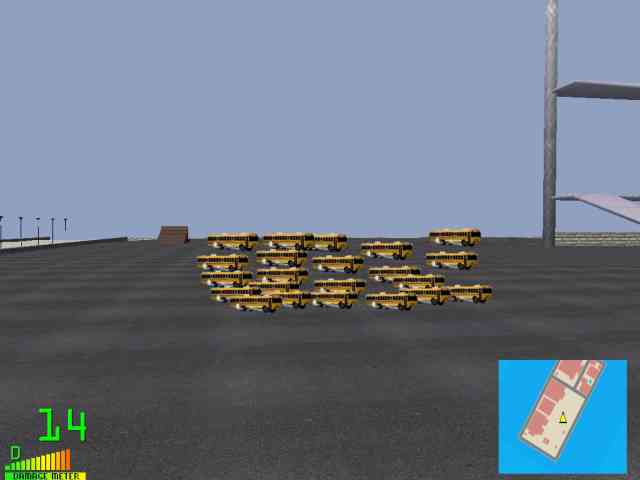
Fleet of buses (edited)