Satellite Exploration of Thailand > Satellite Image Resources

GeoZoom / Michigan State University


The BSRSI - Basic Science & Remote Sensing Initiative of Michigan State University maintains an extensive archive of Landsat images. These images are basically for sale (priced at $25, $50 or $600) but lower priced images ($25 and $50) can be browsed with their "GeoZoom" for free.

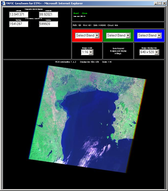
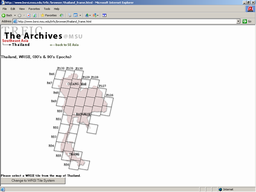
The search page catpured on the right has a clickable map of Thailand. For other search interfaces, look here.


GeoZoom Features

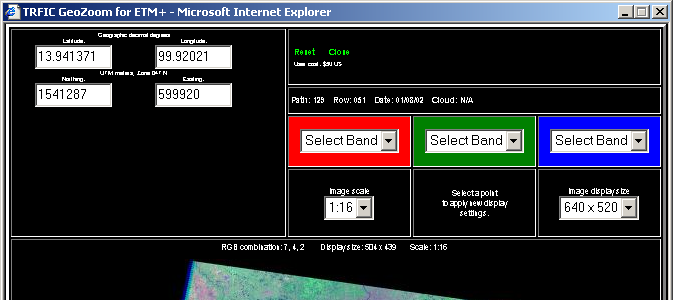
One major restriction of the GeoZoom is that its maximum view window size is limited to 640 x 520 pixels. You can view and download as many 640 x 520 sections as you need, and stitch them together with a graphic editor to reconstruct a larger image, but downloading and stitching many sections requires a lot of time and patience. A full-size Landsat frame is about 8,000 x 7,000 pixels. In order to cover this area with 640 x 520 sections, it requires, theoretically, 182 of them. But lack of scroll bars in the GeoZoom hampers efficient image panning even with the help of (and nuisance of relying on) geo-spatial coordinate data of your mouse's position in the GeoZoom image window. Chances are, you will need to download 250 - 400 GeoZoom images to reconstruct a full-size frame. This is, in a sense, the price you have to pay for making use of the free GeoZoom images.


GeoZoom


GeoZoom can ...GeoZoom can't ...
You can select following image features:
1. Color Combination (RGB = 2, 3, 4, 5 or 7)
2. Image Scale (1: 1 - 1: 32, in terms of the original Landsat image resolution)
3. Image Display Size ( 256 x 256, 460 x 460 or 640 x 520 pixels)

GeoZoom shows geo-spatial coordinates of the exact location your mouse is pointing in the view window, in both the latitude/longitude format and the UTM format.
Bands 1, 6 and 8 are not available.

Maximum image size is limited to 640 x 520 pixels.

GeoZoom doesn't offer scroll bars to pan the image, so you must re-center the image with a mouse click.


WRS-1 Image Browser

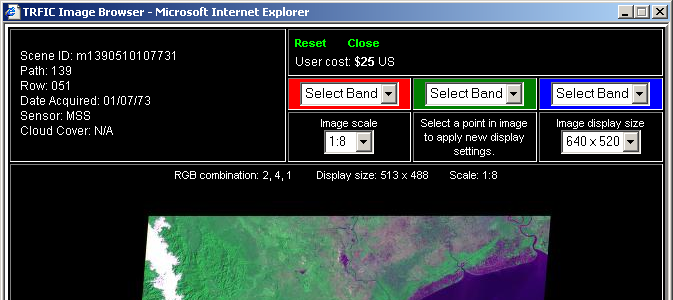
For older Landsat images from the WRS-1/MSS era (1970's), the BSRSI provides a similar interface called "Image Browser." In accordance with the older Landsat image specifications, this browser allows you to select following image features:
1. Color Combination (RGB = 1, 2, 3 or 4)
2. Image Scale (1: 1 - 1: 16, in terms of the original Landsat image resolution)
3. Image Display Size ( 256 x 256, 460 x 460 or 640 x 520 pixels)

Unlike the GeoZoom, the Image Browser doesn't show geo-spatial coordinates where your mouse is pointing.


Image Browser


Quality of GeoZoom Images

Although the GeoZoom allows access to full-resolution Landsat images, GeoZoom images do not necessarily represent full potentials of Landsat imagery.

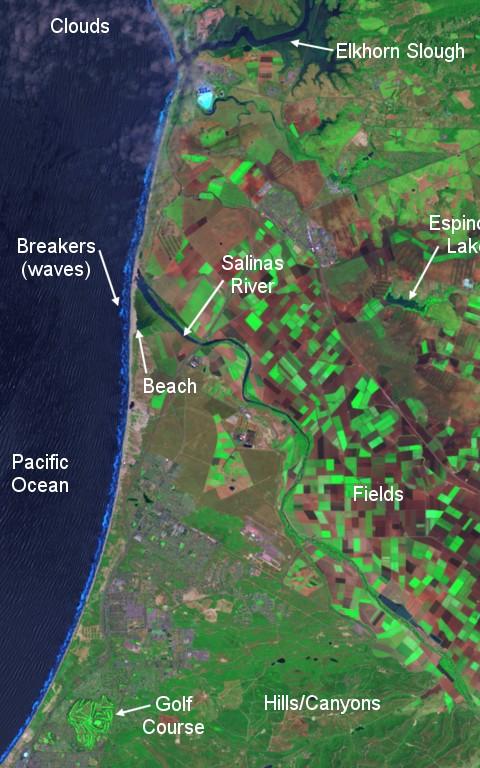
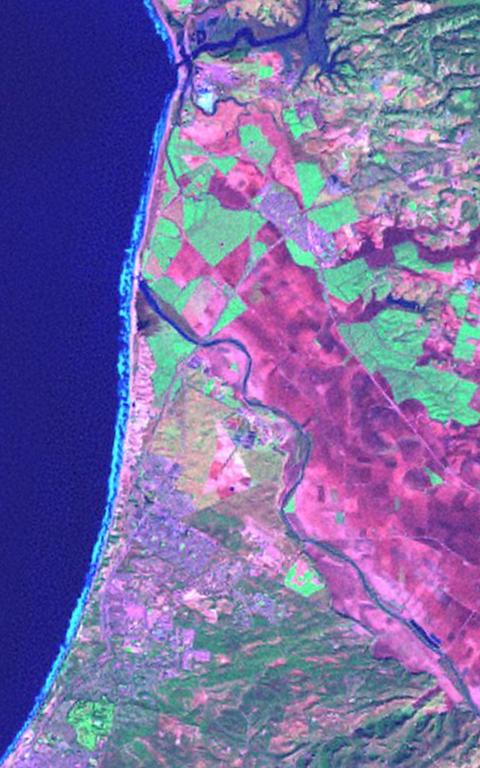
Following is a comparison of a sample image from "An Introductory Landsat Tutorial" - probably representing one of the best shots of Landsat imagery - and a corresponding image reconstructed from the GeoZoom. Aside from the color mismatch, you can see that the GeoZoom image lacks details seen on the Tutorial sample image (witness the ripples on the ocean).

Some possible explanations are as follows:
1. Those low-priced images which are provided for free on the GeoZoom are of inferior quality to begin with, due to atmospheric interference at the time of shooting.
2. The GeoZoom intentionaly reduces the quality of original images (hypothesis).
3. The GeoZoom provides images in the jpg format, thus somewhat reduces the sharpness of the original images.
4. The unavailablity of Band-8 prevents resolution enhancement.

A sample image from "An Introductory Landsat Tutorial" / Path 44 Row 34
ETM+, RGB=742 (?), 1999
Corresponding image from the GeoZoom
ETM+, RGB=742, Jan 1, 2001

Hosted by www.Geocities.ws

1