AUTOMATION OF REPORTS USING VISUAL
BASIC, AND PROPRIETARY CONNECTION CODE TO DATABASE
Date
started at LBHF: Nov 04 to Present: I Designed and wrote code in visual basic that
automatically connected to our in-house database, called bi-query. This allowed me to create an ability to run
reports for 8 different teams in the organisation, every week, consisting of a
case by case listing for each worker.
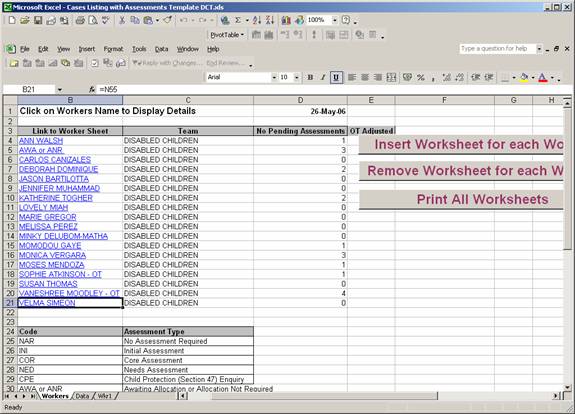
This was done through the means of using excel hyperlinks to represent
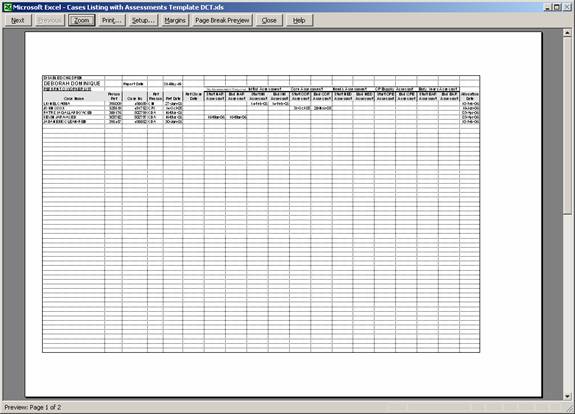
each worker, so the details for the selected worker can be output in a separate
worksheet. This process involved many
mini tasks being carried out, like adding serial numbers, sorting by keyfields, pivot tabling, insertion of hyperlinks and
worksheets, such that I was able to wrap them all in an excel macro
function. A snapshot of the excel file
with the list of hyperlinks is attached below:
I also extended the ability from above, to
allow automatic population of Microsoft word templates from data based in our proprietrary database, on the click of a button.
I
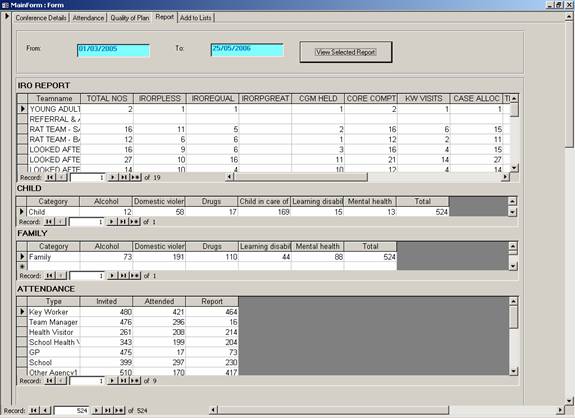
helped create a multi-tabbed database form in access, to capture and analyse
conference based information on the children referred to our agency. Two parameterized date fields were included,
where queries are dynamically created, based on parameterized dates, and
aggregated/consolidated output is then automatically displayed in user forms,
as illustrated below.
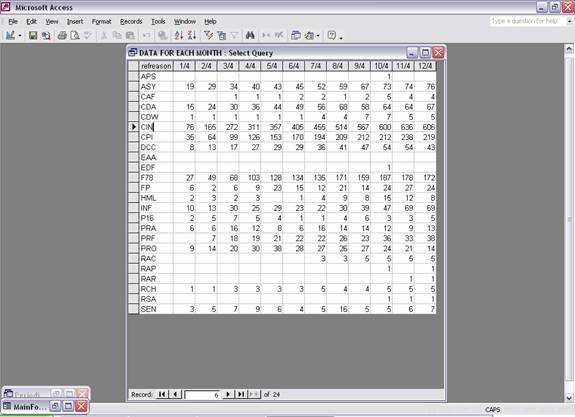
Periodic Report Generator: I created a
generic tool using Microsoft access visual basic that computes over a period of
time, a month on month aggregation or consolidation of number of open cases, or
number of cases coming in, every month, and facility to include other queries
based on data at the month breakpoint, in order to work out, a month-on-month
periodic calculation of essential attributes in a year.
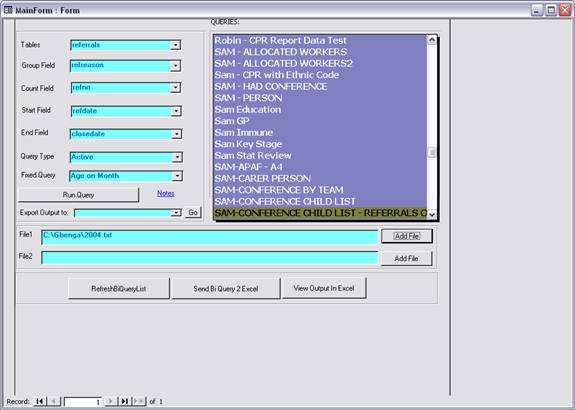
The
tool consists of an interface where you specify the data table of interest, the
field in which to do a ‘group’ query on, the field to count, the field with
start date, field with end date, type of query, ‘active’ or ‘historical’, and
the name of file to export the output into.
The
tool also provides the opportunity to specify list of dates over a specified
period.
In
the case where two different dates list are needed, then the ‘Add File’
facility provides the ability. This tool
works for a 12 month period. A snapshot
of the tool is attached below.
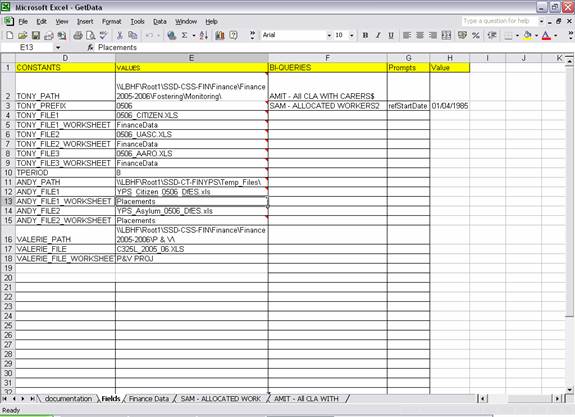
I created a finance reconciliation and
consolidation tool: I used excel macros to read input data from an excel file
as shown below, which provided file locations on the network, where financial
information is based for different finance units.
The
data in worksheet of interest is retrieved based on standardised keywords from
the input file, such that the dispersed financial data
is brought into a single excel worksheet.
It
has the ability to read data from different finance spreadsheets files and
merge into a single database table, through linking. The data can then be
reconciled against data retrieved from the database, and codes and postcode
reconciled and resolved.
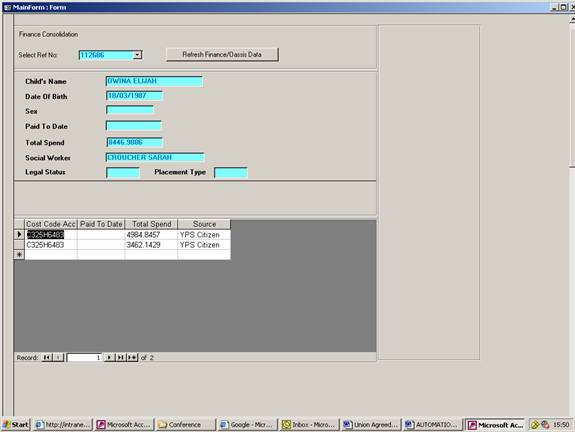
Also,
financial cost codes are consolidated, and aggregated total cost and savings
computed for each individual.
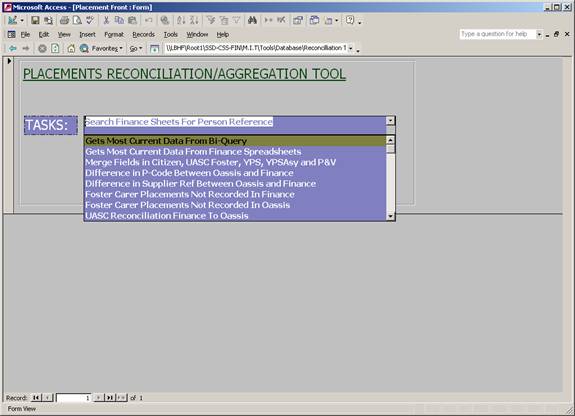
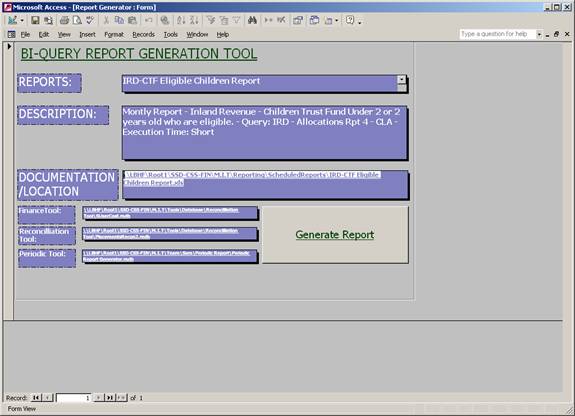
I used access forms to automate the execution of all
our in-house reports. A snapshot of the
form used to achieve this is included below.
It consolidates all our reports into a database table, which stores
descriptive meta data about each report, and ensures
that the report is run on just a click of a button.
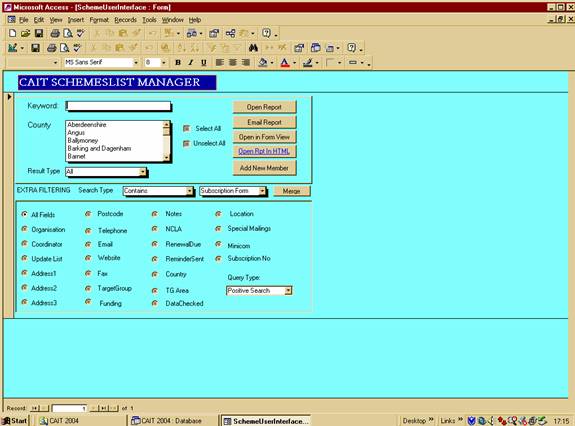
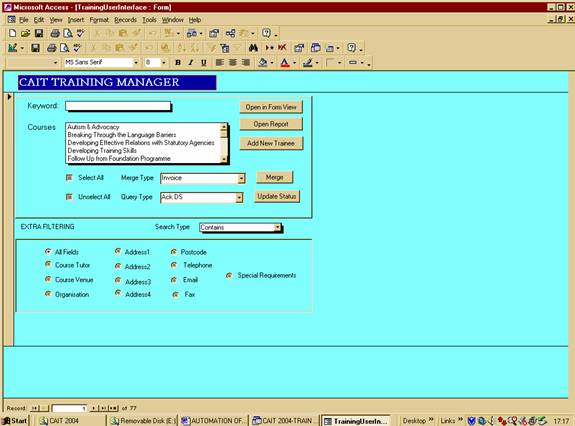
Snapshots of other access forms that I have created in
the past are as below: The ones below provides an opportunity to merge data from the database with
set-up Microsoft templates by selecting the required options on the user form.
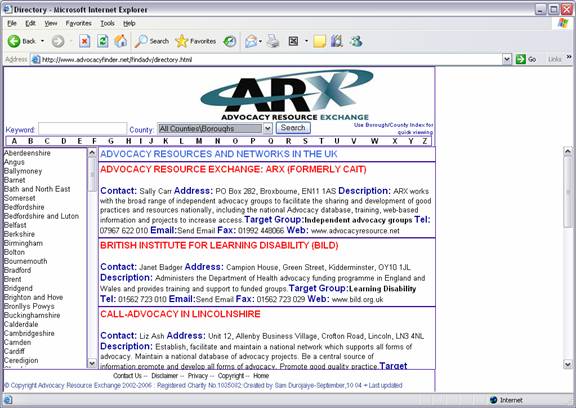
I helped design a web based interface into our
database of Advocacy Groups based in the
It also
provides the facility to email the advocacy group by using ASPEmail
object, in order to prevent webcrawlers from sending
junk mails to the recipients.
I also
carried out data validation and re-valuation on the data in our database
by using a java program to simulate entering a postcode into www.upmystreet.co.uk search field, in
order to efficiently confirm the true county or borough of the a given advocacy
group, in addition to other information that might have been updated on their
web page, but not on our database.
I helped create
a web interface into the result of the use of structured query languages
– (sql) on applying business logic to data
based in access. I used Internet
Information Server, Vbscripts and ASPEmail to achieve the site below.
Software
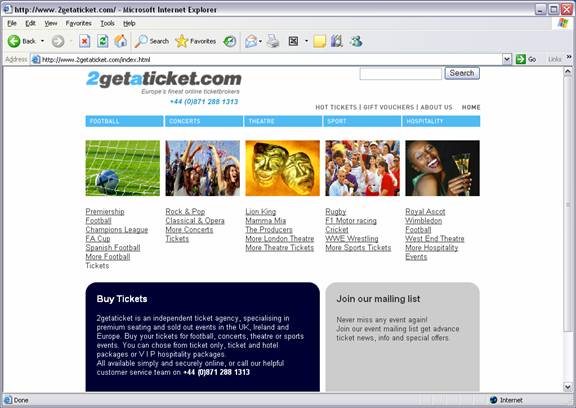
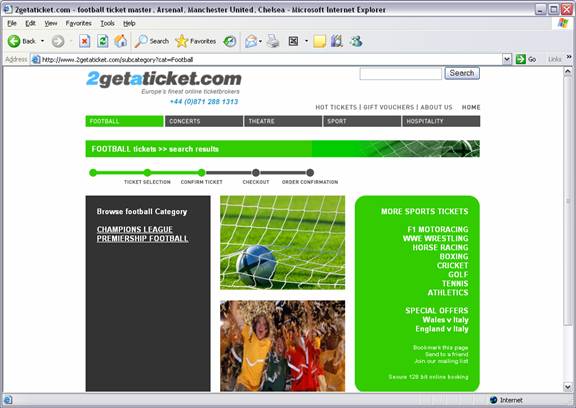
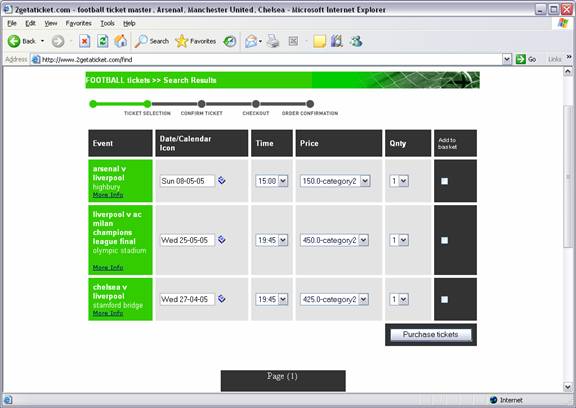
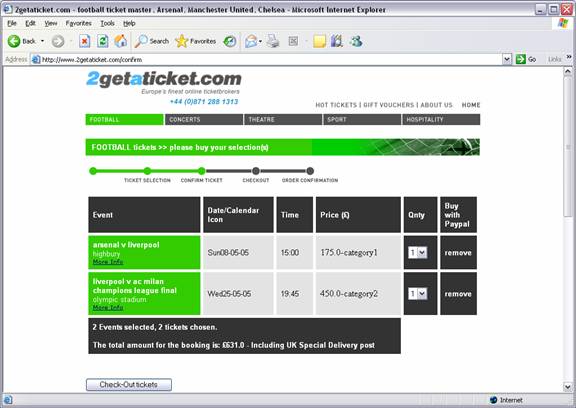
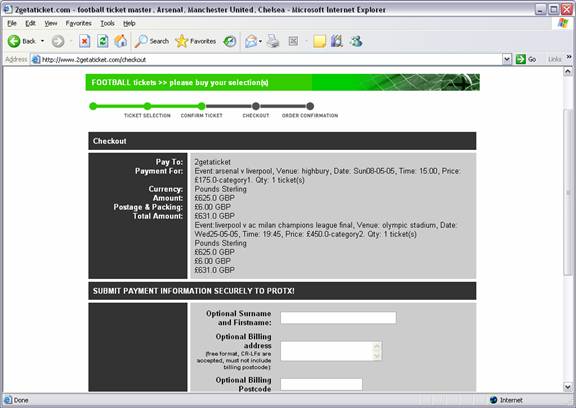
Developer @ Snaz Ltd, London – I designed an online ticketing system
and media management system using Java Server Pages, Cascaded Style
Sheet, Javascripts and html for the
presentation layer.
Java servlets and Java EJB Beans were used for coding the business model.
Mysql
was used for the back-end database.
The model
view controller pattern was used for the design in order to ensure clean
separation between presentation and logic.
The above
technology was used to capture as much information as possible from the database
per html page in order to reduce the number of clicks to buy a ticket on the
web.
Please,
visit http://www.2getaticket.com/index.html
to check for demo of the web site.
Also
snapshots of the web pages are included below:
Other
websites that I have designed ad created in the past are attached below: http://www.geocities.com/naijaunion
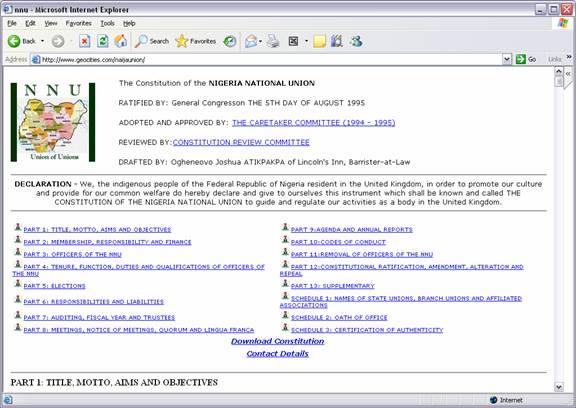
Nigerian National Union web page which makes use of
anchors for easy navigation.
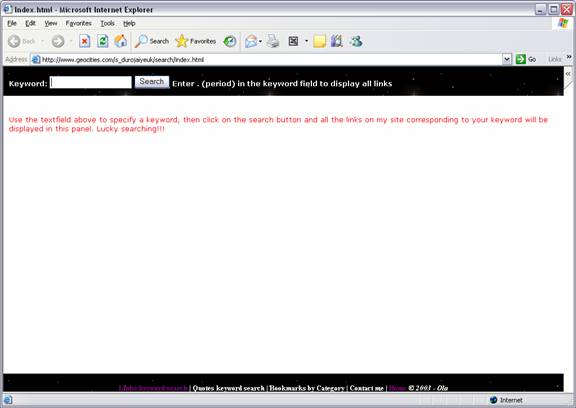
A
facility to do a search on my web page implemented using javascripts.
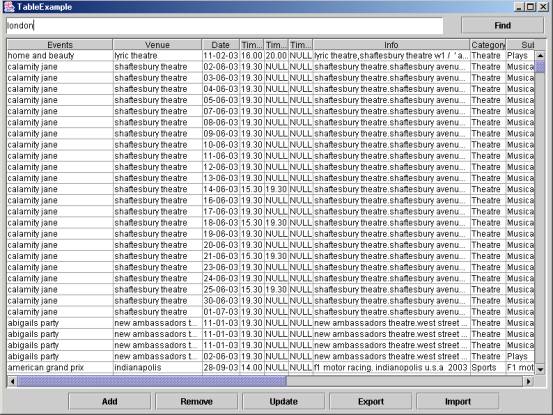
I
designed a database client which to mysql database
server. This was implemented using java
swing, with facility to export/import from/to excel..