


because it had less then the 256 color limit for a jpg.
|
|
|
|
|
|
|
|
|
|
|
|
|
|
|
|
|
|
|
|
|
|
|
|
|
|
|
|
|
|
|
|
|
|
|
|
|
|
|
|
|
|
|
|
| AppprenticeWeek Three ....(Part One) | |||||||||||||||||||||||||||||||||||||||||||
|
|||||||||||||||||||||||||||||||||||||||||||
|
|||||||||||||||||||||||||||||||||||||||||||
| OK!! this lesson was all about selecting and using the flood fill tool. | |||||||||||||||||||||||||||||||||||||||||||
| This will take you back to the first page | |||||||||||||||||||||||||||||||||||||||||||
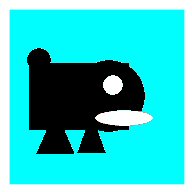
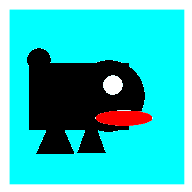
| Now the images below offer a special lesson....Phyllis at LVS told me that if I wished the left image to have a red tongue and the Materials Pallette was not showing a red swatch I needed to increase the color count; under Image[increase color depth] | |||||||||||||||||||||||||||||||||||||||||||
|
|||||||||||||||||||||||||||||||||||||||||||
|
|||||||||||||||||||||||||||||||||||||||||||
| So I did , and it did, and Voilla !! | |||||||||||||||||||||||||||||||||||||||||||
| Thanks Phyllis and Carol (((hugs))) | |||||||||||||||||||||||||||||||||||||||||||
| This first image was just very elememetary shapes selection and adding them at different places and applying color with the dflood fill tool. I saved it as as a gif because it had less then the 256 color limit for a jpg. |
|||||||||||||||||||||||||||||||||||||||||||
|
|||||||||||||||||||||||||||||||||||||||||||
|
|||||||||||||||||||||||||||||||||||||||||||
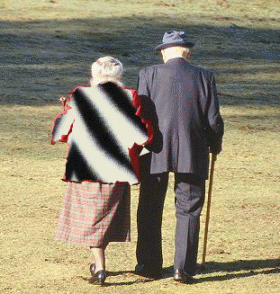
| This effect was achieved with Point to Point selection. | |||||||||||||||||||||||||||||||||||||||||||
| The lady's coat was selected using the Smart Edge tool. | |||||||||||||||||||||||||||||||||||||||||||
|
|||||||||||||||||||||||||||||||||||||||||||
|
|||||||||||||||||||||||||||||||||||||||||||
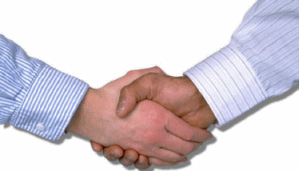
| With the Magic Wand to select the shirts, then applying 3D/Drop Shadow we got this effect. | |||||||||||||||||||||||||||||||||||||||||||
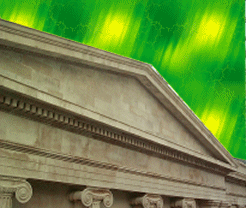
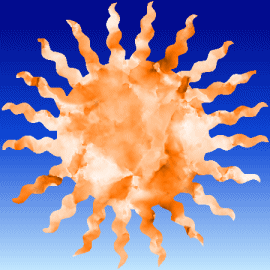
| This image we used the Magic Wand tool, then applying Selections Invert the sun and rays were selected. | |||||||||||||||||||||||||||||||||||||||||||
|
|||||||||||||||||||||||||||||||||||||||||||
|
|||||||||||||||||||||||||||||||||||||||||||
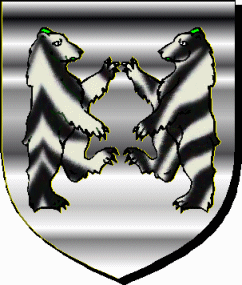
| Here we select the bears first, then the shield with the Magic Wand. | |||||||||||||||||||||||||||||||||||||||||||
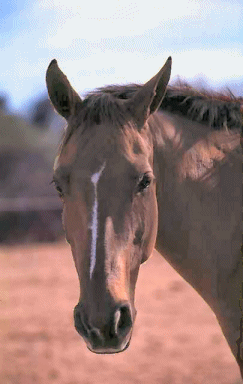
| With the Magic Wand again, the horse's head is selected then improved with a photo enhancement. | |||||||||||||||||||||||||||||||||||||||||||