 |
|
|
|
|
|
|
|
|
|
|
|
|
|
|
|
|
|
|
|
|
|
|
 |
|
Week Six PSP8 Apprentice |
|
|
|
|
|
This will take you to the first page |
|
|
|
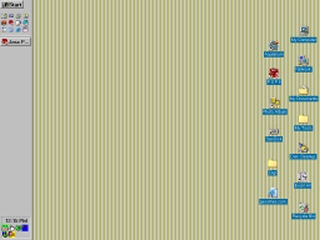
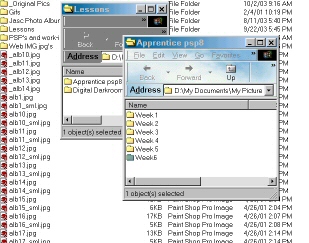
The first part of this lesson is about screen captures, full screen, and partial. Below is my Desktop, Shortcuts, and My Pictures folders and the lessons folders. |
|
|
|
 |
|
|
 |
|
|
|
|
|
 |
|
|
|
|
|
|
 |
|
|
|
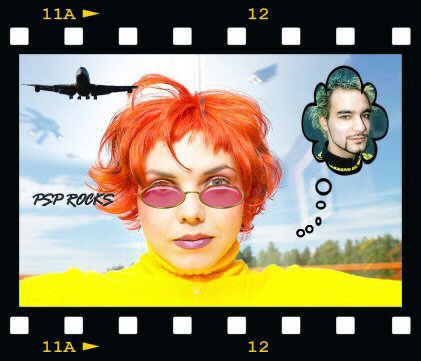
Here we have the final exam; First I had to run the freehand tool around the airplane resize it and post as a layer to the girl which was the background. Then the callout and image of her cutie, topped off with the text. Then pick a frame for the whole image. |
|
|
|
Part two of the exam: The difference between a gif, and a jpg , is that gif format is commonly used with images of fewer than 256 colors of high contrast. Whereas a jpg can have 16 million colors, this is mostly used for photographs. It is important to reduce colors and compress images before saving so's to make the file more manageable and load faster.
Resizing and cropping are means of making the file smaller, cropping cuts away pixels, and resizing just reduces without losing anything.
Anti-aliasing is used to smooth the jagged edges of an image, similar to feathering. Dithering is used by a program to replace colors that a browser can't reproduce.
I find that saving my work in-progress as a psp file often, takes away the worry of losing something you have spent a lot of time on. PSP's can be opened at a later date to work on. I learned the hard way to always save a copy with ShiftD, and do my work on that copy.
|
|