 |
|
|
|
|
|
|
|
|
|
|
|
|
|
|
|
|
|
|
|
|
|
|
|
|
|
 |
|
PSP Master Week Six |
|
|
|
|
back to first page |
|
|
|
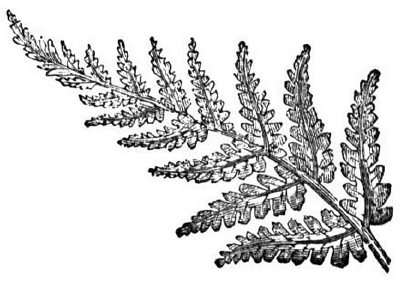
A really kewl lesson on Brushes (very much like tubes). In addition to those loaded in PSP8, You can make a brush out of an image such as the as the fern shown here. |
|
|
|
 |
|
|
|
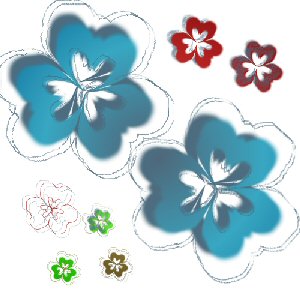
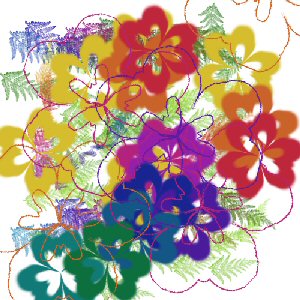
Then after uploading the brush into the paint brush tools folder, dab and drag produces images like below right. The flowers were developed by using the Kalideoscope effect on a squiggle then creating a brush. |
|
|
|
 |
|
|
|
 |
|
|
|
|
|
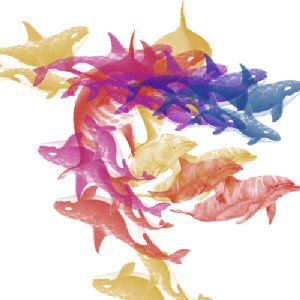
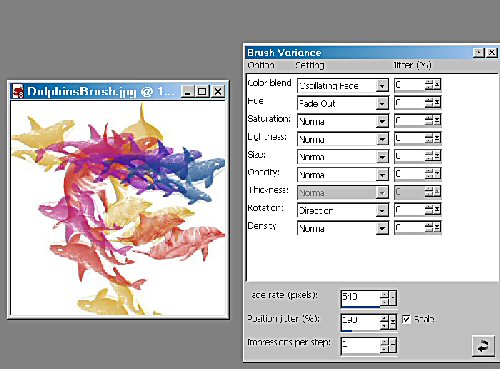
Now the Dolphins were from clipart...uploaded that bugger into the paintbrush folder then Voila....we have the effect seen here. The screenshot shows the settings on the Brush Variance Palette, which is new to me....seems I must put it to work now. |
|
|
|
I need to reemphasize the lessons learned about that palette. It is really the most important thing learned in this whole lesson. All the variations in image, color, hue, saturation all are contained within this palette. With the PaintBrush Tool open, click F11 to bring it up. |
|
|
|
 |
|
|
|
|
|
 |
|