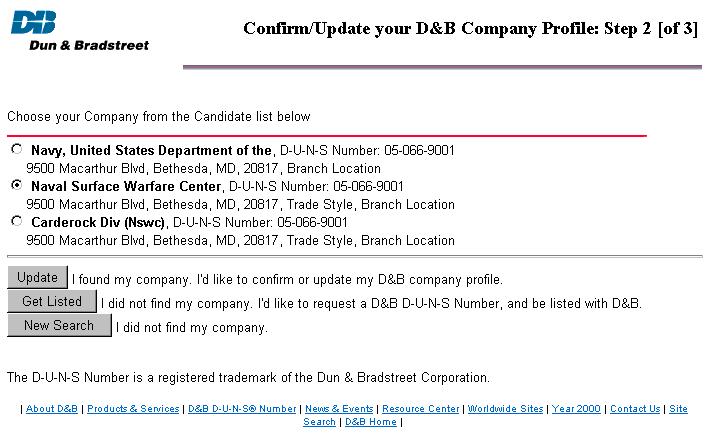
It is important to be able to resolve a Supplier_BSU to determine what company it represents. An excellent method for doing this is to go to the Dun & Bradstreet web-site and 'pretend' that you want to change your own information. This will provide you with a screen similar to the one shown below:
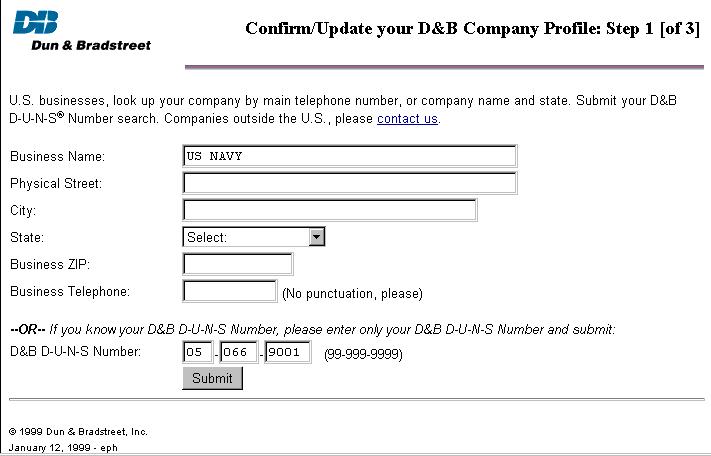
By filling the last 9 digits of the Supplier_BSU into the D&B D-U-N-S Number prompt at the bottom of this screen, you can look-up the company profile. Of course this only works if the first 4 digits of the Supplier_BSU are 0060. This then generates a screen similar to the following: