Digital Photography - Week 2

(Close Geocities tab to view both Photo and Histogram next to each other ------->)

Metering Settings
 

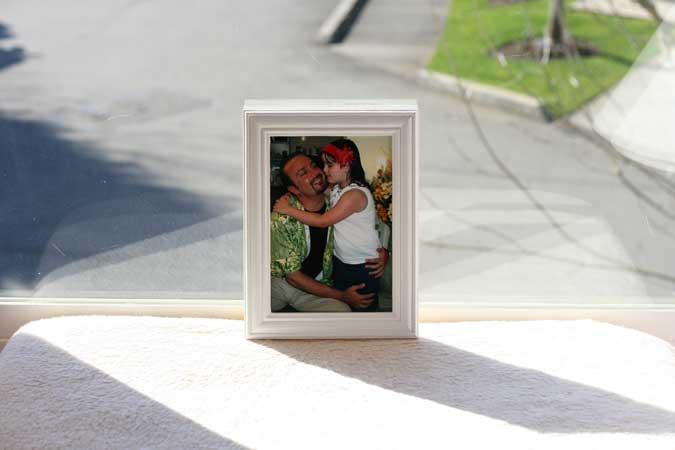
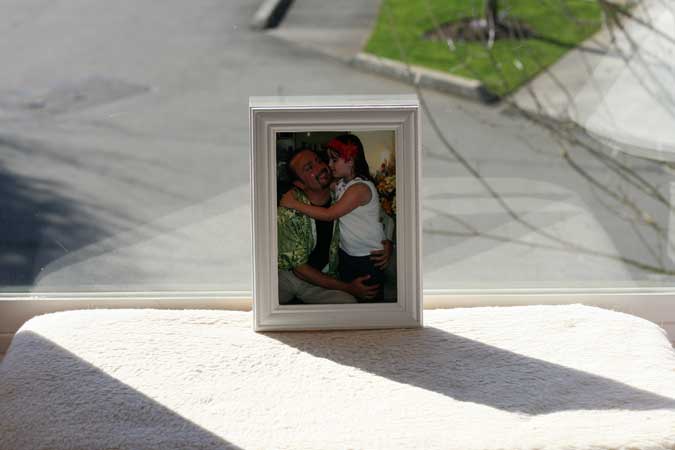
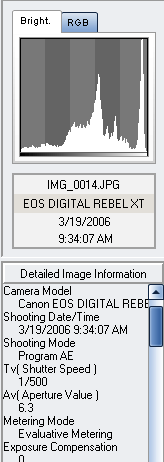
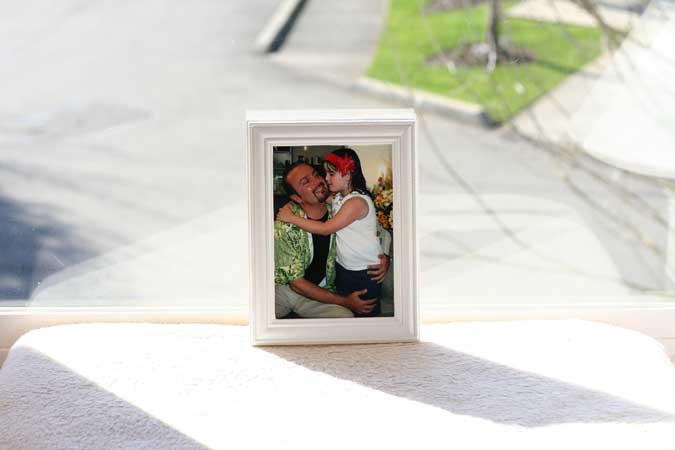
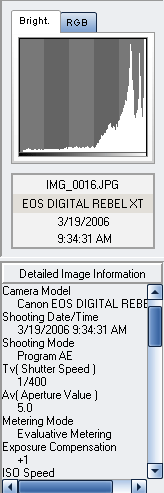
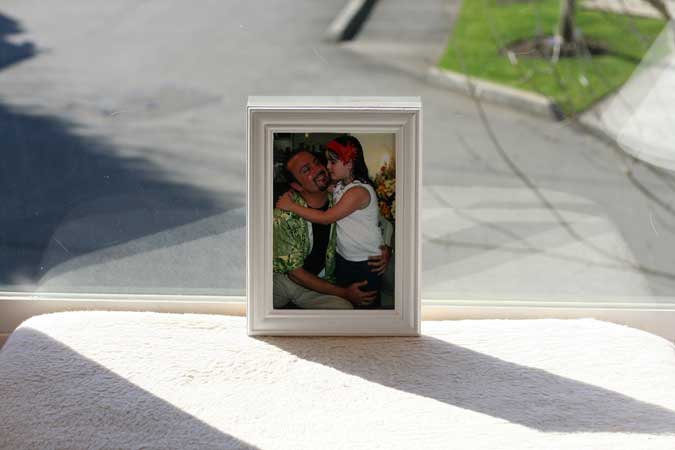
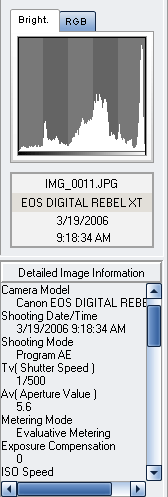
Shot of a photograph against backlit window. Taken with Evaluative Metering - set as default. See Histogram and params below


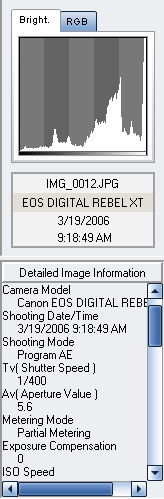
Same shot but with Partial Metering - about 10% around the center AF marker on the viewfinder. Not as great a difference. But note the histogram curve showing more light in the whites.


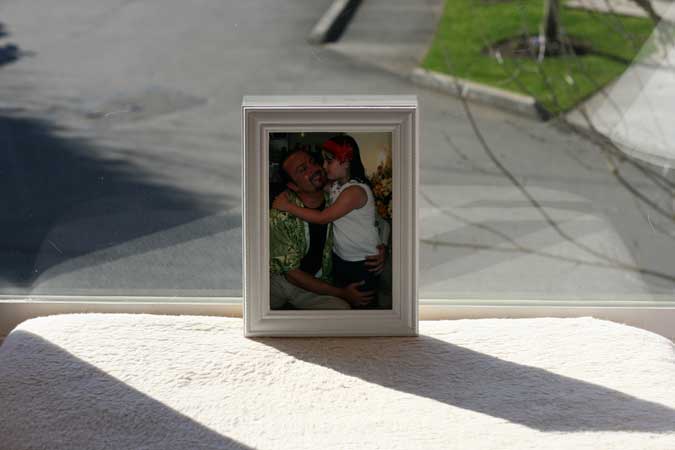
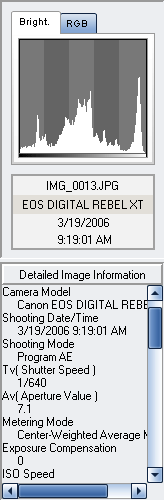
This one taken with Center-weighted Averaging Metering, photograph is darker than above, notice the curve in histogram, mid tones are bighter and white are lower than previous shot. This is mode lies between the first two, the center take precedence with diminish radius till end of viewfinder.


Exposure Compensation Settings
 

Photo taken with Evaluative Metering, NO EV compensation.


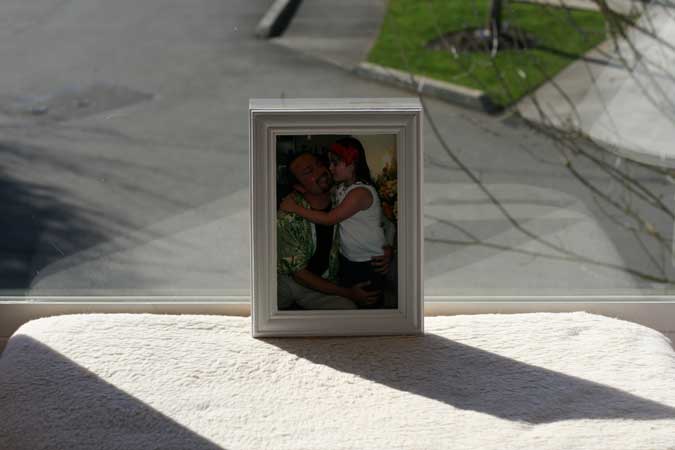
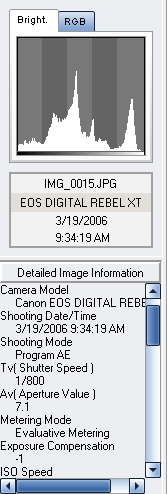
Photo taken with Evaluative Metering, -1 EV compensation resulting in darker exposure


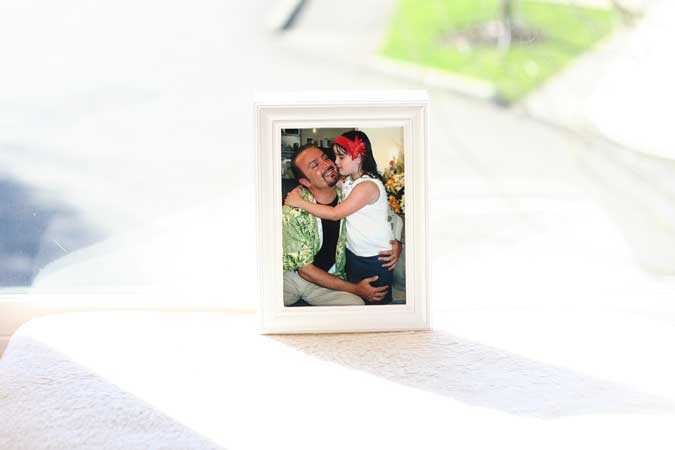
Photo taken with Evaluative Metering, +1 EV compensation resulting in lighter exposure


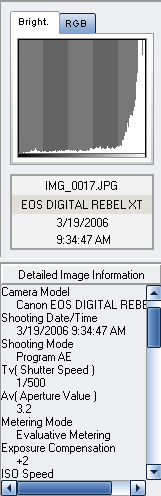
Photo taken with Evaluative Metering, +2 (max) EV compensation resulting in lightest exposure


Warning:This web site is protected by copyright laws and international treaties.
Copyright � Just Elite Web Productions 2006. All rights reserved

Hosted by www.Geocities.ws

1