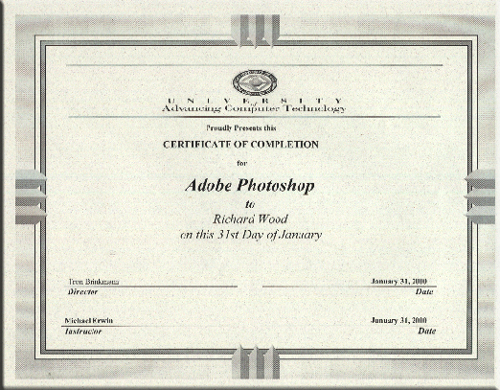
Adobe Photo Shop: This introductory course covered the creative capabilities of Adobe Photoshop, the industry leader for color painting, photo retouching, and image editing. We learned how to merge and edit color images, retouch proofs, or create original or composite artwork, collages, or photomontages for print or use on the Web. We also covered Image Ready in this class which is Adobe�s answer to Web based production. With ImageReady, many of the challenges preparing graphics for the World Wide Web are automated and simplified.
Topics covered in this course:
| �The Photoshop Interface |
�Layer Basics |
| �Working with Selections |
�Painting and Editing |
| �Masks and Channels |
�Photo Retouching |
| �Basic Pen Tool Techniques |
�Advanced Layer Techniques |
| �Creating Special Effects |
�Preparing Images for Web Publication |
| �Creating Animated Images |
�Vector vs. Raster |
| �DPI (Dots Per Inch) |
�RGB vs. CMYK |
| �Indexed Color |
�File Formats |
| �Actions |
�History |
|